Today on the tech community site a question appeared how to add an app as apps weren’t appearing.
This user had the App Purchases disabled for this tenant:

When this setting is used new app requests will appear in the request list.
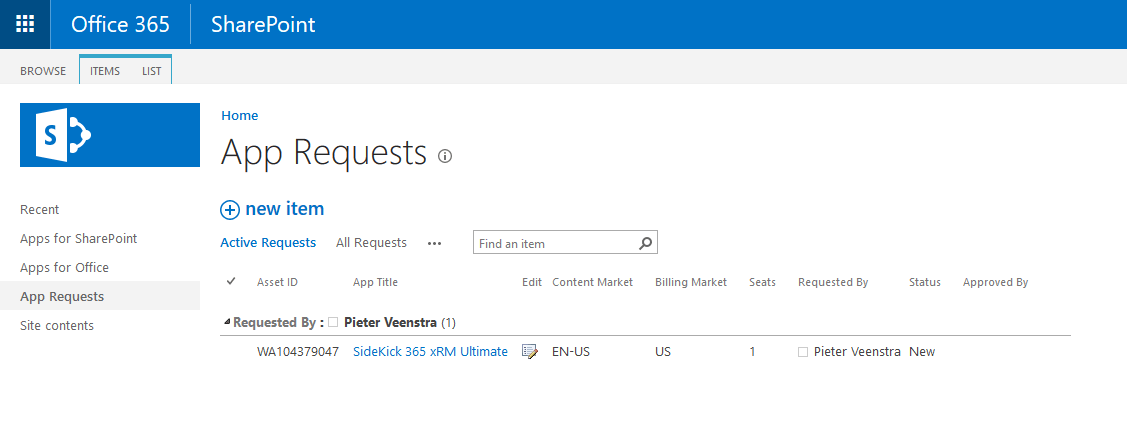
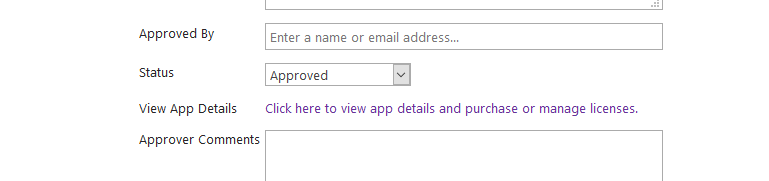
To make this app now available click on the edit icon. The App details will now appear in a dialog.
Click on the link View App Details. this this dialog it is possible to try or buy the app.
Discover more from SharePains
Subscribe to get the latest posts sent to your email.