
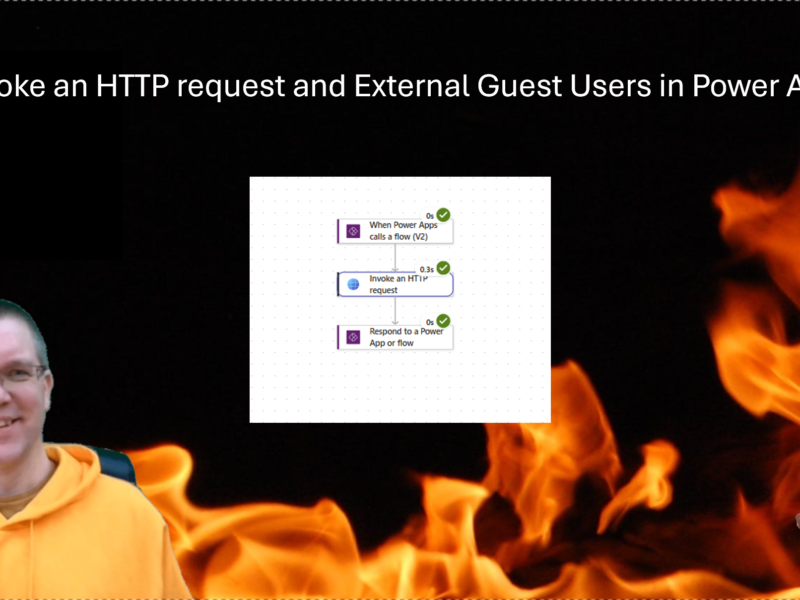
This morning I had a look at an app that security details of a user. The user run my Canvas app and then a flow
Latest posts on SharePains
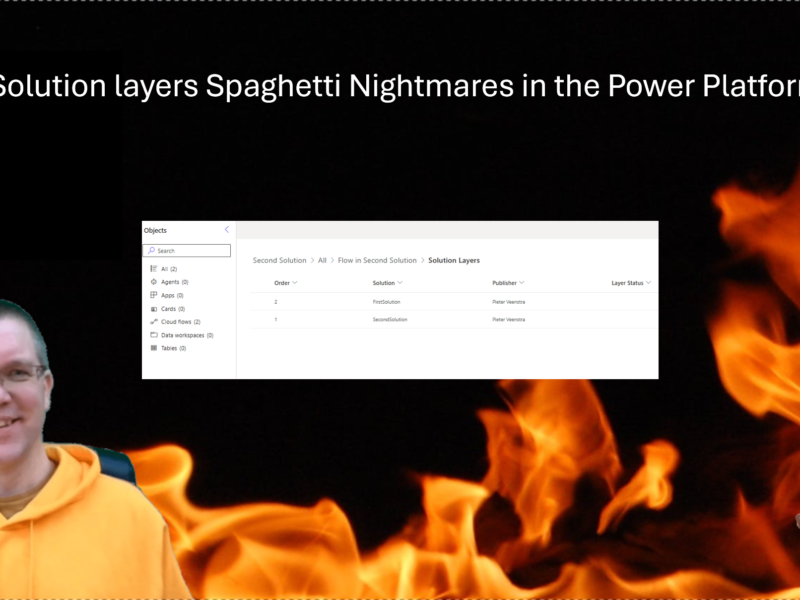
We all know that we should use solutions in the Power Platform, but with solution come solution layers. In this post I’m looking at some issues I came across with one of my clients during major migration project.
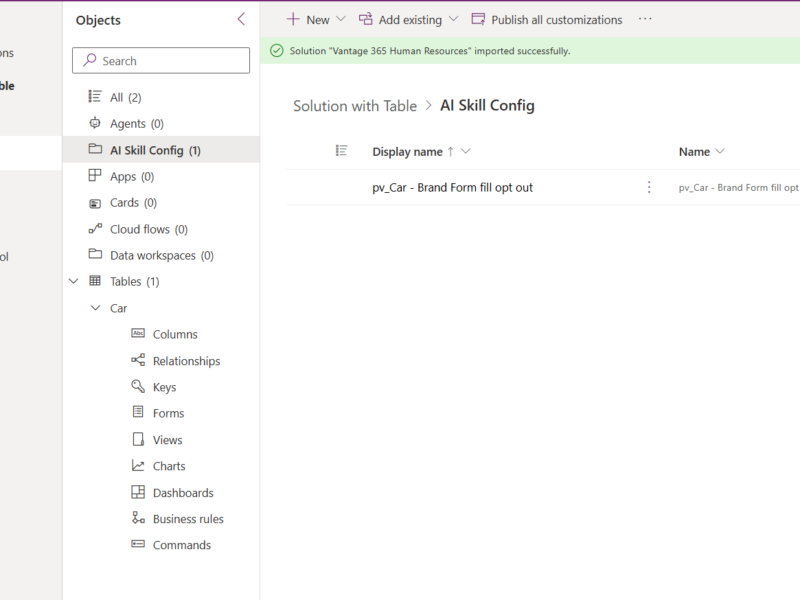
This week I’ve been working with a client on creating tables within a solution. We found every now and then AI Skill Configs object being
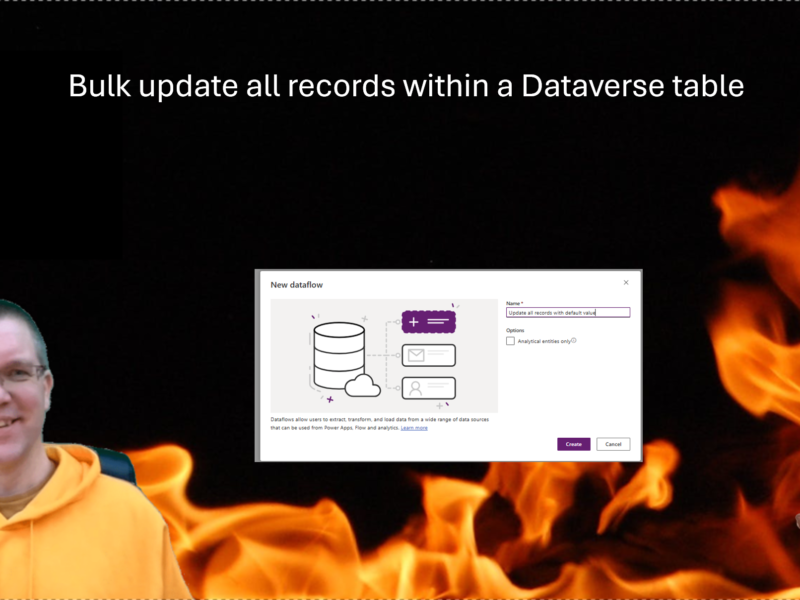
Earlier this week a question on Reddit started the idea of this post. You have a table in Dataverse then you add a new column

This morning on Reddit someone asked in the Power Automate community “How do I loop through each character in a string?”. Well this isn’t too
Load More