This week I’ve been working with a client on creating tables within a solution. We found every now and then AI Skill Configs object being added randomly to our solution.
Creating a table
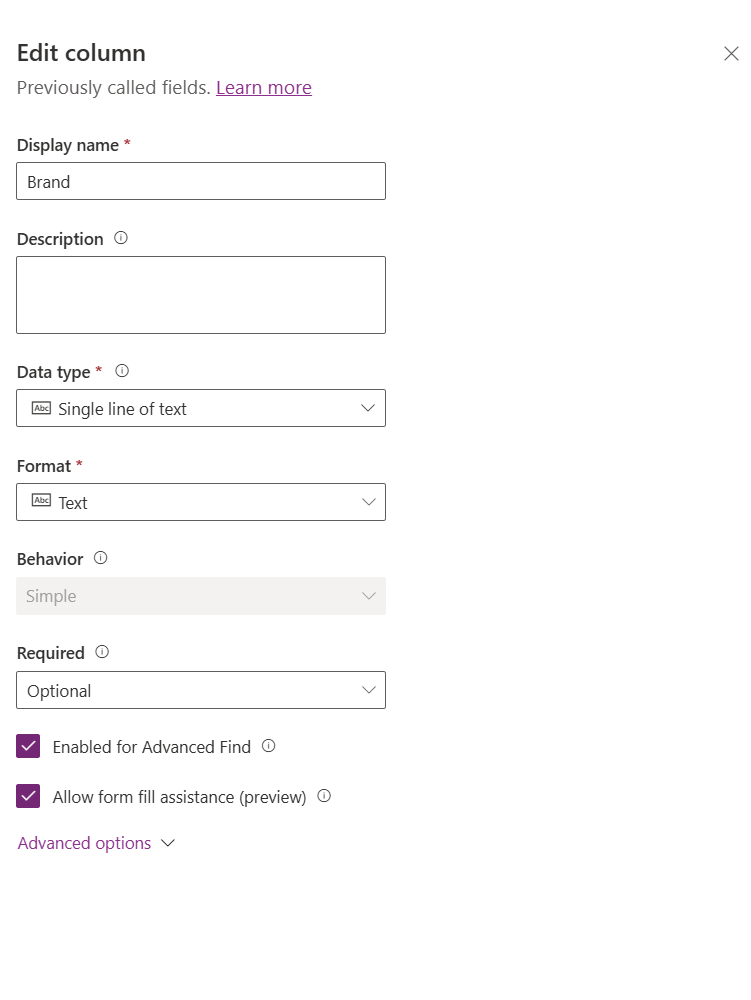
I created a table called Car and I added a text column called Brand.
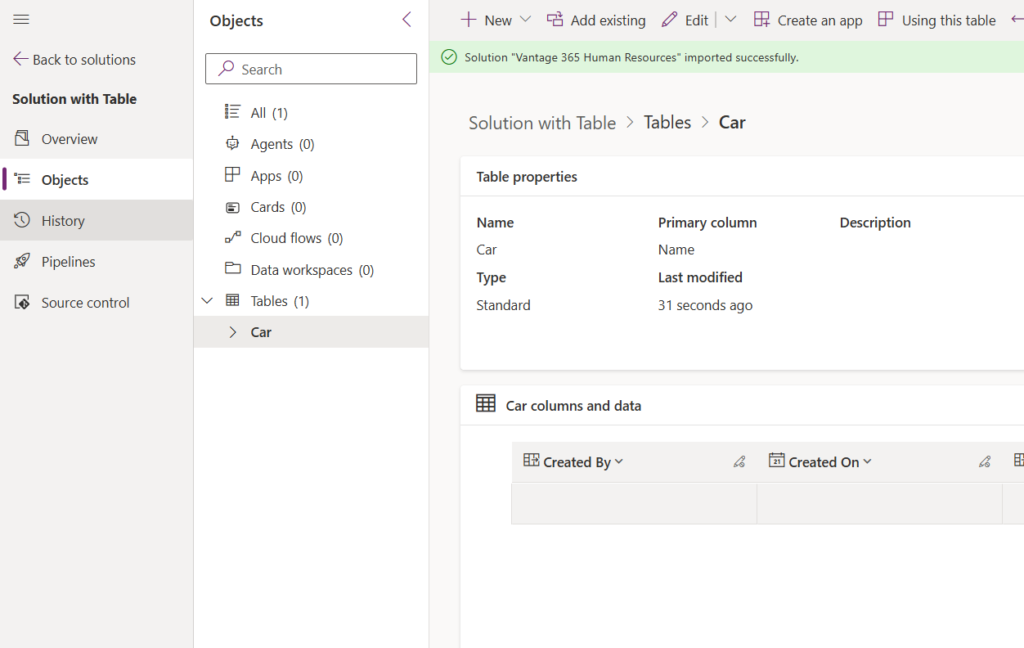
The Brand Column is just a simple text column as shown below.
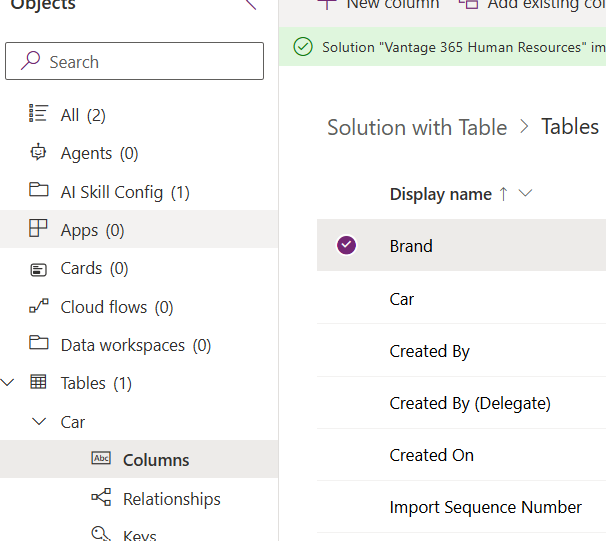
AI Skill Config appears within the solution
The Allow form fill assistance (preview) feature is now enabled by default. Why is a preview feature enabled by default?
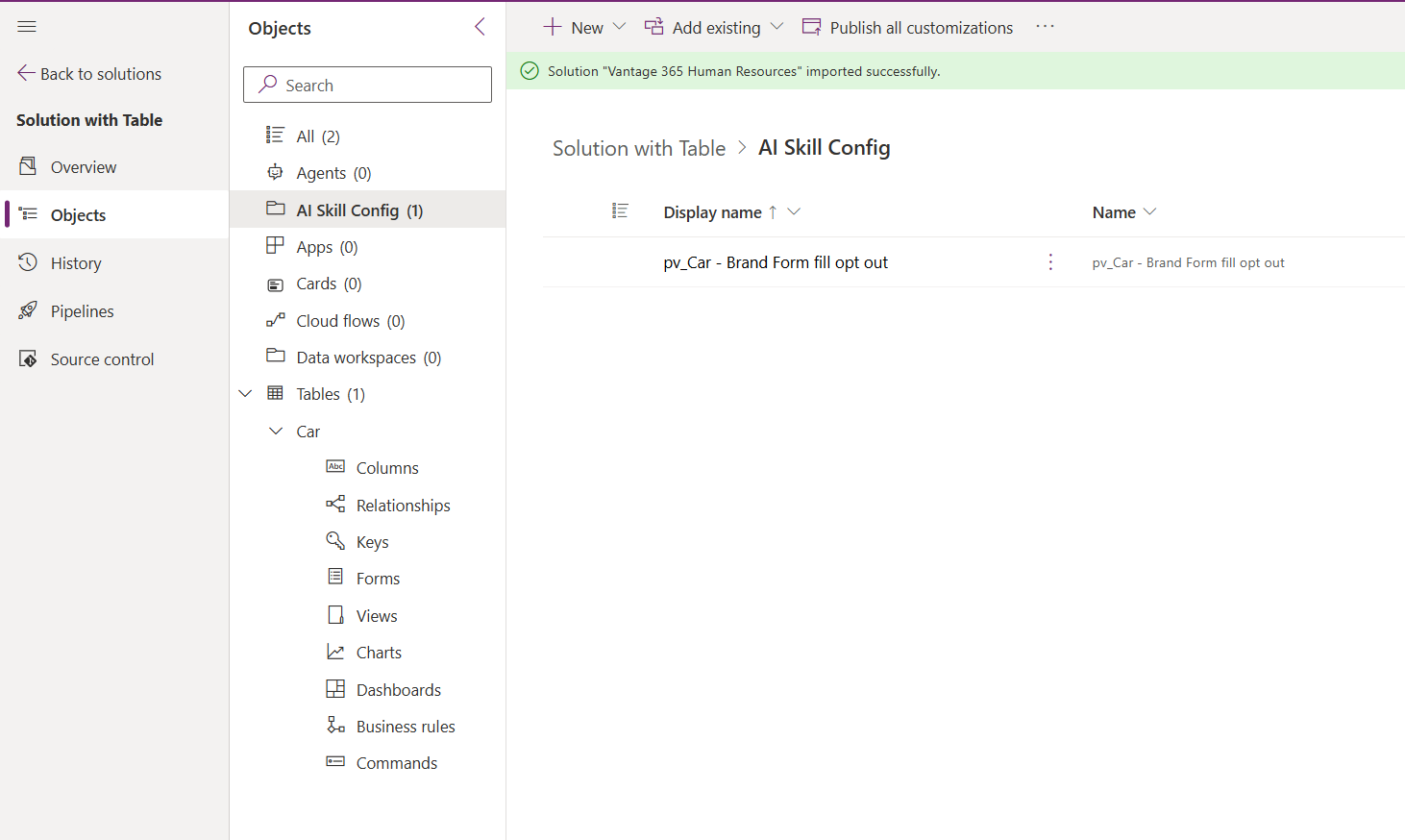
As this is for a production system we don’t want to have preview features enabled. So we disabled the setting and then we found AI Skill Configs appear in the solution.
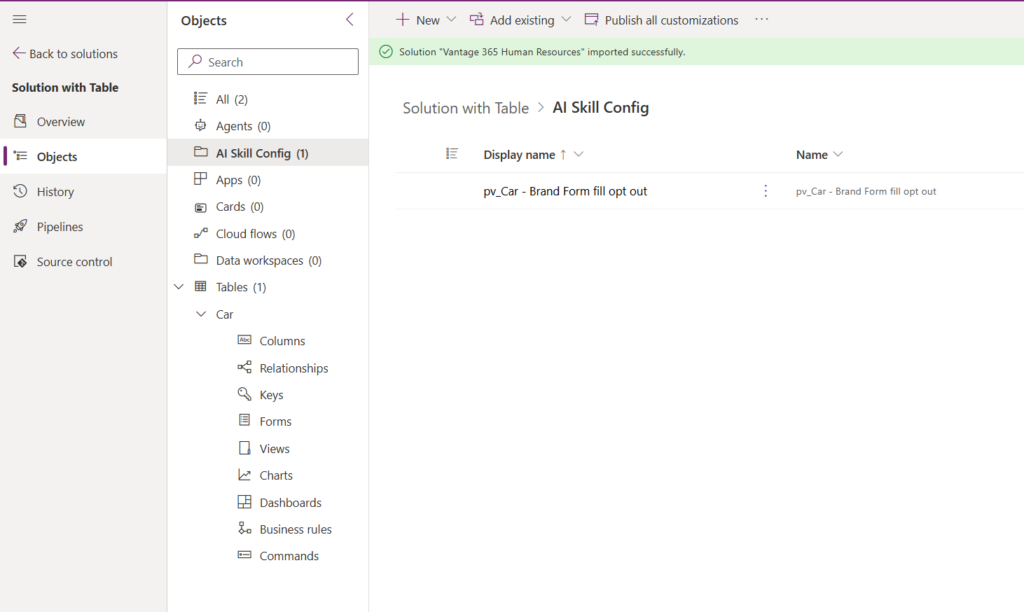
When we have a more detailed look we find a Form fill opt out rule. Why would disabling a preview feature add something to my solution. This feels so wrong!
When opening the AI Skill Config setting you may get the following
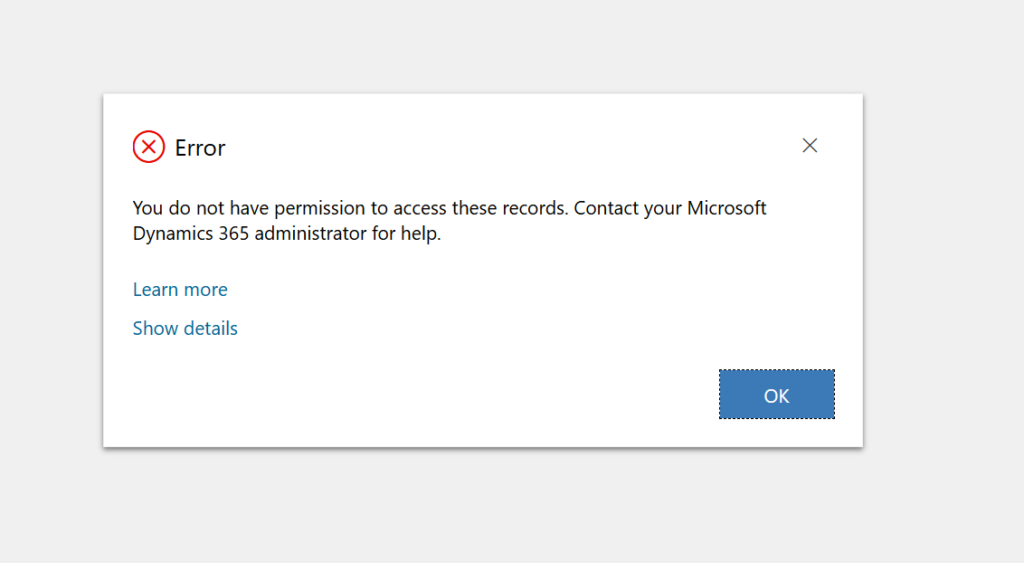
It looks like you might need to adjust some permissions.
Read privilege violation encountered.
UciError: Read privilege violation encountered. at l (https://content.powerapps.com/resource/uci-infra-web/scripts/app.5fc59b20059095705f9731269ae381b2.js:5:124100) at new S (https://content.powerapps.com/resource/uci-infra-web/scripts/app.5fc59b20059095705f9731269ae381b2.js:5:70029) at T (https://content.powerapps.com/resource/uci-infra-web/scripts/app.5fc59b20059095705f9731269ae381b2.js:20:340632) at https://content.powerapps.com/resource/uci-infra-web/scripts/pagecommon-forms.b17b7f0a69e94ba1219a9d8c6f0c10d9.js:5:37980
Pieter Veenstra

Is your business still running on paper trails, sprawling Excel files, or ageing Access databases? There's a better way — and I can show you exactly what it looks like. I'm the Technical Director of Vantage 365, a Microsoft solutions consultancy working with clients across the UK, the Netherlands, and worldwide. For over 30 years I've been turning messy, manual business processes into clean, automated systems that save time, reduce errors, and give teams the visibility they need to make better decisions. SharePains is not just any blog run by a Microsoft MVP. Have you ever used Try-Catch in Power Automate? The original post about Try-Catch in Power Automate can still be found on this site, https://sharepains.com/2018/02/07/try-catch-finally-in-power-automate-flow/ Or have you ever used the Pieter’s method to avoid variables and speed up your flows? https://sharepains.com/2020/03/11/pieters-method-for-advanced-in-flows/ You can contact me using contact@sharepains.com