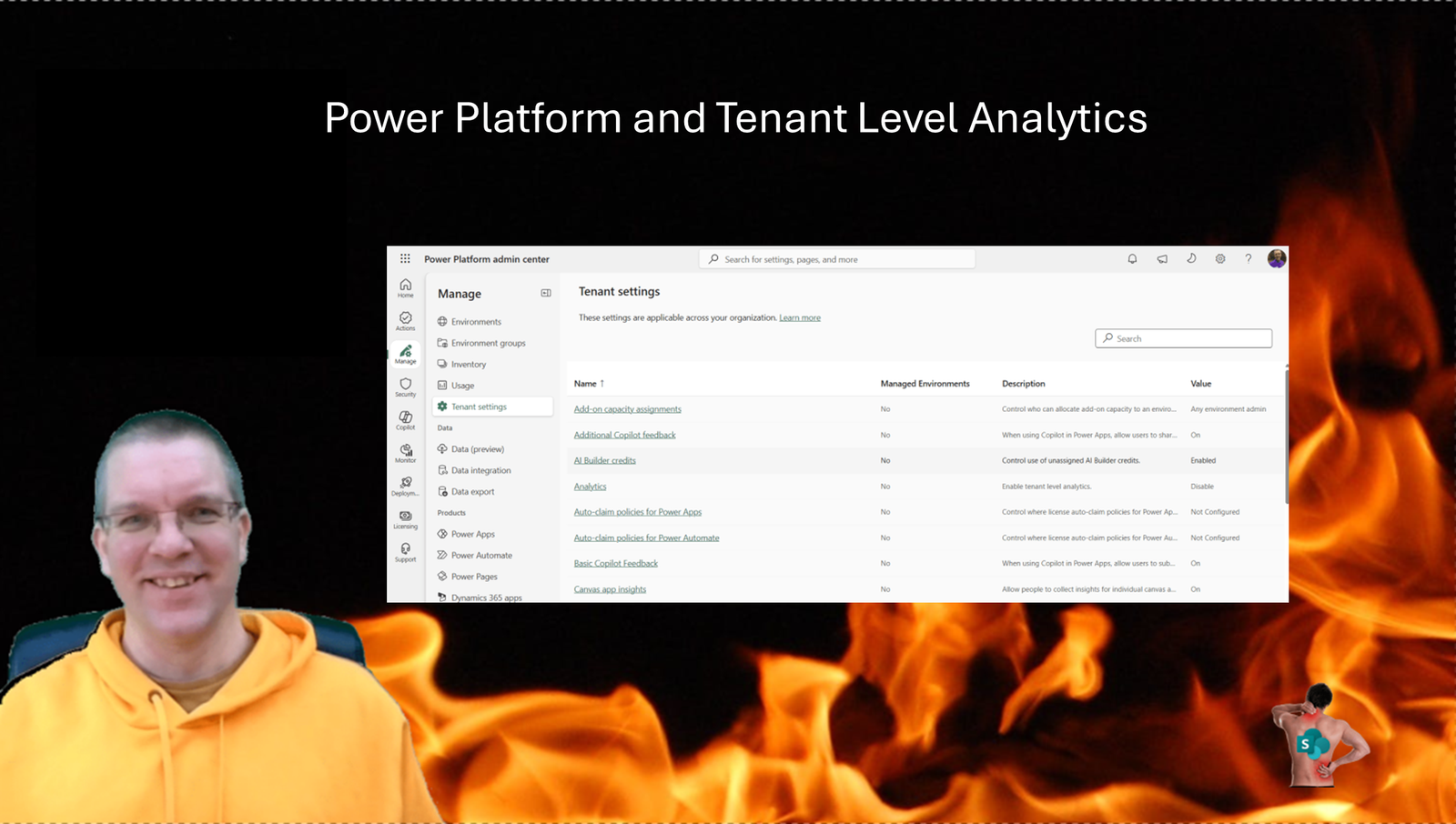
Today I’m looking at the Tenant Level Analytics setting. The Power Platform Admin Center is getting more and more features that we would have used the Center of Excellence for in the past. Like the Inventory and Usage sections. The Tenant Level Analytics setting also enables some interesting insights into the usage of the Power Platform within your organisation.
Tenant level analytics
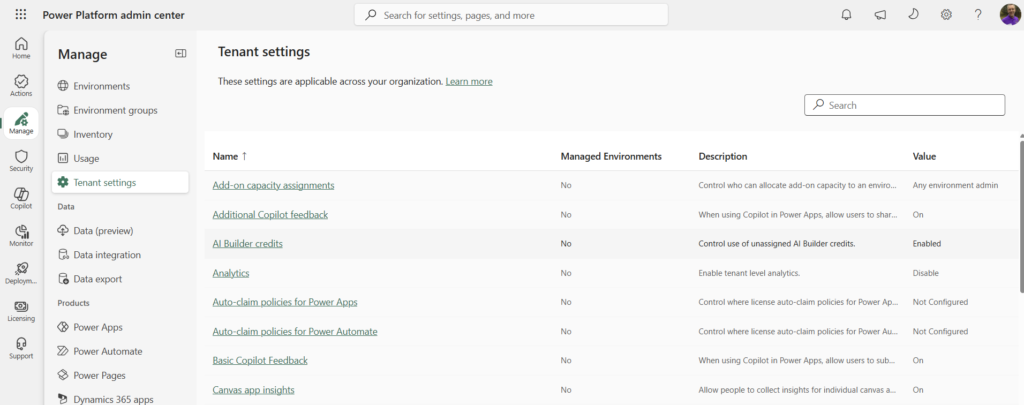
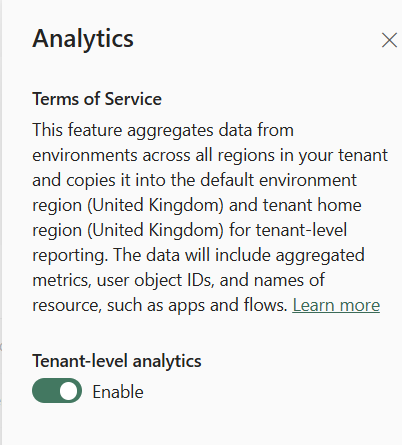
When you open the Tenant Settings in the Power Platform Admin Center you will find the Analytics setting. This is where you can enable Tenant-level analytics.
According the the description on the setting, this is what it does:
This feature aggregates data from environments across all regions in your tenant and copies it into the default environment region (United Kingdom) and tenant home region (United Kingdom) for tenant-level reporting. The data will include aggregated metrics, user object IDs, and names of resource, such as apps and flows
Now that may need a bit more of an explanation. Event the read more link doesn’t really cover what this feature does.
Enable Tenant Level Analytics
Within the Tenant Settings, find Analytics and hit the toggle and that is it.
How to use Tenant level Analytics
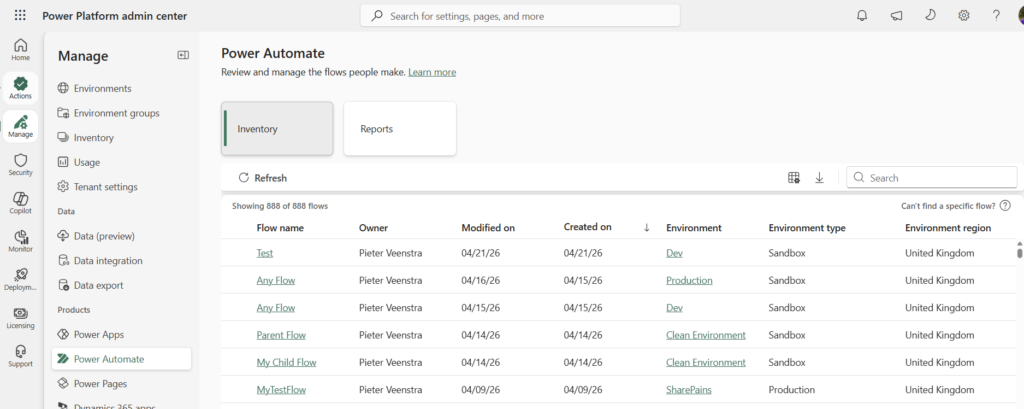
Within the Power Automate section within the Power Platform Admin Center you will find an overview of all of your flows in all environments.
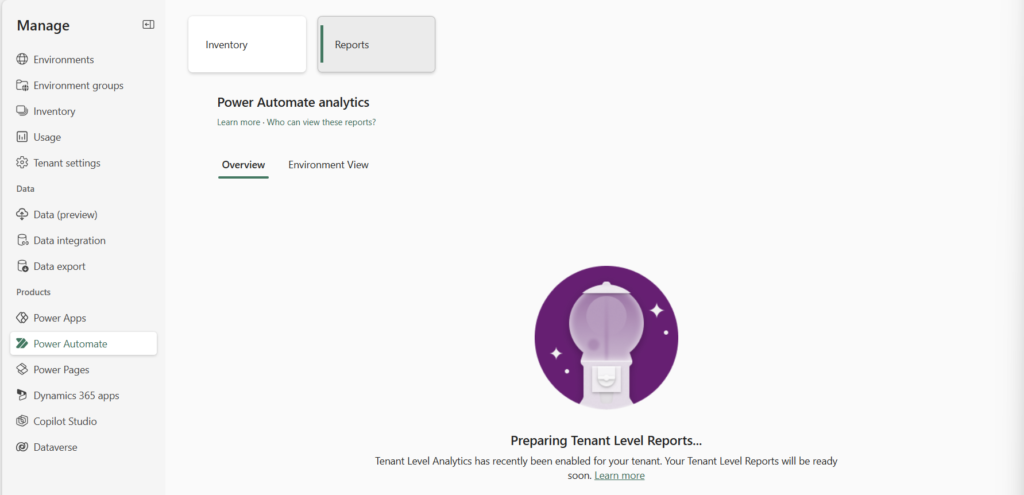
When you click on Reports you will either get a warning telling you that you need to enable the Tenant Level Anlytics or if you have just enabled this setting you might get the following:
You will find the same in the Power apps section as well.
Now once the Analytics data has been processed you will find the reports.
Who can view these reports
You will need one of the following roles
- Environment Admin
- Power Platform Admin
- Dynamics 365 Admin
- Microsoft 365 Global Admin
Depending on the number of apps, flows and environments you may see the reports appear within one or two days according to the Microsoft documentation. Therefore in my case it took 2 week.
What do we get for this 2 week’s wait?
Within the Power Apps and Power Automate sections in the Power Platform you will see various reports that will show you how the Power Platform is being used.
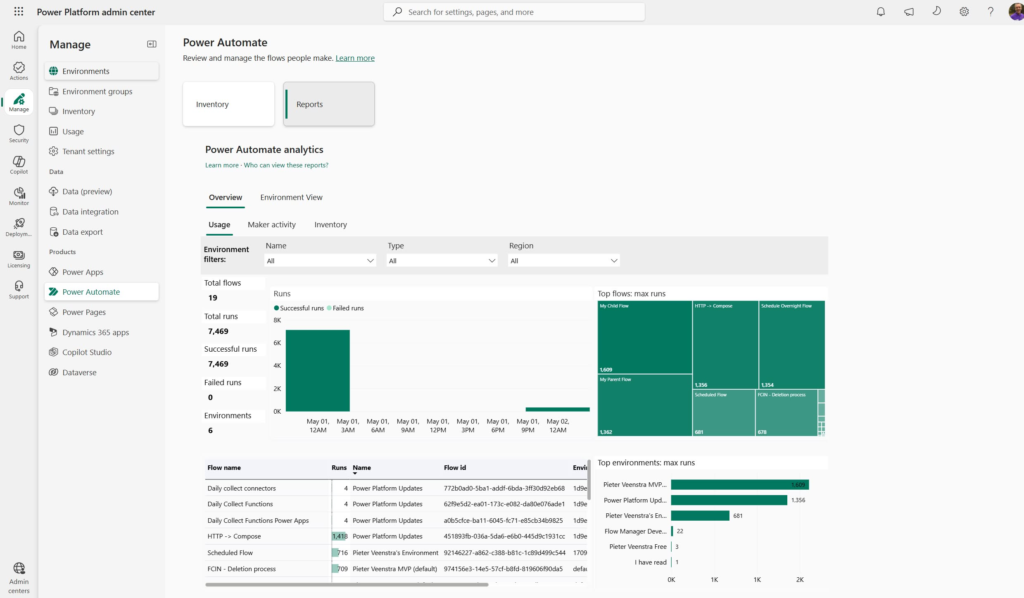
This may not be a 100% replacement for the Center of Excellence but it is a good start.
Pieter Veenstra

Is your business still running on paper trails, sprawling Excel files, or ageing Access databases? There's a better way — and I can show you exactly what it looks like. I'm the Technical Director of Vantage 365, a Microsoft solutions consultancy working with clients across the UK, the Netherlands, and worldwide. For over 30 years I've been turning messy, manual business processes into clean, automated systems that save time, reduce errors, and give teams the visibility they need to make better decisions. SharePains is not just any blog run by a Microsoft MVP. Have you ever used Try-Catch in Power Automate? The original post about Try-Catch in Power Automate can still be found on this site, https://sharepains.com/2018/02/07/try-catch-finally-in-power-automate-flow/ Or have you ever used the Pieter’s method to avoid variables and speed up your flows? https://sharepains.com/2020/03/11/pieters-method-for-advanced-in-flows/ You can contact me using contact@sharepains.com