Have you noticed that in Microsoft Teams all dates are always in American format:

This is fine when you are based in the US but not when you are in the rest of the world. The US is used to MONTH/DAY but in the UK we prefer DAY/MONTH. How can you solve this? First go to the settings:
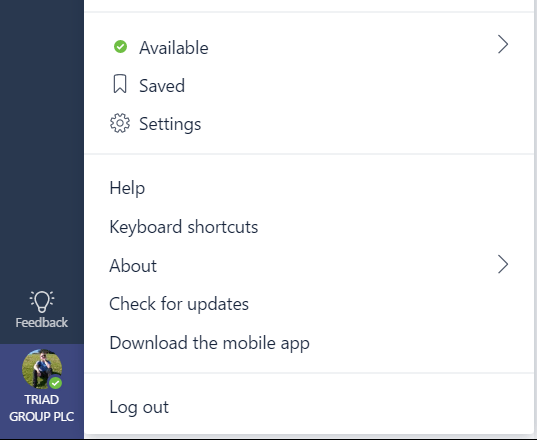
Then Select the right language:

and restart Microsoft Teams and my date format is now as expected.

Discover more from SharePains
Subscribe to get the latest posts sent to your email.