Until recently when I tried to share flows with a group of people I wasn’t able to do this in one go as it was only possible to select one person at a time.
Today, as I enabled Microsoft Flow within my Microsoft Teams as an app I discovered that I can now make a Flow available across a group of users.
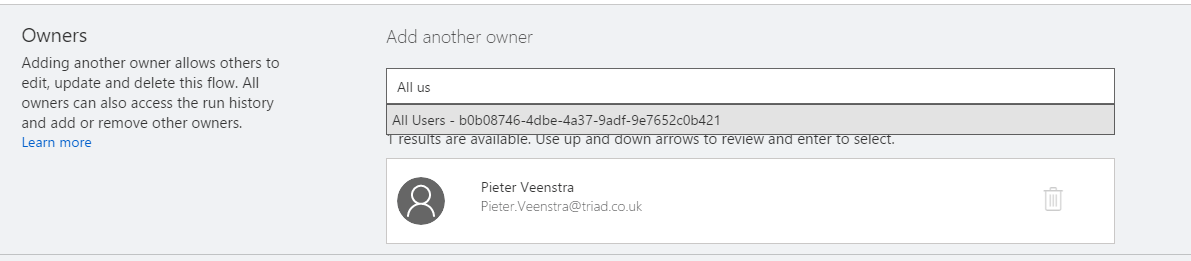
So it was very easy to add my SharePoint Development Team:
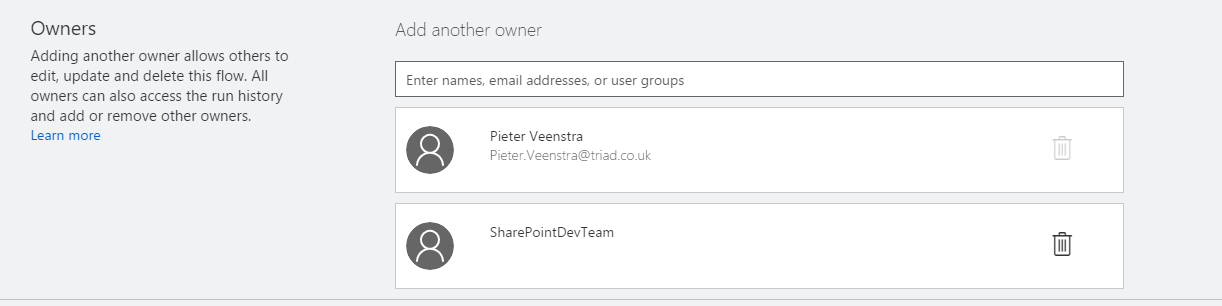
and then my flow now appears in the Team Flows tab.

Discover more from SharePains
Subscribe to get the latest posts sent to your email.
Has this feature been removed? It seems that currently it is again only possible to add individual users.
HI Alex, it still works for me. Do you want to open a chat on the site and we can have a look at making this work for you