
Further to my recent post Yammer – How Yammer has changed the way we work with SharePoint, Microsoft has now opened a new discussion platform.
Tech Community site is a new platform where you can get help from the community. As with everything nowadays Microsoft has first launched the preview only collecting feedback.
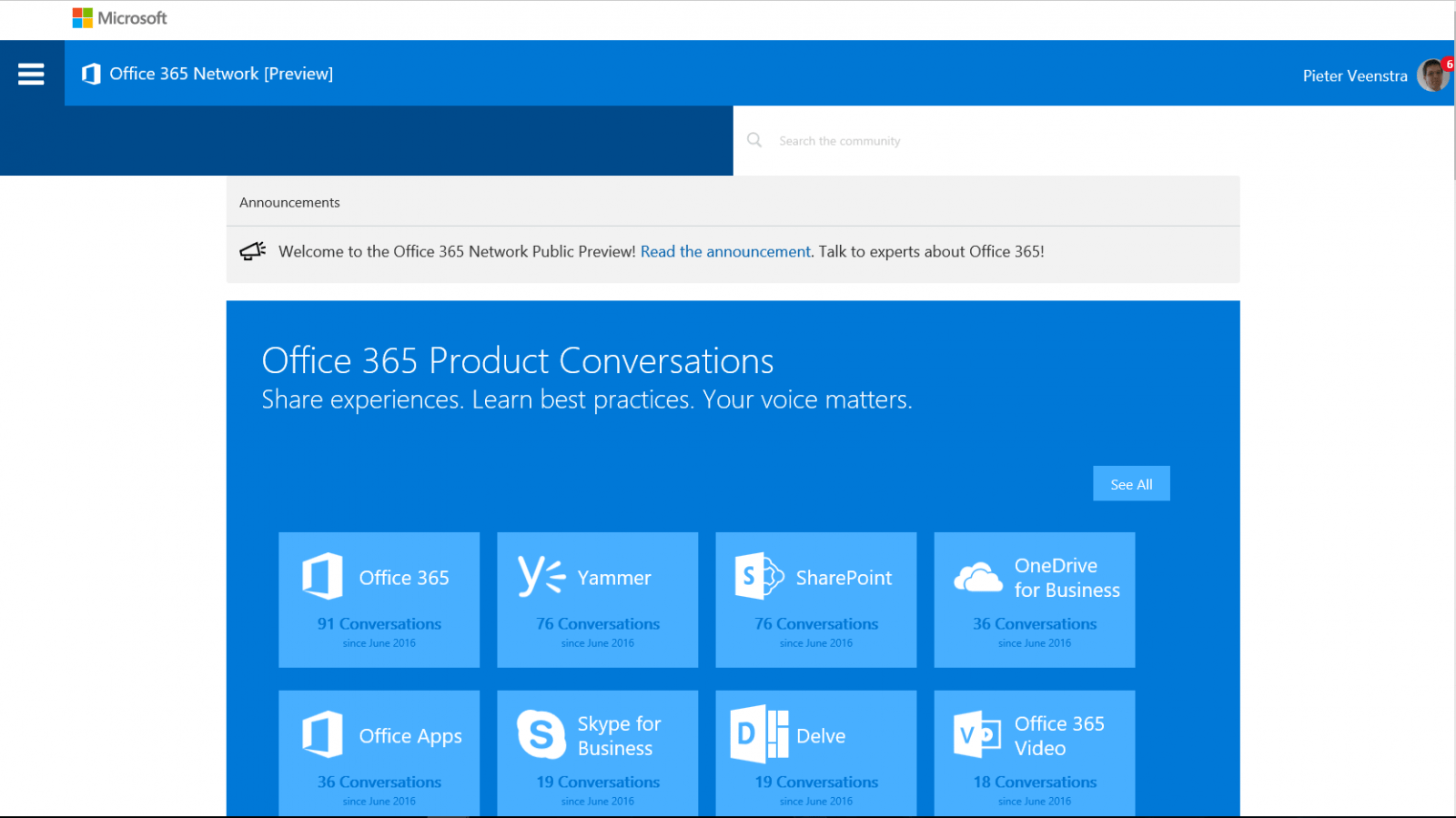
So based on your product preferences you can click through to your interests areas.
I’ve only had a short play with it and answered the first few questions. And earned my first Badges.
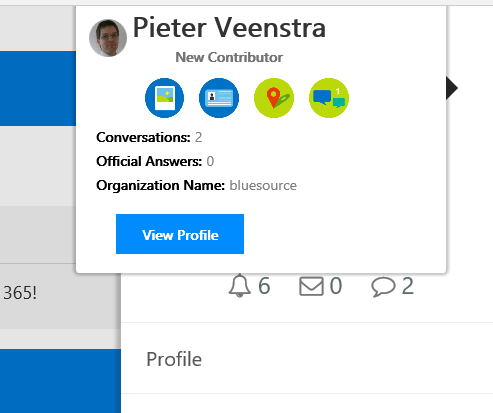
Yes, this is nice for the real geek IT Pro, but I would still prefer the larger Yammer Office 365 community.
Also this new community feels a bit like the old MSDN/TechNet forums used to be. I’m sure that things like images added to my questions and text formatting is all a lot better in this new platform but all the easy stuff that Yammer offered us seems to be gone.
As I mentioned at the top of this post. It’s only the preview version so most likely there is still a lot of improvement to come. I’m looking forward to it.
PROs
- You can now earn Badges.
- Nicely product organised discussions
- Easier to find discussions through Google/Bing
- You don’t need a Yammer account
- Adding images to a post looks slightly better
CONs
- It feels like we’re back to the old forums.
- It feels a lot heavier than Yammer.
- The community hasn’t found the new network yet. 500 users rather than 10k+
- Settings up email alerts is harder
Pieter Veenstra

Is your business still running on paper trails, sprawling Excel files, or ageing Access databases? There's a better way — and I can show you exactly what it looks like. I'm the Technical Director of Vantage 365, a Microsoft solutions consultancy working with clients across the UK, the Netherlands, and worldwide. For over 30 years I've been turning messy, manual business processes into clean, automated systems that save time, reduce errors, and give teams the visibility they need to make better decisions. SharePains is not just any blog run by a Microsoft MVP. Have you ever used Try-Catch in Power Automate? The original post about Try-Catch in Power Automate can still be found on this site, https://sharepains.com/2018/02/07/try-catch-finally-in-power-automate-flow/ Or have you ever used the Pieter’s method to avoid variables and speed up your flows? https://sharepains.com/2020/03/11/pieters-method-for-advanced-in-flows/ You can contact me using contact@sharepains.com

