In recent months Microsoft have been releasing new pieces of functionality to their Office 365 platform.

As many other SharePoint organisations, developers at Microsoft are using Agile development processes.
On a regular frequent basis new features are arriving in our tenants.
I’m not sure exactly what happens inside the Microsoft kitchen, but something is definitely cooking.
Microsoft is trying to improve this process as I recently found out on the tech community site
I’m sure that it is quite difficult to manage updates (and customers) when multiple customers share the same hardware/software as preferences for customers will be different.
Some of these features are announced within the message center. Even thought the arrival of the message center has improved things slightly there is still plenty to do to improve the communication towards Microsoft’s customers.
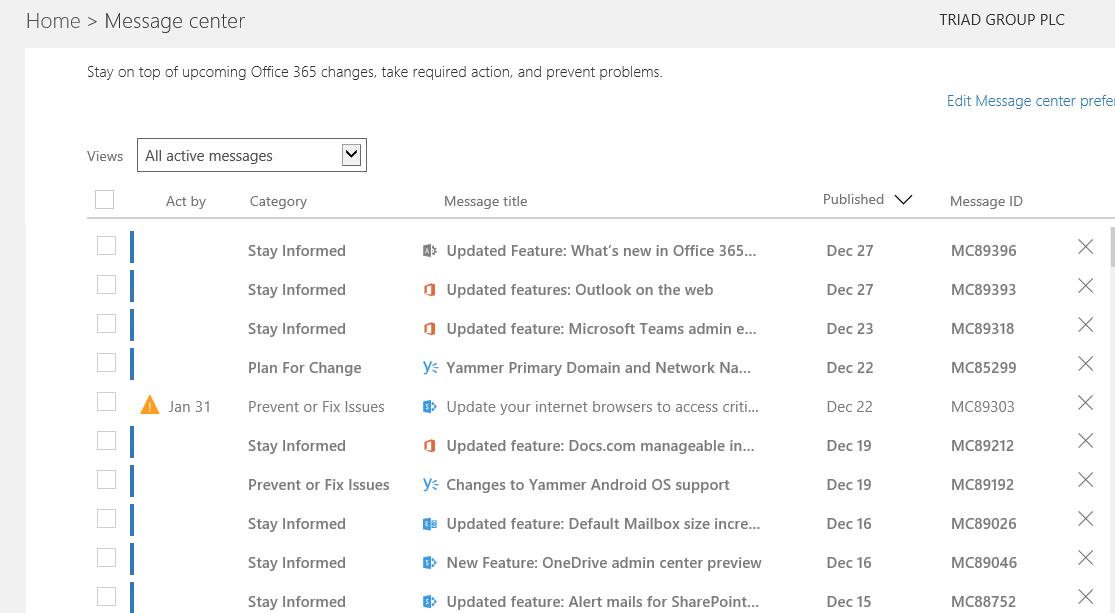
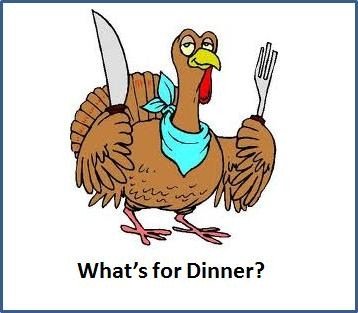
It would help if we knew what we would get for dinner.
So how should an Agile/Continuous delivery process work?
Many organisations seem to have forgotten that even though we are working with Agile processes. There are still phases to each sprint/iteration.
These can include any of the following:
- Requirements gathering/prioritizing backlog
- Planning & Design
- Estimation
- Development
- Testing
- Implementation
- Delivery to test (Microsoft calls these First release 🙂 )
- Delivery to production ( Production environments without FR enabled)
- Support
Possible improvements?

Once development is ready to start there should be a sprint backlog with estimates ready.

This backlog (The menu) can then be published to Office 365 admins through the Message Center. Including a rough estimate for delivery.
Once development has been completed the updated back log for the sprint can be published. Including elements of the back log that may not have been completed. So the waiter is standing at my table waiting for the order now: “Do you want to be first release or not?”
Once the testing is complete first release enabled tenants can now be updated.

Again the Message Center should include details of the update that is about to be delivered.
Then we get our tasters to try the solutions for a while and if they are happy we are ready to serve dinner to the production environments.
Dinner served! Don’t forget to tell people to come to the table! Once again the Message Center should be updated.

Pieter Veenstra

Is your business still running on paper trails, sprawling Excel files, or ageing Access databases? There's a better way — and I can show you exactly what it looks like. I'm the Technical Director of Vantage 365, a Microsoft solutions consultancy working with clients across the UK, the Netherlands, and worldwide. For over 30 years I've been turning messy, manual business processes into clean, automated systems that save time, reduce errors, and give teams the visibility they need to make better decisions. SharePains is not just any blog run by a Microsoft MVP. Have you ever used Try-Catch in Power Automate? The original post about Try-Catch in Power Automate can still be found on this site, https://sharepains.com/2018/02/07/try-catch-finally-in-power-automate-flow/ Or have you ever used the Pieter’s method to avoid variables and speed up your flows? https://sharepains.com/2020/03/11/pieters-method-for-advanced-in-flows/ You can contact me using contact@sharepains.com