
SharePoint Backups
Do you create any backups of your SharePoint libraries?
When you use SharePoint Online you can take backups of your documents using 3rd party backup solutions. Is there a real need for this? Time to have a look at when you would want to restore documents in SharePoint online.
Reasons for SharePoint backups
In the past I would have considered a need for a backup/restore when:
- I deleted a document by accident
- I modified a document and I wanted to go back to yesterday’s version
- Someone else deleted or changed my document and I want to go back to before their changes
- My tenant is deleted or damaged due to hardware failures. (Just to be clear, I’ve never seen this happen) I’m going to assume that #4 will never happen. This is something that is the responsibility of Microsoft.
For the first 3 points users are doing something wrong. In the past I would have used the recycle bin or document version history to recover from these situations. Recently a new option has been added to SharePoint that makes it easier to use the version history and recycle bin.
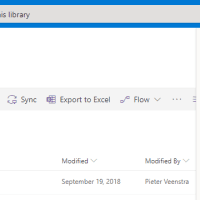
Restore SharePoint backups
You can now restore a document library to a certain point in time. When you restore the document library you will be asked for the point in time that you want to restore to.
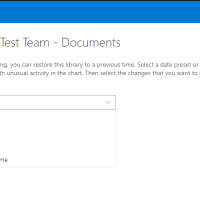
Once you have selected the time you will be given an overview of the relevant documents that have been changed.
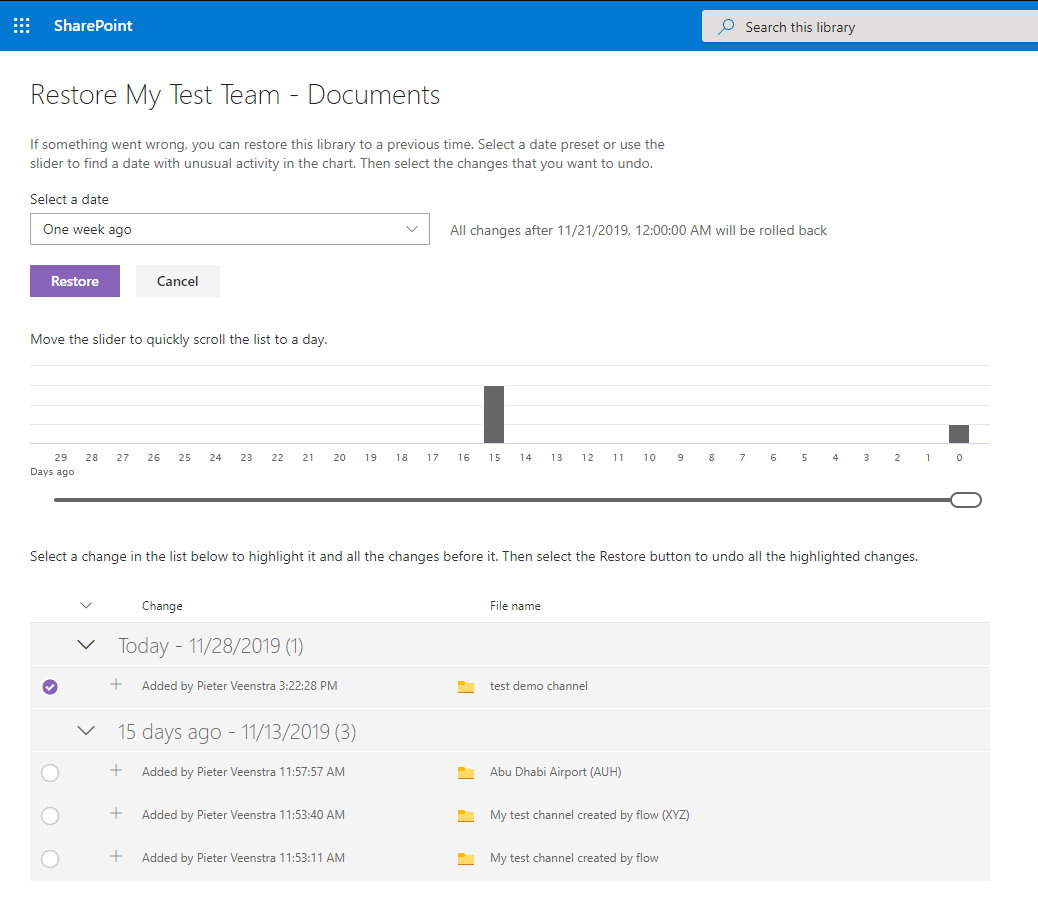
Wow, this looks a lot better than the recycle bin and version history screens in SharePoint. Very helpful!
Limitations
So what are the limitations?
- You will need to be a site owner.
- The feature relies on version history and the recycle bin.
- Files that have been deleted and then re-uploaded with the same name will not be included.
- This feature only exists in modern libraries.
Further information
More information can be found on the Restore a document library page.
Pieter Veenstra

Is your business still running on paper trails, sprawling Excel files, or ageing Access databases? There's a better way — and I can show you exactly what it looks like. I'm the Technical Director of Vantage 365, a Microsoft solutions consultancy working with clients across the UK, the Netherlands, and worldwide. For over 30 years I've been turning messy, manual business processes into clean, automated systems that save time, reduce errors, and give teams the visibility they need to make better decisions. SharePains is not just any blog run by a Microsoft MVP. Have you ever used Try-Catch in Power Automate? The original post about Try-Catch in Power Automate can still be found on this site, https://sharepains.com/2018/02/07/try-catch-finally-in-power-automate-flow/ Or have you ever used the Pieter’s method to avoid variables and speed up your flows? https://sharepains.com/2020/03/11/pieters-method-for-advanced-in-flows/ You can contact me using contact@sharepains.com

