
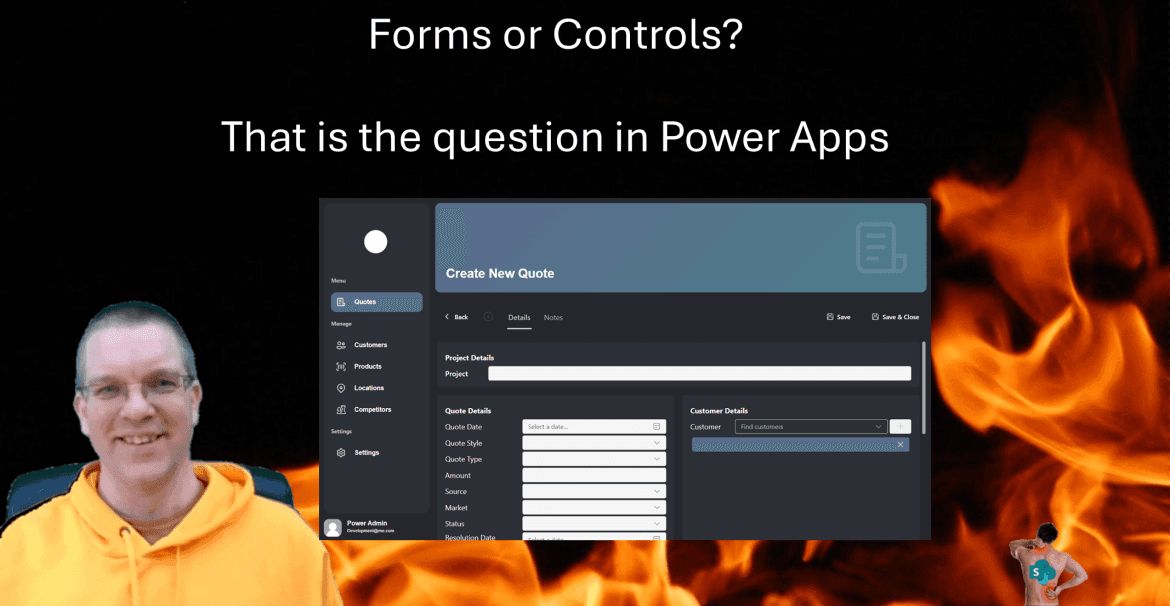
I get often asked, should I use Forms or Controls in Power Apps for data entry. This question can be answered either way. But do you know why you should pick on or the other? What’s the difference anyway?
Classic Forms
First I want to have a look at forms in Power Apps. In this case I’m looking at standalone apps and not those custom forms that SharePoint offers using Power Apps.
In its simplest form we have a form that I user can use to either enter data or view data. In the example below I have a form with two columns. Then I added a Save button below the form so that it is possible to save my data to my SharePoint list or any other data source that can accept forms based data.

Benefits of forms
One of the huge benefits of using forms in Power Apps is the simplicity of developing something very quickly. As you can see below, all I need to do is call the SubmitForm and my record is created.

Similarly, when a user forgets to fill in a required field, the form’s error handling is actually pretty robust.
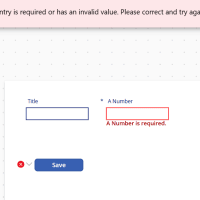
And if you don’t like the standard error handling then you could also extend the error handling using the OnFailure or OnSuccess events.

And if you wanted to collect the details of the error you could use the Form.Error property as well.
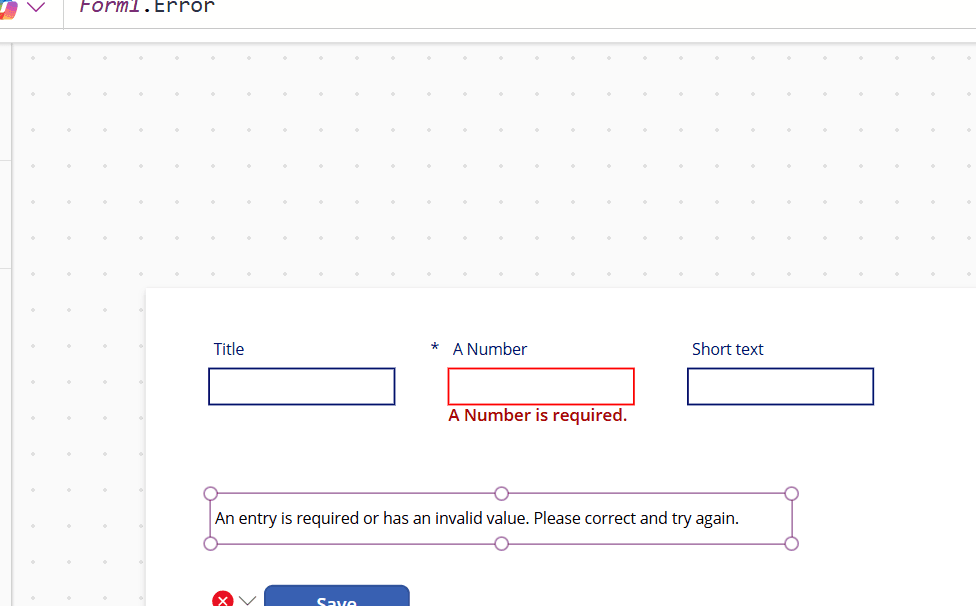
And even if you wanted to make fields wider than what would fit within the size of the form, Power Apps will handle all of this quite well.

When Ease of configuration is important when you choose to use forms or controls then you might go for the forms.
Negatives of using forms
So far we have seen that using forms can be a very good way to create a screen for data entry. But what about situations where you have part of forms interrupted by galleries displaying data?
So in short simple forms can be implemented with Forms in Power Apps. Slightly more complicated forms might still be ok, but if you need additional flexibility then you might have to convert to lose controls.
Now would you want to implement a form and then later on convert it? Maybe start with loose controls even if you form isn’t that complicated yet.
Controls for data entry
So what are the possibilities with loose controls? And why wouldn’t you always go for loose controls? I think that we all agree that the below looks a lot better than out of the box forms.

First of all adding controls to screens isn’t too difficult. Just place them all on the screen and all will work. But that is really where people may get things wrong. You have got to consider the responsiveness and performance of the app. Building that framework can be quite a bit of work. Many developers simply don’t take or get given the time to develop this.
At Vantage 365 our Power Apps development team have create a strong framework that works for many of our clients. New Apps that we develop use this framework that give a lot of flexibility, while performance of the app remains fast.
Or how about having a form with sections within the form. Where each section may update separate data sources. The below was created with loose controls, This would be tough or impossible to implement with Forms.
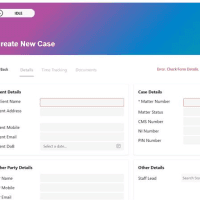
And even if you wanted to use the above edit form into a read-only view form then that is possible, if we use loose controls.

For the flexibility of loose controls you will find some additional work to be required. When comparing the SubmitForm and the Patch functions, it is easy to find the easier option. But the Patch function gives us again a lot more flexibility.
I hope this answers the question of forms or controls? First impressions of apps are important.
Benefits of loose controls
Now the benefits are very clear. Apps can look like almost any great app that you have ever used. There is no need to make your app looks like a typical Power App using classic forms.
Earlier I mentioned error handling in forms. Have you ever got yourself in a situation where a SubmitForm would fail and it isn’t clear why things fail?
When you use loose controls you can decide how you want your form to behave.
Negatives of controls
Well loose controls are a lot more work, but once you have made that initial investment, development will become easier. As so often the first steps are the toughest, but with good foundations the end product will be better.
Forms or Controls
Now what is your preferred choice? Would you use forms or controls? A huge factor, in making this choice may just be the related to the experience of the development team.
Pieter Veenstra

Is your business still running on paper trails, sprawling Excel files, or ageing Access databases? There's a better way — and I can show you exactly what it looks like. I'm the Technical Director of Vantage 365, a Microsoft solutions consultancy working with clients across the UK, the Netherlands, and worldwide. For over 30 years I've been turning messy, manual business processes into clean, automated systems that save time, reduce errors, and give teams the visibility they need to make better decisions. SharePains is not just any blog run by a Microsoft MVP. Have you ever used Try-Catch in Power Automate? The original post about Try-Catch in Power Automate can still be found on this site, https://sharepains.com/2018/02/07/try-catch-finally-in-power-automate-flow/ Or have you ever used the Pieter’s method to avoid variables and speed up your flows? https://sharepains.com/2020/03/11/pieters-method-for-advanced-in-flows/ You can contact me using contact@sharepains.com

I find this is one area that new PowerApps users (esp who are .net developers) do not understand. They think that everything should just be controls on the screen and just willy-nilly add them to the screen. But for simple forms, just add a form. It helps to align the fields/labels properly and less time doing all of that manually.
I use a combination of both in my apps and use the best of each option.
New users to PowerApps should only use forms until they are familiar with PowerApps, then can move on to adding controls to the screen and using patch.
Another example is when learning how to design/art, you stick with the design principles and elements. Once you master those, then you know how, why and when to break them. Learn the rules first.