
I’ve created a new tenant today and when I look at my site I’ve got a team site at my https:/ /mytenant.sharepoint.com url. I would like this to be a publishing portal.
So I first delete my site collection and then I create a new publishing portal within the Admin Center.
Now don’t use the Publishing template
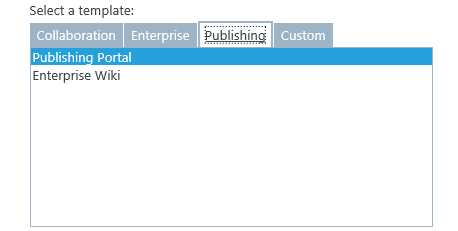
Use the Custom -> Select template later option instead.
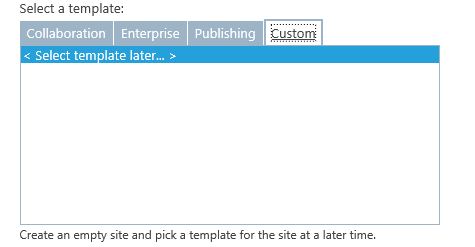
If you don’t do this you will find that the Publishing Portal doesn’t get created properly.
You will now see the following warning:

Could it really take 24 hours to create a site collection? In general the site collection will be there a few moments later. Then suddenly I got :
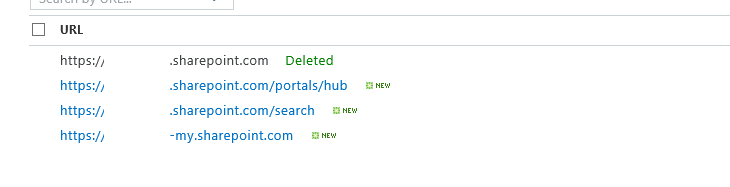
Hmm, these asynchronous processes seem to be struggling to get the messages in the right order on my screen. The site collection seems to be created anyway.
Now the final piece of creating my publishing site collection. Visit the site collection by going to the url of the site collection (https:/ /mytenant.sharepoint.com) and then select the Publishing Portal Template:
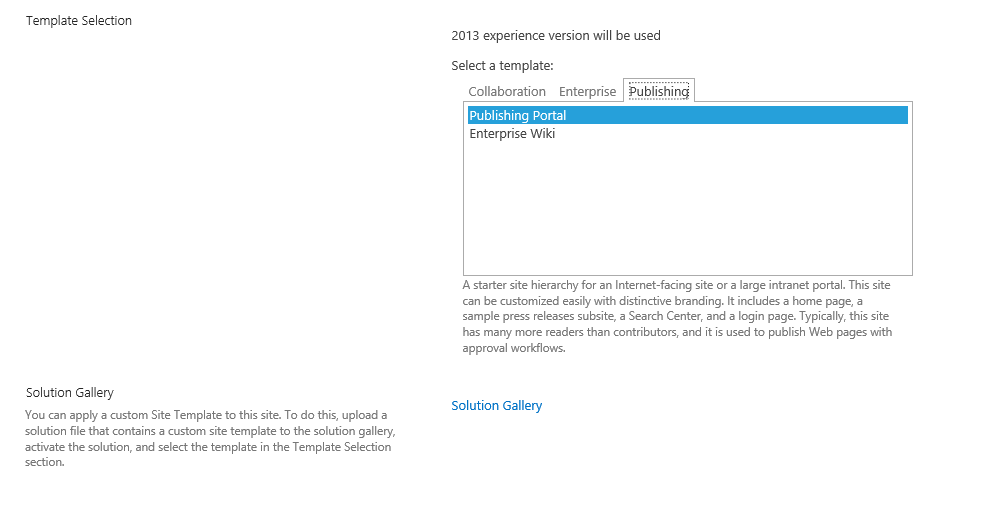
Then we will have to wait for a while. Hopefully this will not take 24 hours!

After about 5 minutes the following People and Groups form will appear.
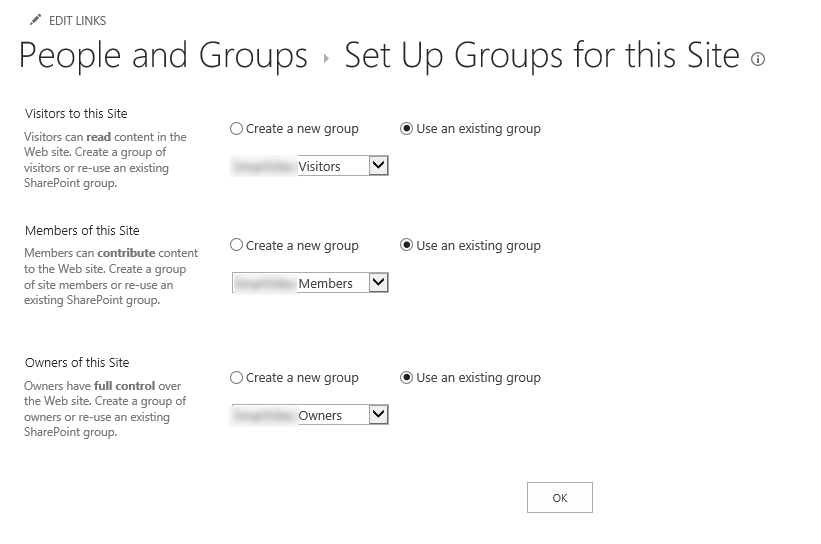
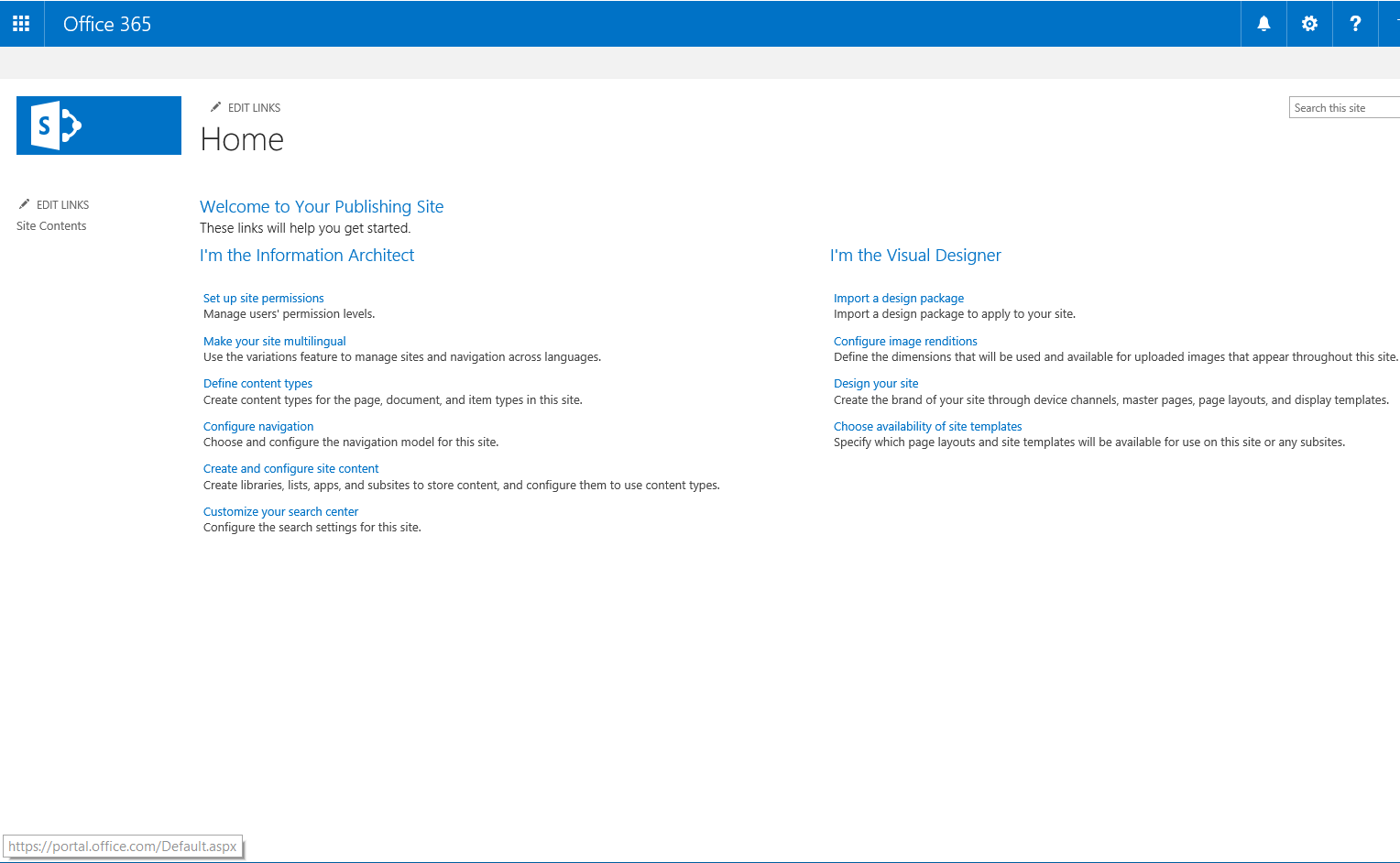
Clicking on Ok will then finally give the Publishing portal that I was after.
Pieter Veenstra

Is your business still running on paper trails, sprawling Excel files, or ageing Access databases? There's a better way — and I can show you exactly what it looks like. I'm the Technical Director of Vantage 365, a Microsoft solutions consultancy working with clients across the UK, the Netherlands, and worldwide. For over 30 years I've been turning messy, manual business processes into clean, automated systems that save time, reduce errors, and give teams the visibility they need to make better decisions. SharePains is not just any blog run by a Microsoft MVP. Have you ever used Try-Catch in Power Automate? The original post about Try-Catch in Power Automate can still be found on this site, https://sharepains.com/2018/02/07/try-catch-finally-in-power-automate-flow/ Or have you ever used the Pieter’s method to avoid variables and speed up your flows? https://sharepains.com/2020/03/11/pieters-method-for-advanced-in-flows/ You can contact me using contact@sharepains.com

