We all know that we should use solutions in the Power Platform, but with solution come solution layers. In this post I’m looking at some issues I came across with one of my clients during major migration project.
The latest solution is always leading …
Well you might think that putting all elements into a single solution will sort things out, but when you have a large solution with many flows, tables, apps and connection references and maybe a lot more then you will find that splitting the solutions helps to control the management of all the various solution objects.
And when you have multiple solutions it is so easy to have objects within multiple solutions. Now which solution do you need to deploy to get your updates deployed. Well that is now always easy. In this post an example where I have some flows in multiple solutons.
My multiple solutions

I’ve created a flow in each solution
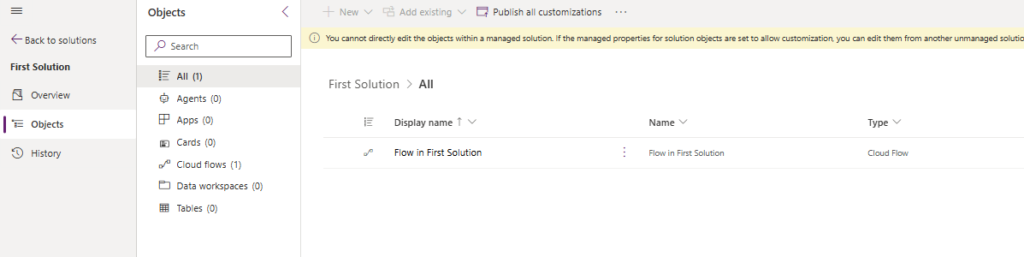
And in the Second Solution
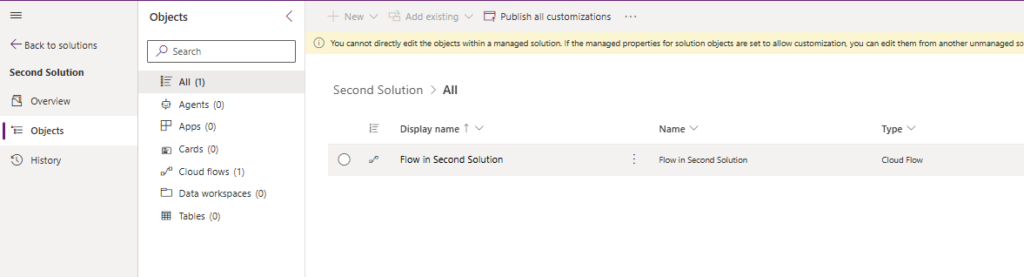
I’ve deployed both my solution to a Demo environment and all will be easy as the objects in my solutions both only exist in a single solution. Ideally you want to keep your solutions like that.
I have seen however some clients adding creating additional solutions to the solution setup. e.g. September 2026 Updates so that deployments are quick and it is easy to review any updates made in specific moments. But this is often the start of the solution spaghetti.
Back to my example. I’m going to add flow 1 to solution 2 and flow 2 to solution 1. Now you migth ask straight away why would you do that? Imagine the scenario with multiple developers and they both work within their own solution and decide that they want to make a small update to that other flow/app/or anything else.
So I now two solutions that have both flows.
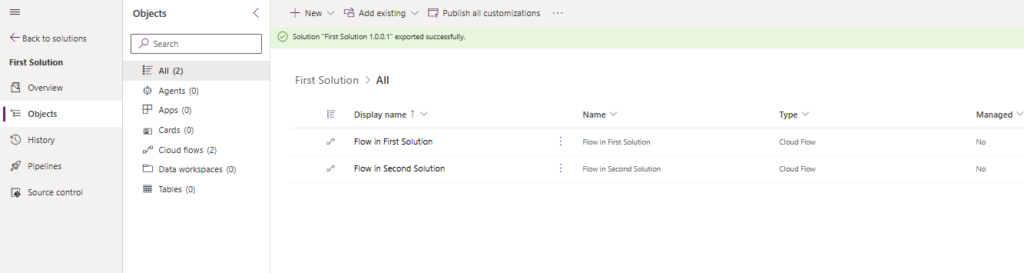
Time to deploy both solutions to my demo environment. It doesn’t really matter in which order I’m deploying the two solutions. But I’m deploying solution 1 first before I deploy solution 2.
Solution Layers Overview
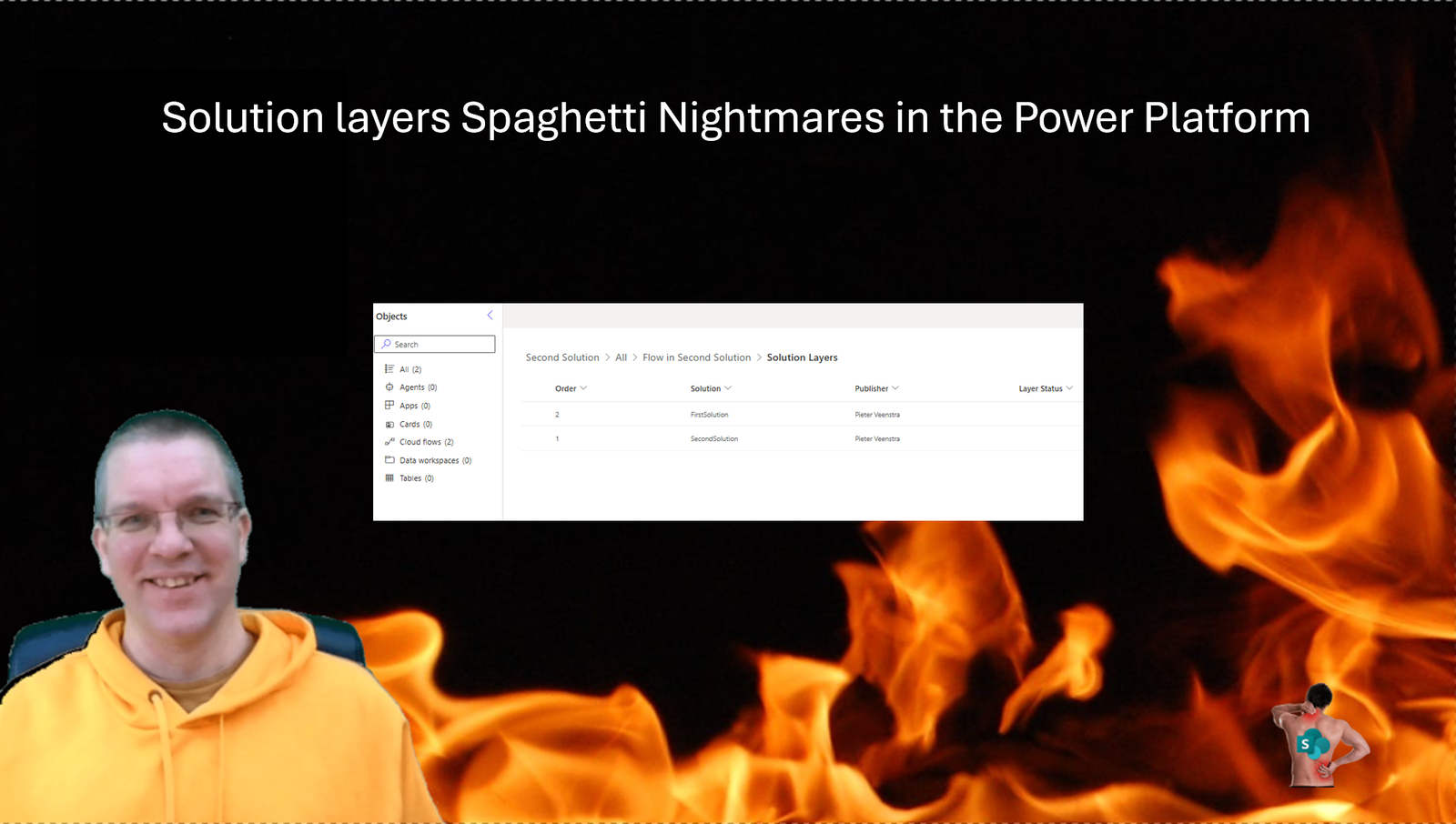
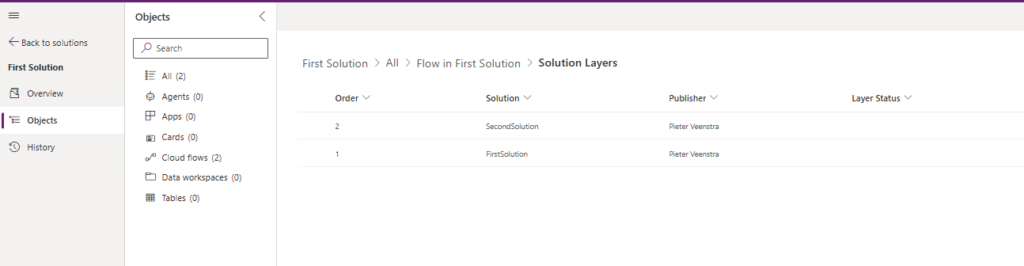
I’m going to have a look at both flows to get an overview of the solution layers. For the flow that started off in the First Solution now has a second layer deployed by the second Solution
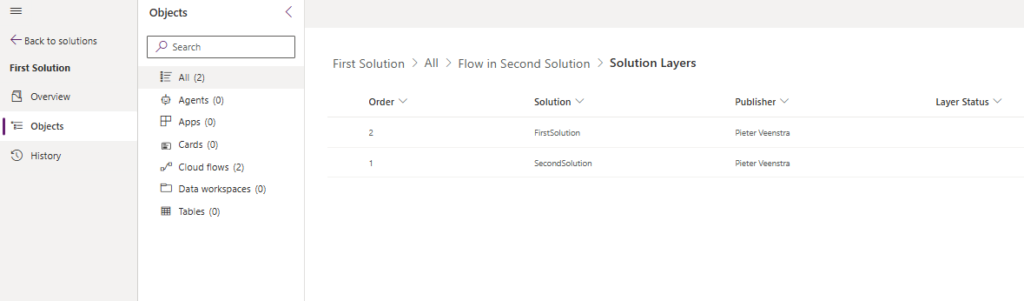
And for the second flow our layers are the other way around.
Time to make some updates to our flows in our development environments.
Solution Layers flow updates
Before my updates my first flow looks like this:
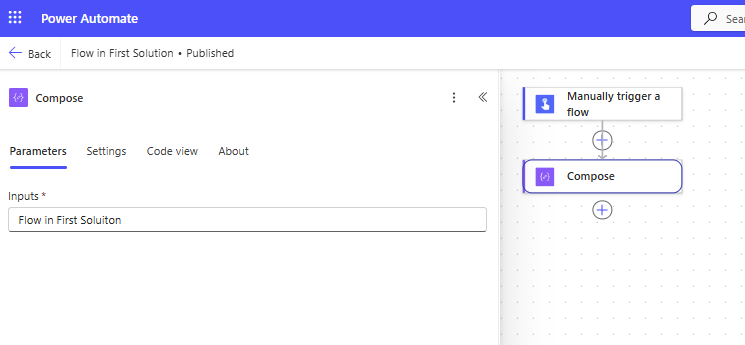
And my second flow looks like this:
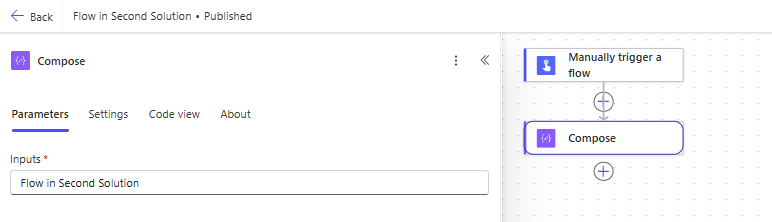
I’m going to update both flows like this:
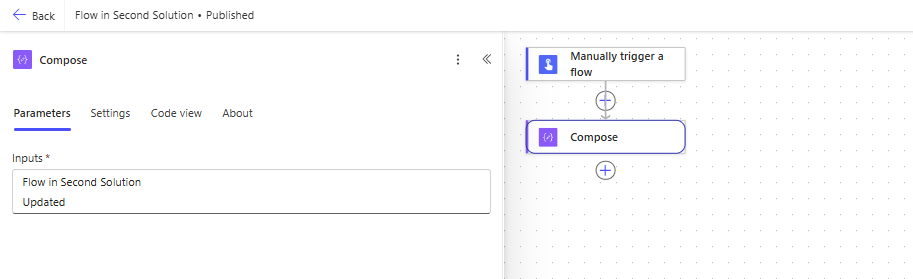
And then I’m only going to deploy the second solution. Remember that The second solution was deployed more recently than the first solution. Would you expect all the changes to come through to the Demo Environment?
If you are deploying through pipelines you might want to check that the solution has arrived within the destination environment.
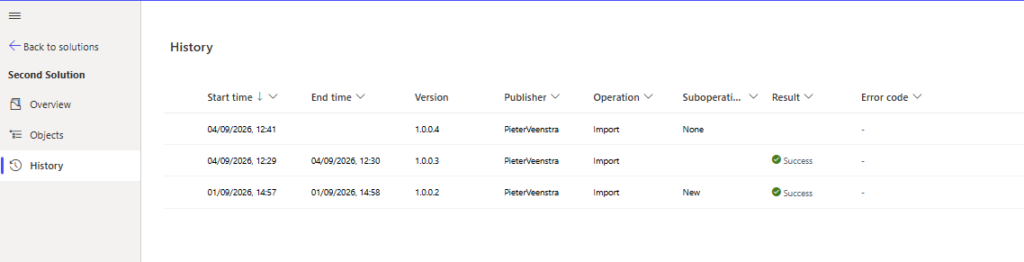
I will first review the Solution layers after the deployment. As you can see the order of the layers doesn’t change.
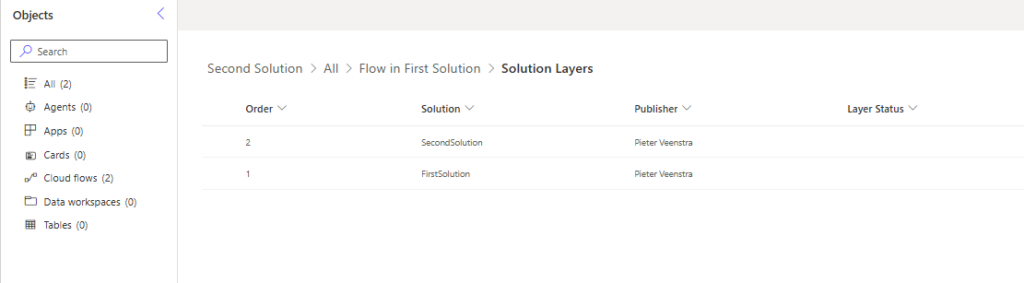
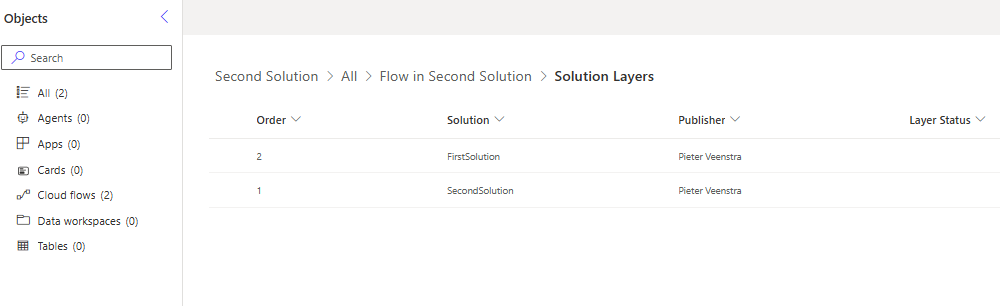
Then when we look at our flows in our demo environment. Our flow that started its existence in solution 1 has been updated.
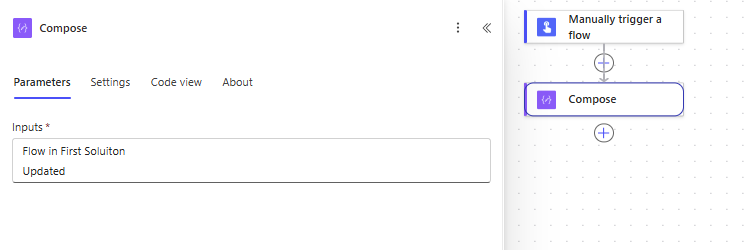
However the other flow has not been updated. Why?
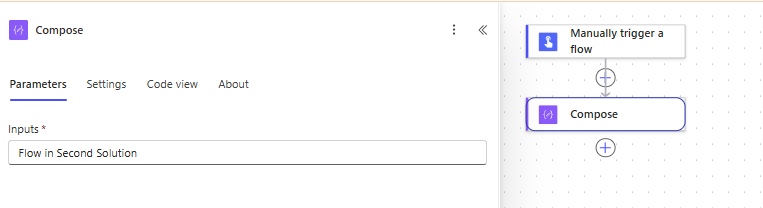
Why flows may not be updated on deployment?
I will now focus on the second flow that started its life in solution 2. This solution was deployed. Then solution 1 became the top layer and therefore the leading layer.
Any updates to solution 2 will be installed, however the leading layer remains the most up to date version within destination environments. If we were to uninstall solution 1 then all updates made in development would suddenly become the top layer of each of the two flows.
Therefore cleaning up you unnecessary layers when possible (all objects have been included in other solutions will resolve/avoid many issues.
Important thoughts
Some important thoughts:
- Solution layers are based at the objects level not at the solution level
Pieter Veenstra

Is your business still running on paper trails, sprawling Excel files, or ageing Access databases? There's a better way — and I can show you exactly what it looks like. I'm the Technical Director of Vantage 365, a Microsoft solutions consultancy working with clients across the UK, the Netherlands, and worldwide. For over 30 years I've been turning messy, manual business processes into clean, automated systems that save time, reduce errors, and give teams the visibility they need to make better decisions. SharePains is not just any blog run by a Microsoft MVP. Have you ever used Try-Catch in Power Automate? The original post about Try-Catch in Power Automate can still be found on this site, https://sharepains.com/2018/02/07/try-catch-finally-in-power-automate-flow/ Or have you ever used the Pieter’s method to avoid variables and speed up your flows? https://sharepains.com/2020/03/11/pieters-method-for-advanced-in-flows/ You can contact me using contact@sharepains.com