
The new Power Apps components feature adds a lot of options for reusing elements within your App. In this post I’m going to look at
Author: Pieter Veenstra
Is your business still running on paper trails, sprawling Excel files, or ageing Access databases? There's a better way — and I can show you exactly what it looks like.
I'm the Technical Director of Vantage 365, a Microsoft solutions consultancy working with clients across the UK, the Netherlands, and worldwide.
For over 30 years I've been turning messy, manual business processes into clean, automated systems that save time, reduce errors, and give teams the visibility they need to make better decisions.
SharePains is not just any blog run by a Microsoft MVP. Have you ever used Try-Catch in Power Automate? The original post about Try-Catch in Power Automate can still be found on this site, https://sharepains.com/2018/02/07/try-catch-finally-in-power-automate-flow/
Or have you ever used the Pieter’s method to avoid variables and speed up your flows? https://sharepains.com/2020/03/11/pieters-method-for-advanced-in-flows/
You can contact me using contact@sharepains.com
Are you still running classic SharePoint team sites? Microsoft have announced that they will upgrade classic team sites to modern team sites soon, in March/May
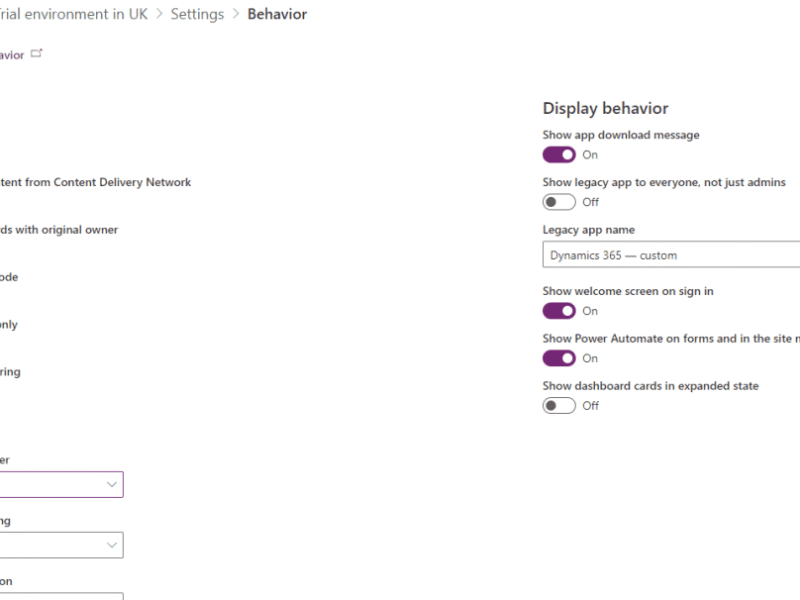
Recently many new environment settings have been introduced to the Power Apps admin center. Using these settings, it is possible to change many different options

Over the weekend Brian Dang asked me on twitter if there are any easy ways to avoid an apply to each step. He gave me

Are you creating backups of your Power Apps? just in case someone damages the app or accidentally deletes the app? Do you export each app
Load More