So it’s all about teams and Office 365 groups nowadays. But what should you use when and why should we use all these different options?
The available options
Well it’s confusing at least. In this article I’m going through the following options available in Office 365 and I’ll describe my first experiences with the new Microsoft Teams.
So the options available are:
- SharePoint Team Site
- Office 365 Groups
- Microsoft Teams
SharePoint Team Site
A lot is happening to our team sites in SharePoint Online. Tenants without First Release enabled will still get the old style team sites but when you do have First Release enabled you will find that the team sites created by Office 365 groups are using the new framework.
In some of my recent posts I have shown some of the new bits. It’s almost impossible to keep up with this, so when you read this article you might find that things have changed yet again:
Office 365 Groups
Office 365 groups give you a team site, conversations, calendars and shared notes not just within your browser but also within Outlook
Microsoft Teams
This is the newest team option available.
First you will have to enable this with your admin center -> Settings -> Service & add-ins -> Microsoft Teams
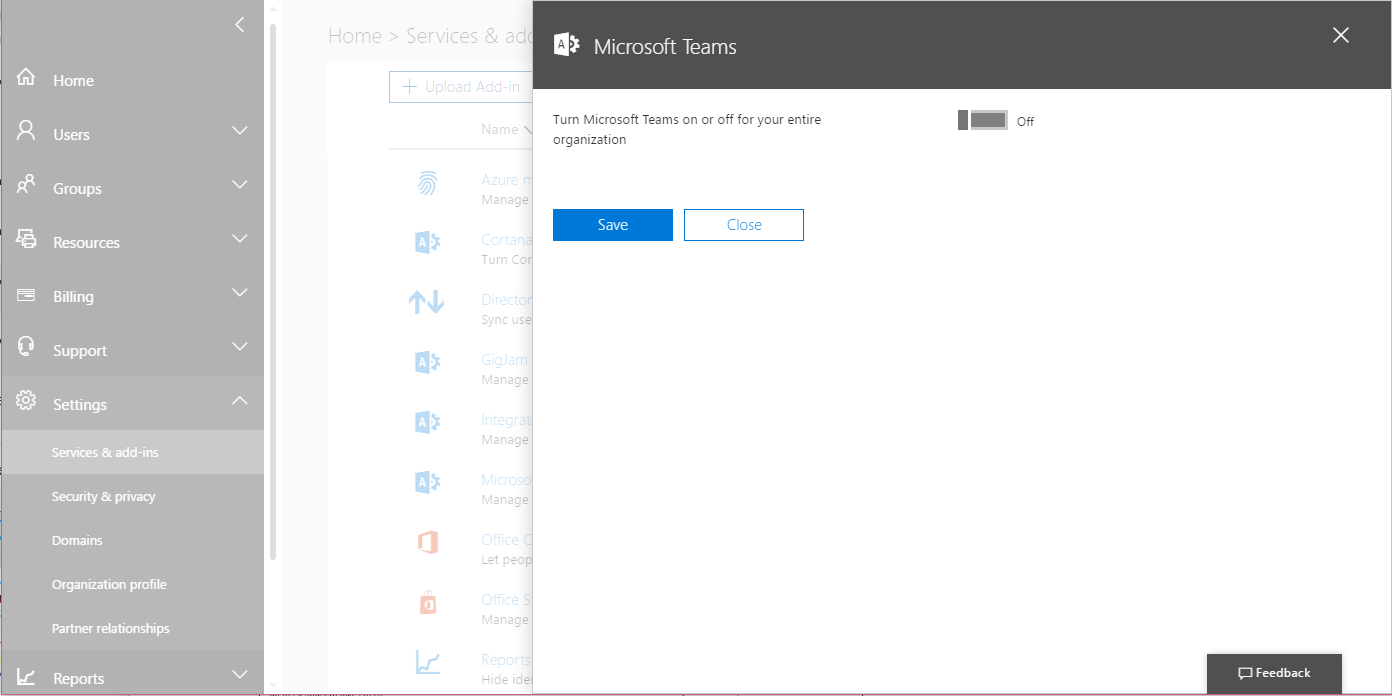
Click on the on toggle and many settings will appear:
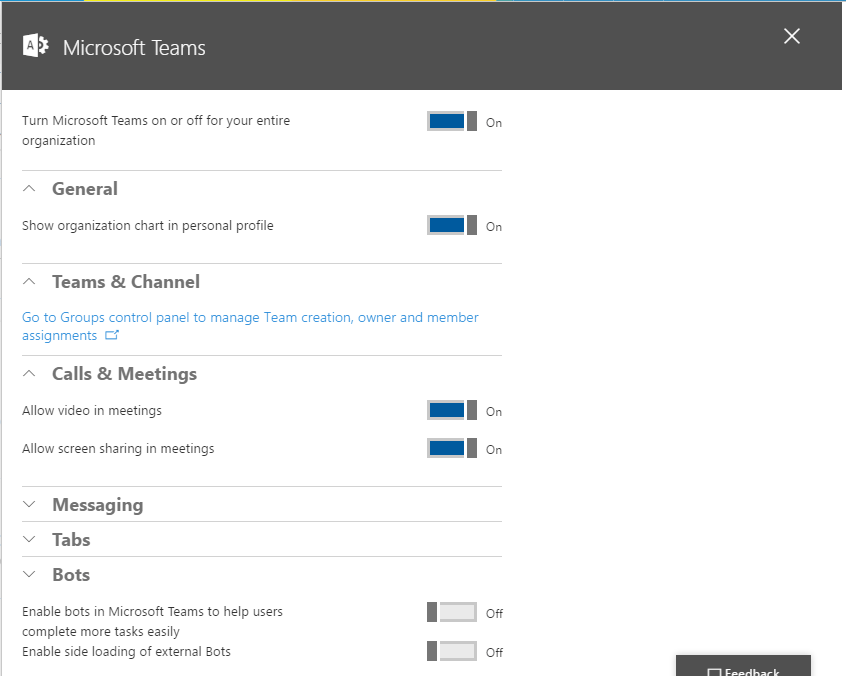
Ok, so teams is about Organisation Charts, Channels, Calls, Messaging, Tabs and Bots.
So being interested in new technology, I enabled all the options straight away. And what’s next? Where do I find these new teams?
You will need an app. To get this app please visit the following url:
Mobile:https://www.microsoft.com/en-gb/store/p/microsoft-teams/9nblggh4n9tw
Desktop: https://teams.microsoft.com/downloads
I’m installing the desktop app, which starts with a login:
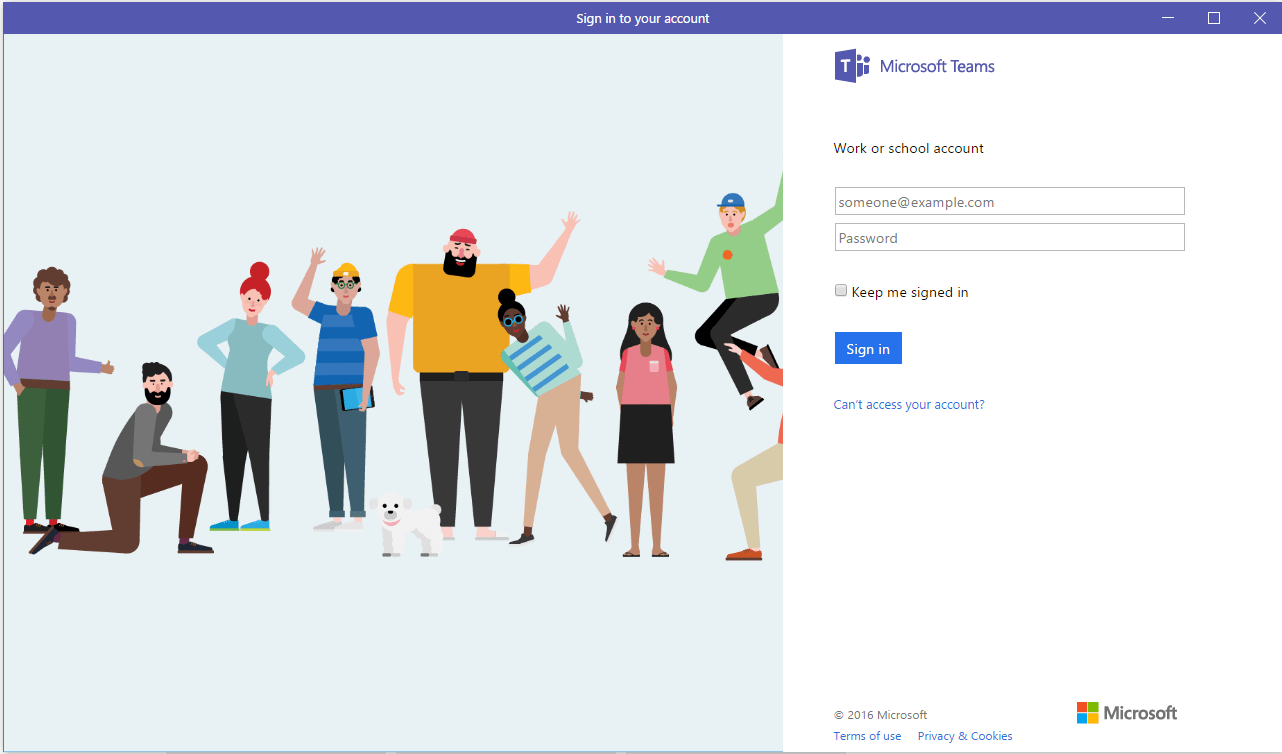
Once logged in I’m getting:
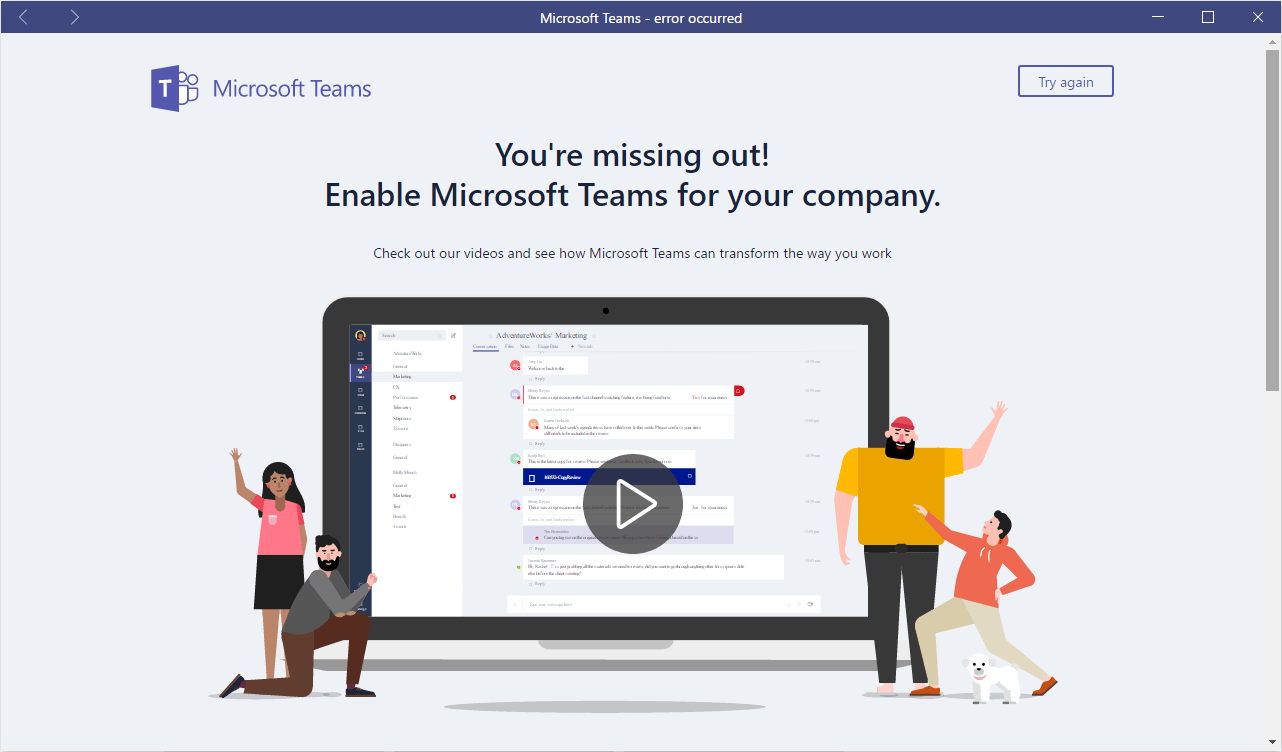
Ok, I definitely enable Microsoft Teams. I’m logged in to my personal tenant while my PC is using a different domain. It looks like something sin’t going right here. I can try again but there is no way of changing my login details.
Time to Share my Pains.
After I waited a couple of hour I tried the app again. I got my initial login dialog back. However, the app is still complaining that I haven’t enabled Microsoft Teams.
Maybe I need to wait a bit longer.
I didn’t get this to work in my test tenant. So I enabled this in my company tenant and the app started working.
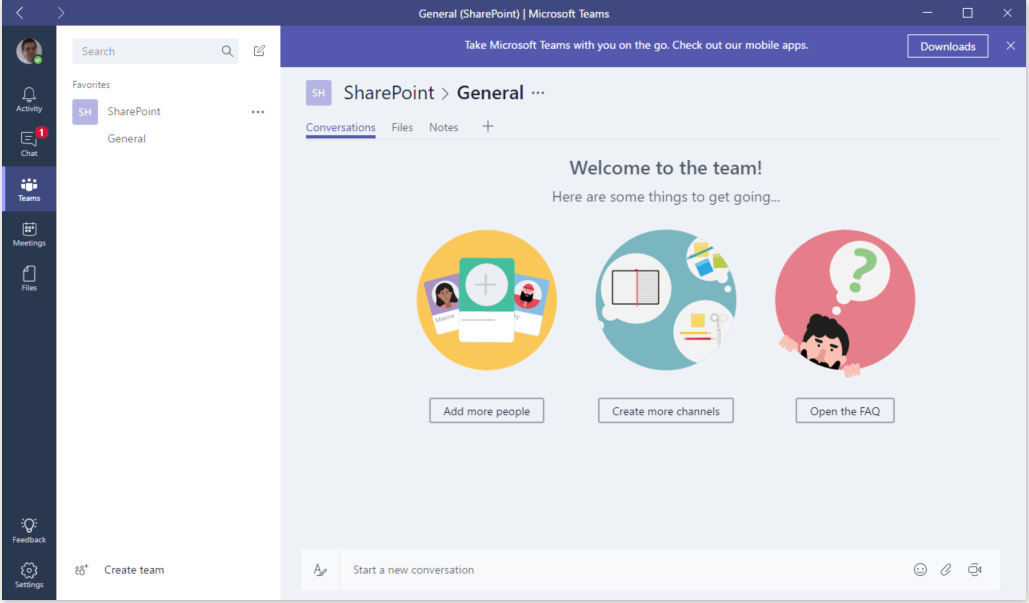
Ok, so now I’ve got a team and it looks like a new private Office 365 group has been created.
So when to use what?
Going back to my original question. When should you use which one of the options. This is actually a difficult question. Microsoft is pushing the new team sites. Both the private and the public group can have its uses. You should however consider:
- Do I want to share the site with the rest of the organisation?
- Do I need SharePoint search to be able to pick up the data in my site (Private sites are not searchable!)
- Should the site be part of a larger intranet?
- Do I want to be able to view the team site within the app? ( private only!)
Pieter Veenstra

Is your business still running on paper trails, sprawling Excel files, or ageing Access databases? There's a better way — and I can show you exactly what it looks like. I'm the Technical Director of Vantage 365, a Microsoft solutions consultancy working with clients across the UK, the Netherlands, and worldwide. For over 30 years I've been turning messy, manual business processes into clean, automated systems that save time, reduce errors, and give teams the visibility they need to make better decisions. SharePains is not just any blog run by a Microsoft MVP. Have you ever used Try-Catch in Power Automate? The original post about Try-Catch in Power Automate can still be found on this site, https://sharepains.com/2018/02/07/try-catch-finally-in-power-automate-flow/ Or have you ever used the Pieter’s method to avoid variables and speed up your flows? https://sharepains.com/2020/03/11/pieters-method-for-advanced-in-flows/ You can contact me using contact@sharepains.com