
I’ve now played around with Microsoft Team’s guest access and I found a few issue.
Meetings with guests
It is possible to invite guests to a meeting, but it can be a bit tricky to get people to turn up. Currently when you invite a guest they don’t get any alerts. Other than a small alert in the Chat section of Teams, but this alert only appears after the meeting has started. This alert is also not visible when you aren’t in the account where the meeting is hosted.
There is no email that goes out to the guests.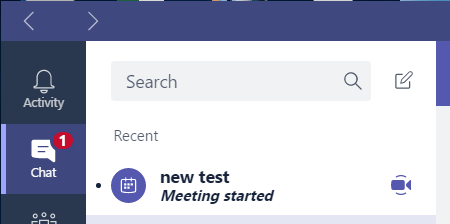
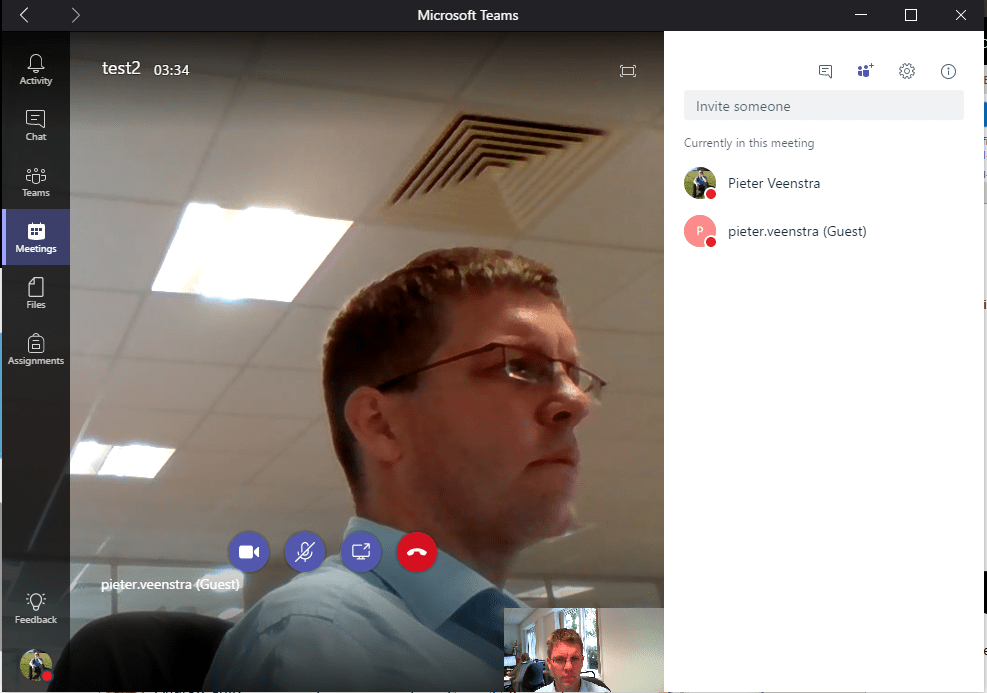
As a guest you don’t get the Meetings section, so there is no way to get to your meeting when you are a guest.
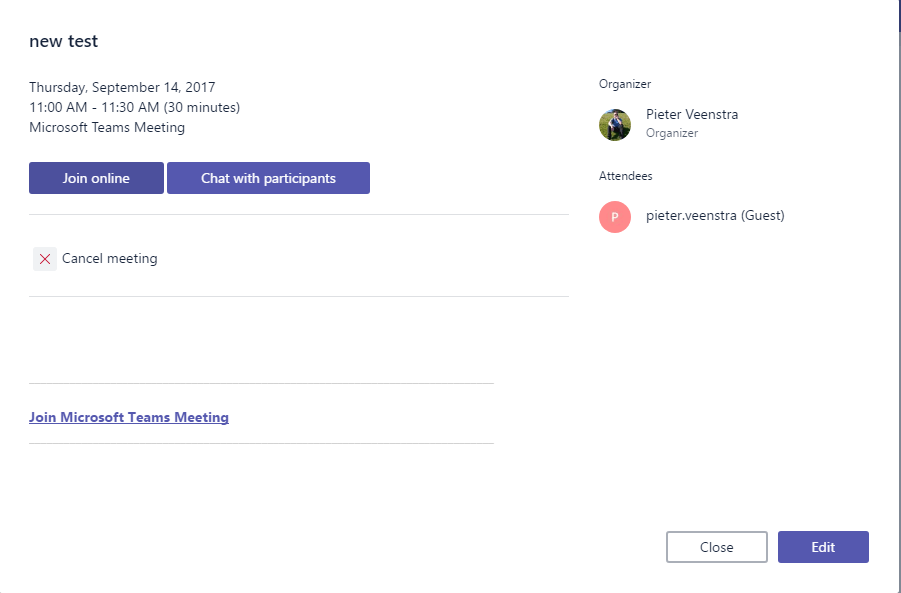
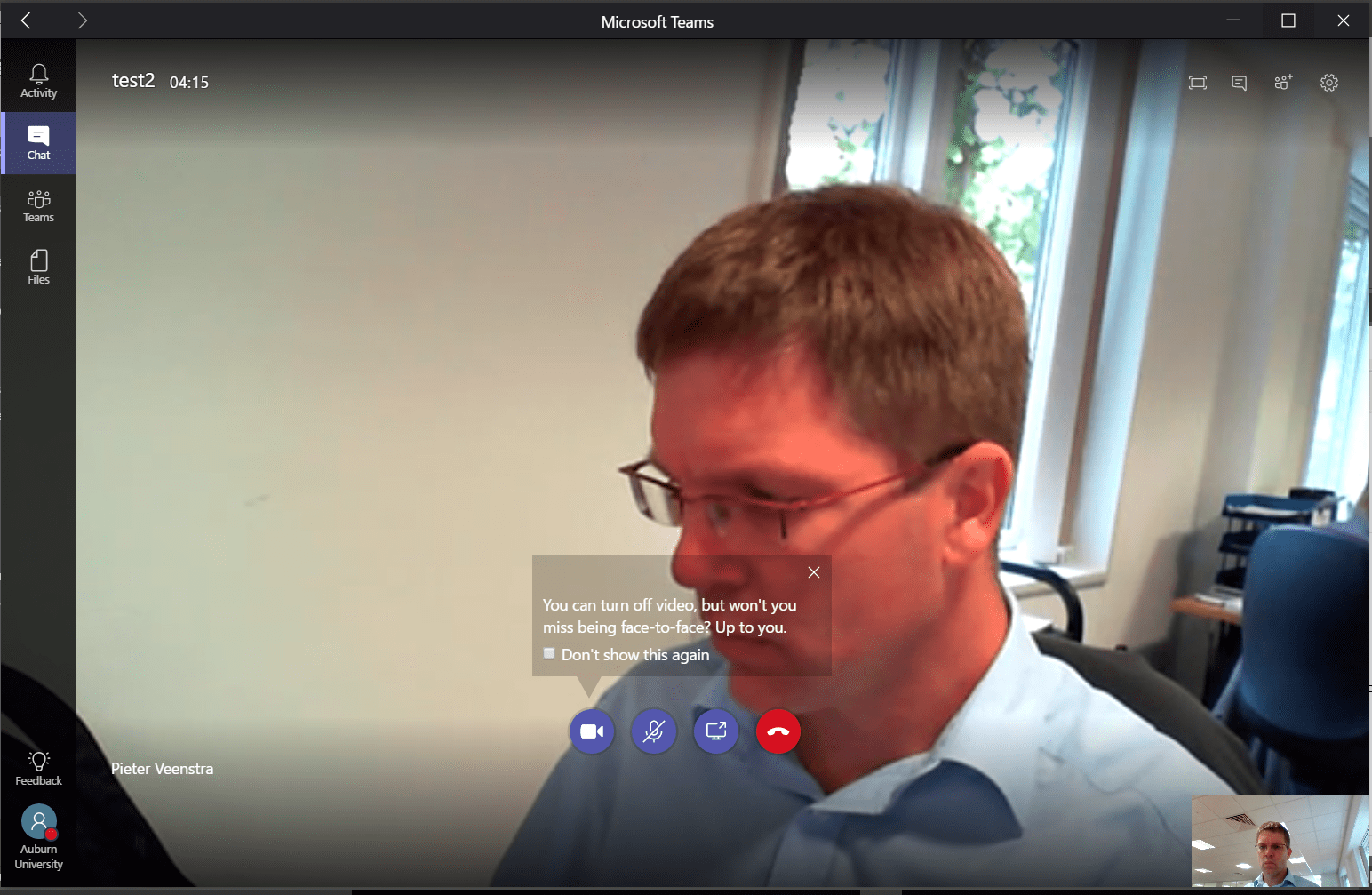
Within the invite you will have to copy the Join Microsoft Teams Meeting link and send your guests a meeting request in Outlook for now. Once I got this to work with my development and production account and I was able to have myself as guest in my meeting.
Pieter Veenstra

Is your business still running on paper trails, sprawling Excel files, or ageing Access databases? There's a better way — and I can show you exactly what it looks like. I'm the Technical Director of Vantage 365, a Microsoft solutions consultancy working with clients across the UK, the Netherlands, and worldwide. For over 30 years I've been turning messy, manual business processes into clean, automated systems that save time, reduce errors, and give teams the visibility they need to make better decisions. SharePains is not just any blog run by a Microsoft MVP. Have you ever used Try-Catch in Power Automate? The original post about Try-Catch in Power Automate can still be found on this site, https://sharepains.com/2018/02/07/try-catch-finally-in-power-automate-flow/ Or have you ever used the Pieter’s method to avoid variables and speed up your flows? https://sharepains.com/2020/03/11/pieters-method-for-advanced-in-flows/ You can contact me using contact@sharepains.com

Peter – another great post! The issue here is the guest’s email address for the meeting invitation gets mangled due to a bug, for some addresses. Short-term workaround is to forward from Outlook, or create from Outlook originally using the add-in. We’ll fix the bug shortly.
Thanks. That is great!