Last week I went through the settings of Microsoft Teams. This included the discovery of bots.
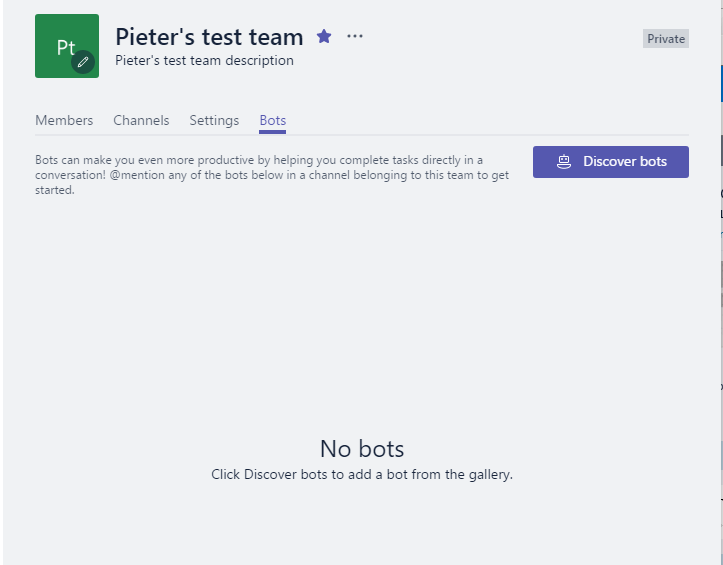
Well this week it is all change again. I can still find the Discover bots in some of my tenant, but one tenant I’m now seeing Discover apps instead:
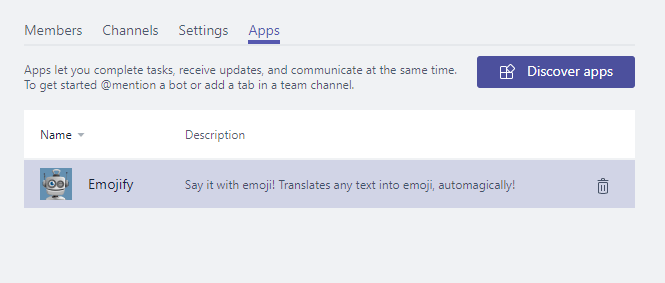
It looks like this is a change currently on the way. And so far I like it!
Now it is possible to add Tabs, Bots and Connectors all from this single Discover apps interface:
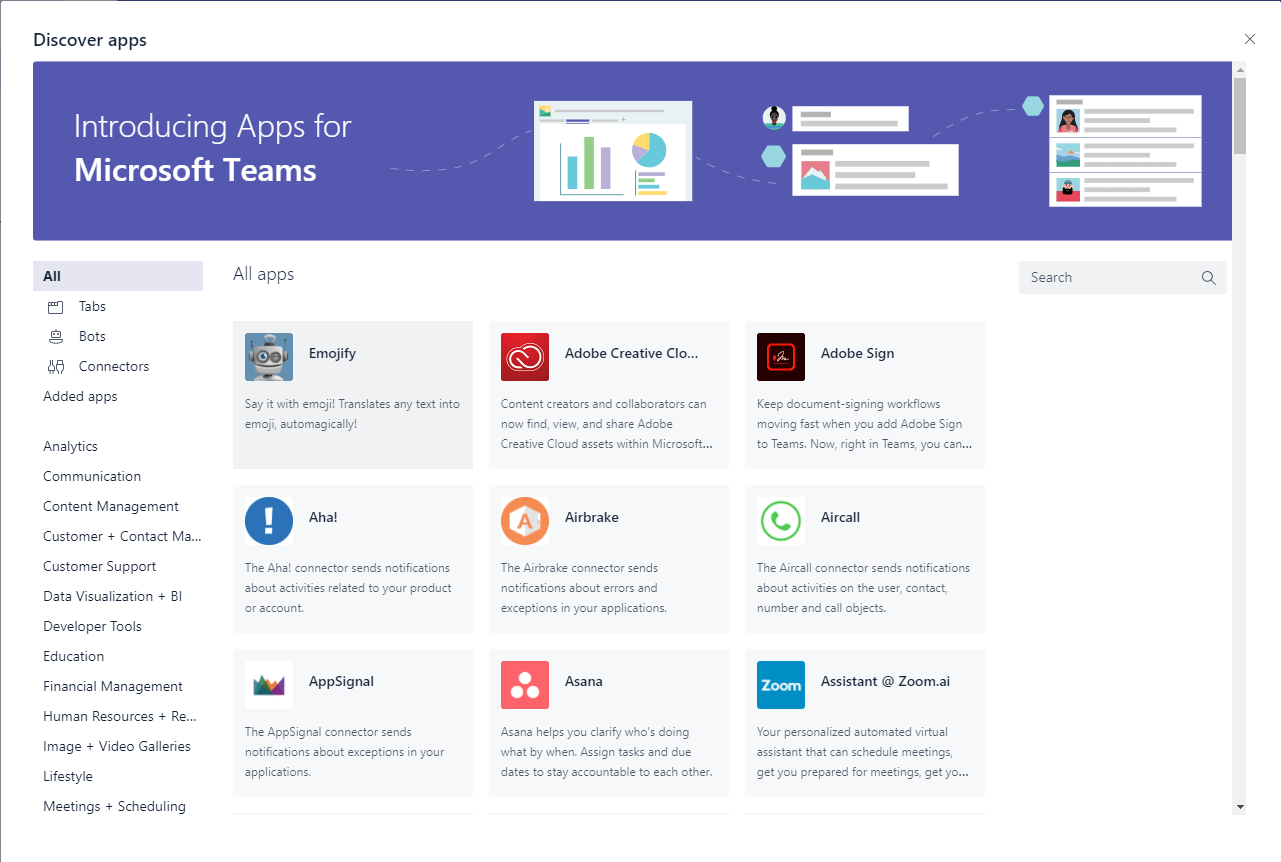
Teams is now really becoming the home of your apps. It will become a difficult choice to find the right location for your apps.
Do you develop:
- A teams app that is available in the above dialog
- A SharePoint app
- A SPFx Web Part
Microsoft is pushing many pieces of different technology all at the same time. I guess it is all down to the user, where they prefer to work. Does this mean that we will develop the same solution in different locations, just to please the users? Or will it just be a matter of accessing the same app in different ways?
Pieter Veenstra

Is your business still running on paper trails, sprawling Excel files, or ageing Access databases? There's a better way — and I can show you exactly what it looks like. I'm the Technical Director of Vantage 365, a Microsoft solutions consultancy working with clients across the UK, the Netherlands, and worldwide. For over 30 years I've been turning messy, manual business processes into clean, automated systems that save time, reduce errors, and give teams the visibility they need to make better decisions. SharePains is not just any blog run by a Microsoft MVP. Have you ever used Try-Catch in Power Automate? The original post about Try-Catch in Power Automate can still be found on this site, https://sharepains.com/2018/02/07/try-catch-finally-in-power-automate-flow/ Or have you ever used the Pieter’s method to avoid variables and speed up your flows? https://sharepains.com/2020/03/11/pieters-method-for-advanced-in-flows/ You can contact me using contact@sharepains.com