
Sometimes you want users to be able to select an item in SharePoint and then run a flow for the selected item. The For a selected item trigger is great but what if you have many items. There are a few options available. in this post I will look at the options.
Option 1 – Reduce the size of the view
Within SharePoint you can create custom views. This makes it possible to filter out any items that you wouldn’t want to run a flow on. e.g. filter out completed tasks.
Another option is to use the search option available on your SharePoint list so that less items are presented to you.
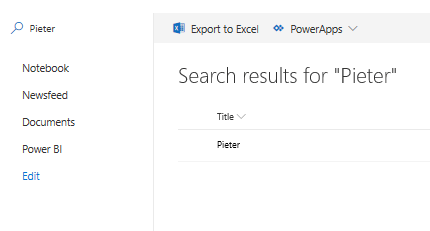
However the Flow options are not available when you do this.
When you use the filter options on a list however the Flow options do remain available:

Option 2 – Use PowerApps as a interface into the lists rather than using the lists
When you use PowerApps as an interface to replace the out of the box SharePoint lists then you can add advanced query options offered by PowerApps. Using filters on a gallery presenting the items a button could start the flow for you on the selected item.
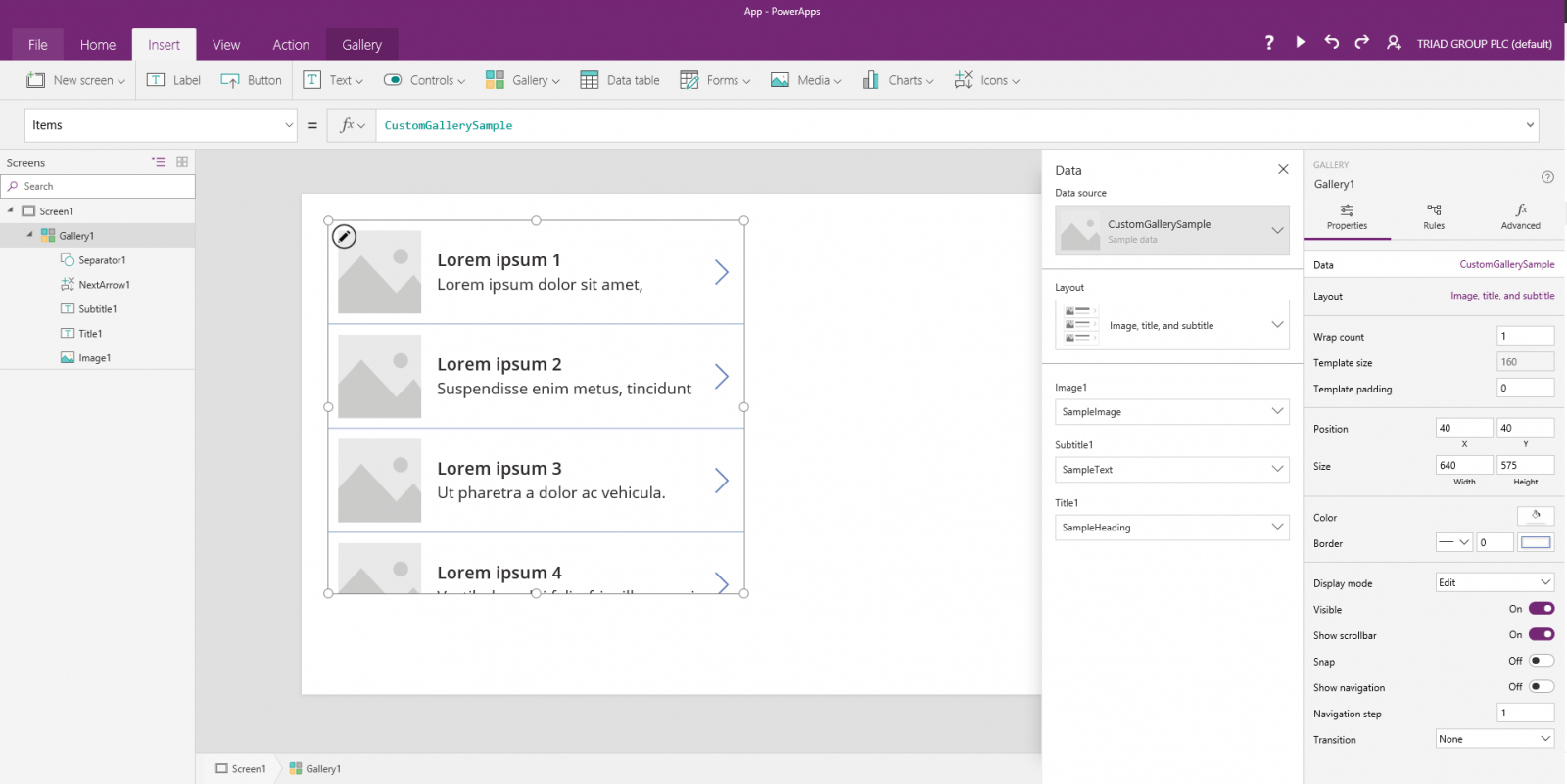
Option 3 – Make Microsoft Flow ask you for the information that it needs
Using the Input options on the For a selected item action you can collect bits of information for the user.
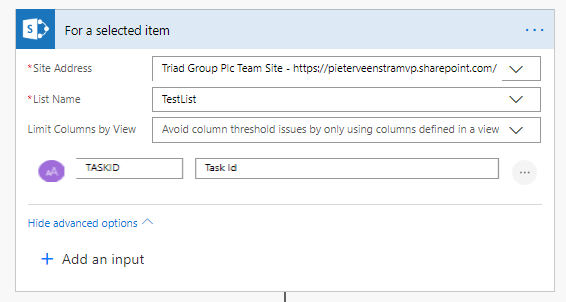
This will add the option to the Flow menu to start the Flow
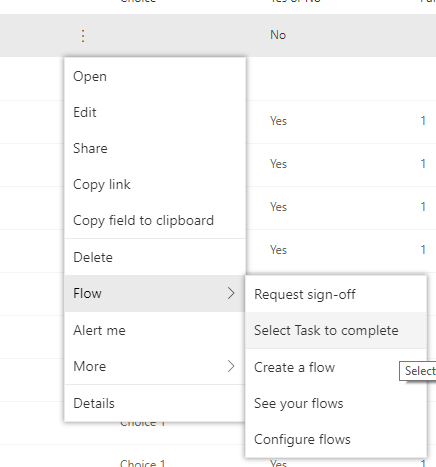
Now when you run the flow it asks for a Task ID

This Id you could now use to find the right item in the list. Not that I started the flow on any of the items in my list and then the actions inside my flow might do things ( e.g. complete a task) on the item that I’ve supplied the details for. Using an Odata filter/query on a Get Items action
Pieter Veenstra

Is your business still running on paper trails, sprawling Excel files, or ageing Access databases? There's a better way — and I can show you exactly what it looks like. I'm the Technical Director of Vantage 365, a Microsoft solutions consultancy working with clients across the UK, the Netherlands, and worldwide. For over 30 years I've been turning messy, manual business processes into clean, automated systems that save time, reduce errors, and give teams the visibility they need to make better decisions. SharePains is not just any blog run by a Microsoft MVP. Have you ever used Try-Catch in Power Automate? The original post about Try-Catch in Power Automate can still be found on this site, https://sharepains.com/2018/02/07/try-catch-finally-in-power-automate-flow/ Or have you ever used the Pieter’s method to avoid variables and speed up your flows? https://sharepains.com/2020/03/11/pieters-method-for-advanced-in-flows/ You can contact me using contact@sharepains.com


For the Option1, when you use search in the list, and if you select to view More results, then you are not able to select a flow on the selected item from the search results. This is very frustrating for users. Also for Option2 (PowerApps interface), how do you deal with large data set handling and performance issues on PowerApps?
Hi Egle,
On filtering the Flow option is available. I will correct my post on this. Thank you for your comment.
On Option 2 you could have a Text Input control that affects a filter function on a gallery.
Can we get the details of flow initiator in powerautomate for a selected item trigger
Yes that is possible