Microsoft has released a new connector in Preview. The Microsoft 365 Self-Help connector can now be used in a Power Automate flow.
The Microsoft 365 Self-Help Connector
The connector is described as:
Microsoft 365 Self-Help connector provides services which can provide api’s to automate self help for customers.Use the self-help solutions for Microsoft 365 product issues. Reduce your organization’s helpdesk cost and provide great customer experience by adopting the same services that power Microsoft Support.
So Microsoft is now making it easier for you to help yourself with all those easy how to questions.
Currently the documentation isn’t available yet, however it is likely to appear in the list of connectors published by Microsoft soon
Time to create an app for my users to ask their questions.
Creating the flow
Before I’m creating an app, I’m going to create the flow in Power Automate.
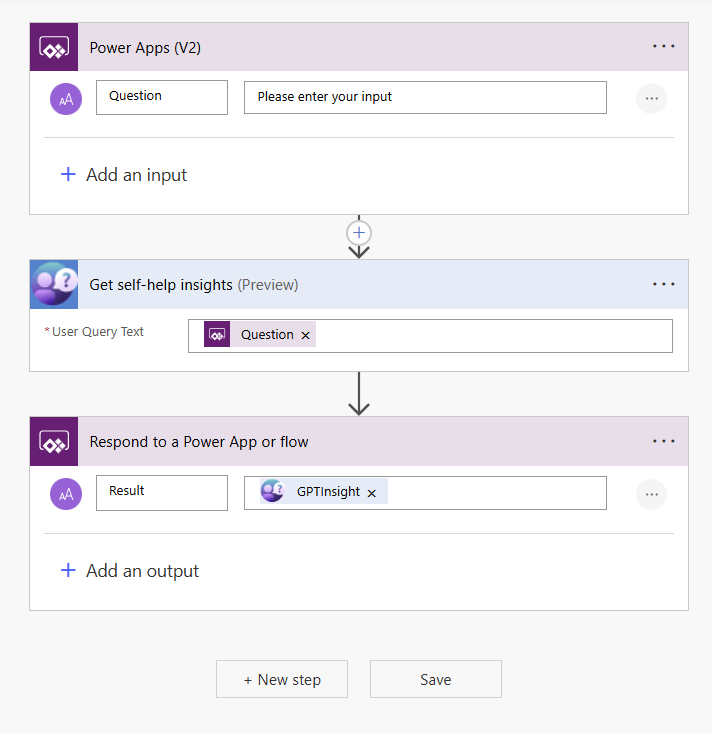
To create the above flow, simply add the Power Apps trigger and a Respond to a Power App or flow step.
Then within the trigger add a question parameter and a result output property.
Then all there is left to do is add the Get Self-Help insight action. and reference the earlier created Question parameter. And that is it!
Creating an app
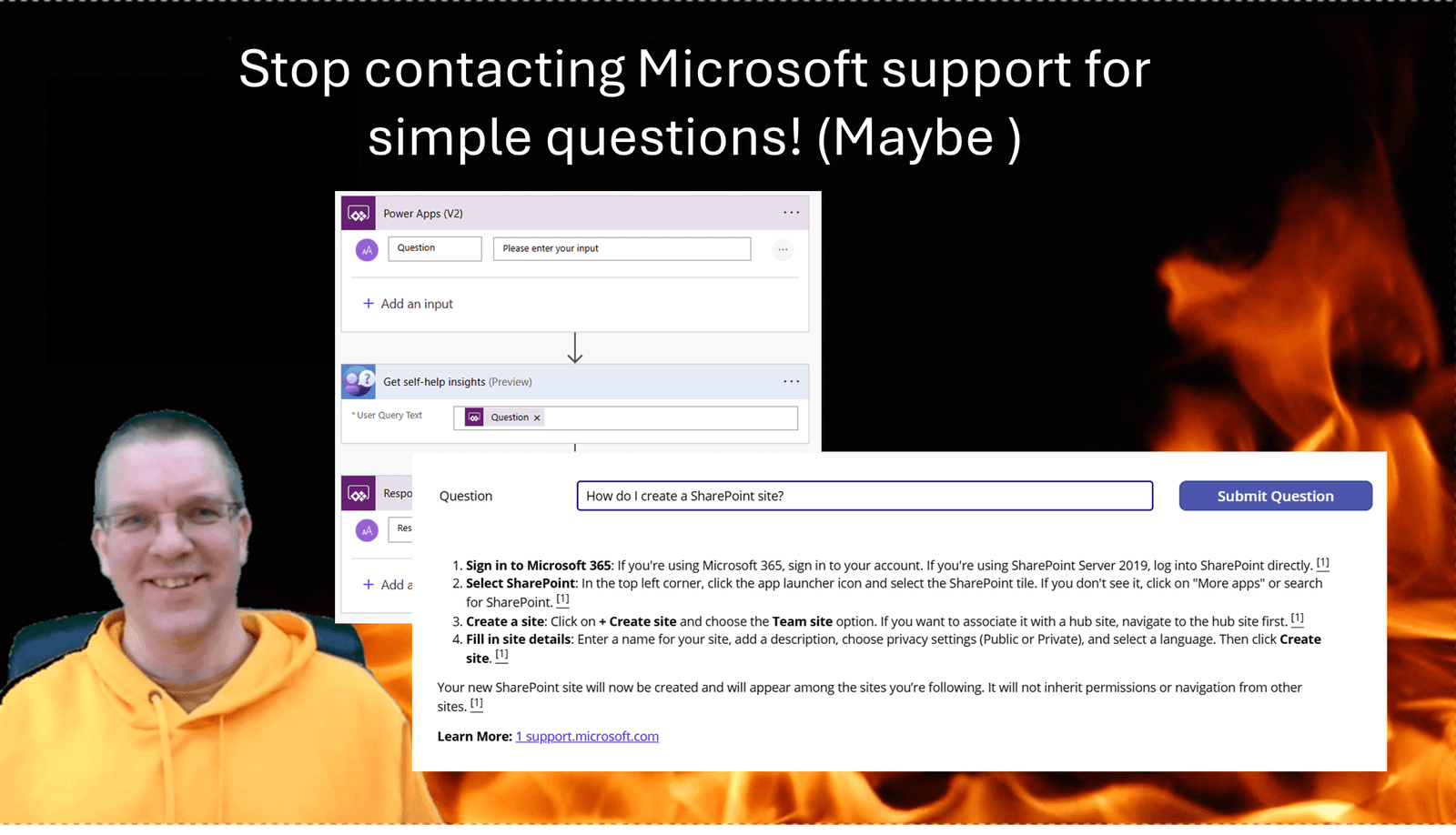
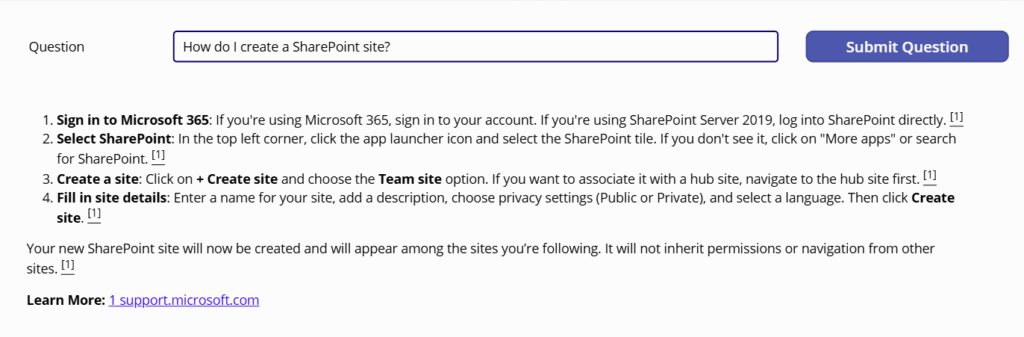
Now creating an app in Power Apps that looks like this will be easy:
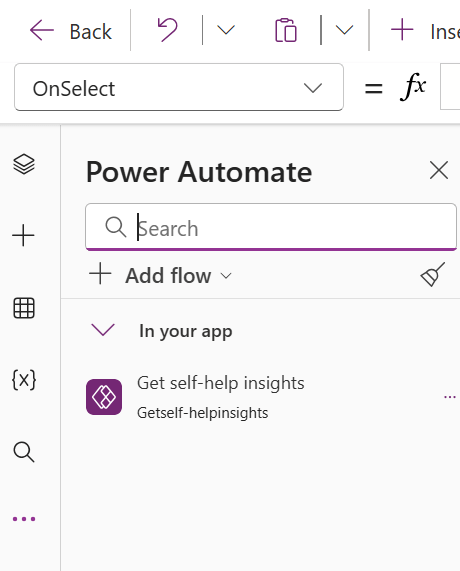
First I’m adding my flow to the app. This will now make it possible to call the flow when I press the submit button.
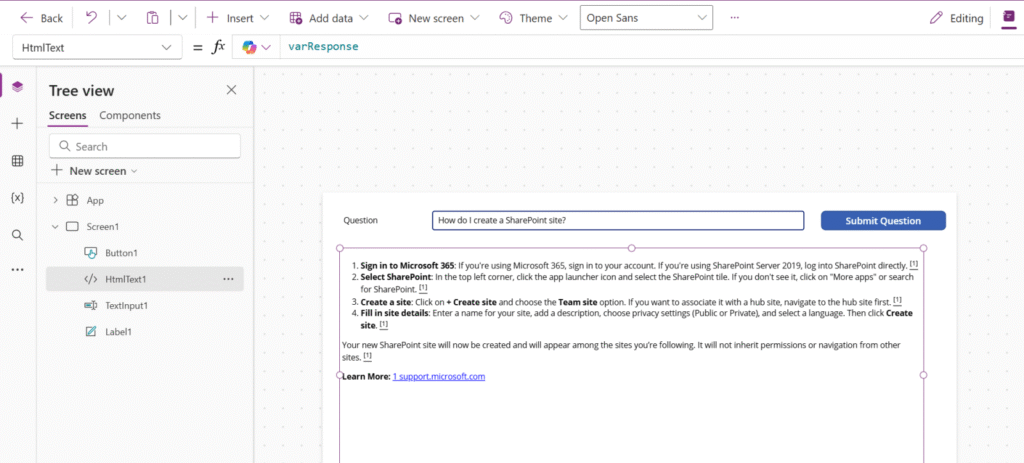
The code on my submit button will set a varResponse variable to the HTML returned by the flow.
Set(varResponse, 'Getself-helpinsights'.Run(TextInput1.Text).result)
Then I added the HTML control which now displays the response within the app.
Now all we need to do is make the app available to users you could add it as a webpart to a SharePoint site or add it to Microsoft Teams.
Pieter Veenstra

Is your business still running on paper trails, sprawling Excel files, or ageing Access databases? There's a better way — and I can show you exactly what it looks like. I'm the Technical Director of Vantage 365, a Microsoft solutions consultancy working with clients across the UK, the Netherlands, and worldwide. For over 30 years I've been turning messy, manual business processes into clean, automated systems that save time, reduce errors, and give teams the visibility they need to make better decisions. SharePains is not just any blog run by a Microsoft MVP. Have you ever used Try-Catch in Power Automate? The original post about Try-Catch in Power Automate can still be found on this site, https://sharepains.com/2018/02/07/try-catch-finally-in-power-automate-flow/ Or have you ever used the Pieter’s method to avoid variables and speed up your flows? https://sharepains.com/2020/03/11/pieters-method-for-advanced-in-flows/ You can contact me using contact@sharepains.com