
Personally I don’t really like working with outlook tasks, but I know that a lot of people do use outlook tasks. In this post I will have a look at creating tasks and completing tasks using Microsoft Flow. All the actions used in the below examples are using the Outlook Tasks connector.
Creating tasks
Creating tasks is easy. Simply use the Create a task action in your flow and you can create tasks.
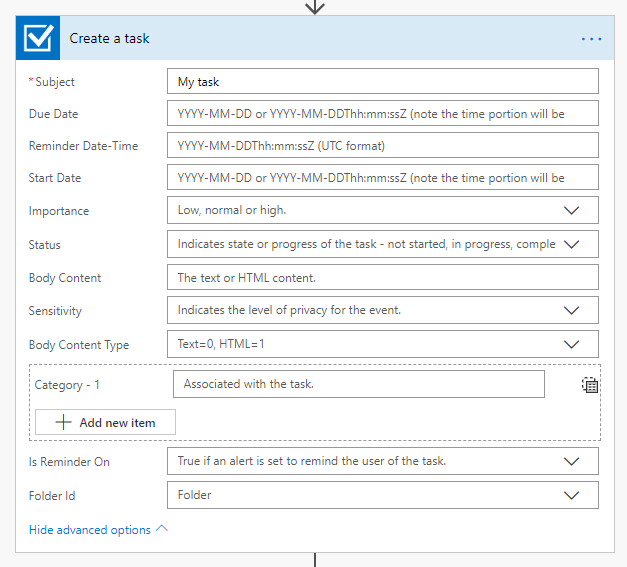
Then to get the existing tasks you can add a list all tasks. There is no filtering option available on this action. Therefore you will need to get all tasks and then select the ones that you might want to do something with.
Completing tasks
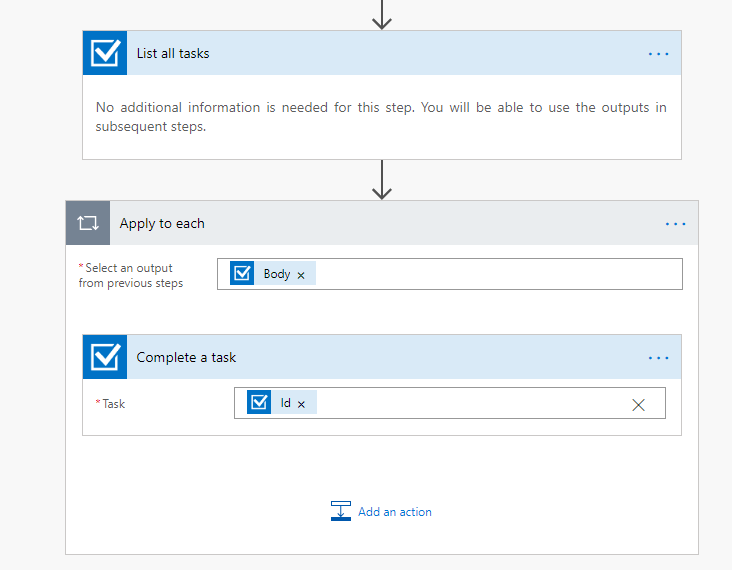
To complete tasks you could use Complete a task action. The below flow will complete all your tasks. Most likely you would want to add a condition here in this flow so that only selected tasks are completed.
Getting the status of a task
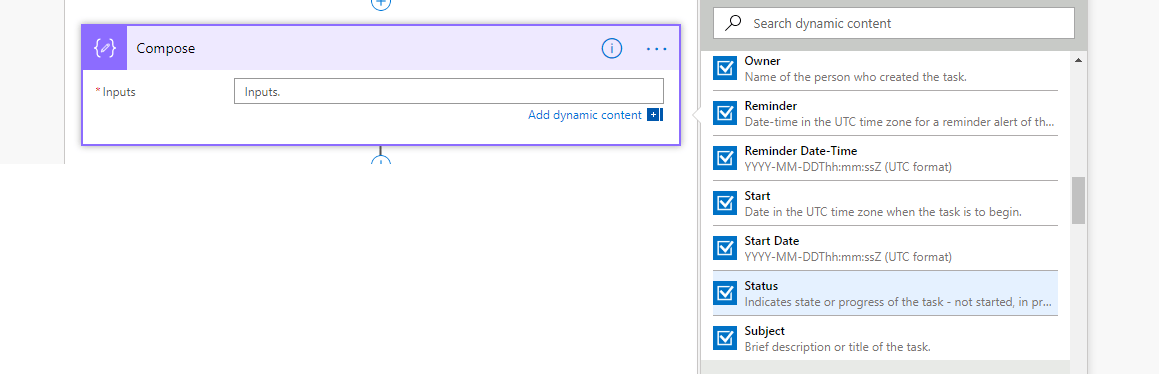
For each task you can get the status (and other information about your task) directly form the dynamic content
Limitations
It isn’t possible to manage someone else’s tasks the user account used when authenticating the connection will be the user whose tasks you can work with. Therefore this will work well for flows that you create yourself but Outlook tasks will be less suitable for general business process generating tasks for users.
Discover more from SharePains
Subscribe to get the latest posts sent to your email.
Pieter Veenstra

Is your business still running on paper trails, sprawling Excel files, or ageing Access databases? There's a better way — and I can show you exactly what it looks like. I'm the Technical Director of Vantage 365, a Microsoft solutions consultancy working with clients across the UK, the Netherlands, and worldwide. For over 30 years I've been turning messy, manual business processes into clean, automated systems that save time, reduce errors, and give teams the visibility they need to make better decisions. SharePains is not just any blog run by a Microsoft MVP. Have you ever used Try-Catch in Power Automate? The original post about Try-Catch in Power Automate can still be found on this site, https://sharepains.com/2018/02/07/try-catch-finally-in-power-automate-flow/ Or have you ever used the Pieter’s method to avoid variables and speed up your flows? https://sharepains.com/2020/03/11/pieters-method-for-advanced-in-flows/ You can contact me using contact@sharepains.com
Hello, i do not know when was this published, but i would like to ask if this limitation about managing or creating task dynamically or to someone else´s still present with power automate.
I´ve created an approval workflow but i would like to create a task in Outlook about what documents you have to approve or you have pending to approve.
thanks for your answer.
Hi Diego, yes that limitation still exists within Power Automate. Maybe there is an option in Microsoft Graph, but that would need investigating.