
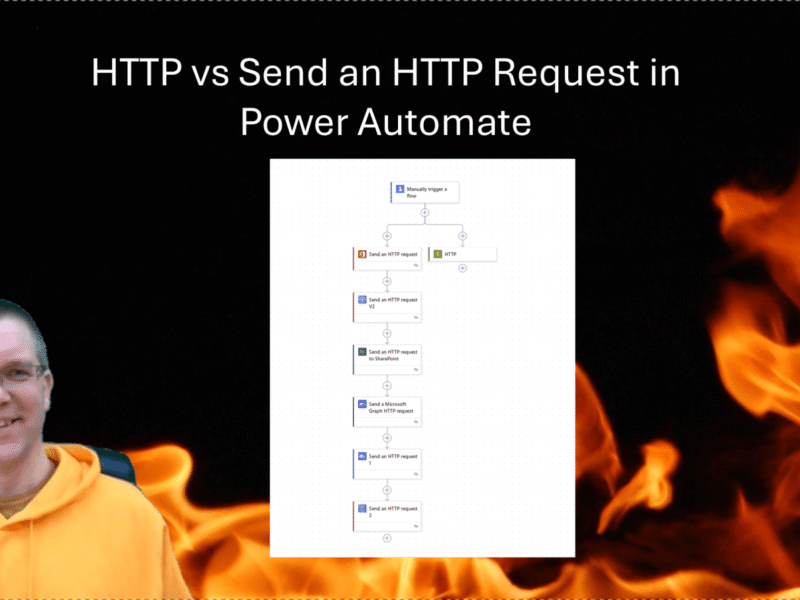
HTTP vs Send an HTTP Request in Power Automate
One of my favourite actions in Power Automate is the HTTP action. However it is premium, while for a lot of the Graph API endpoints there are standard actions available.
HTTP vs Send an HTTP Request in Power Automate
One of my favourite actions in Power Automate is the HTTP action. However it is premium, while for a lot of the Graph API endpoints there are standard actions available.
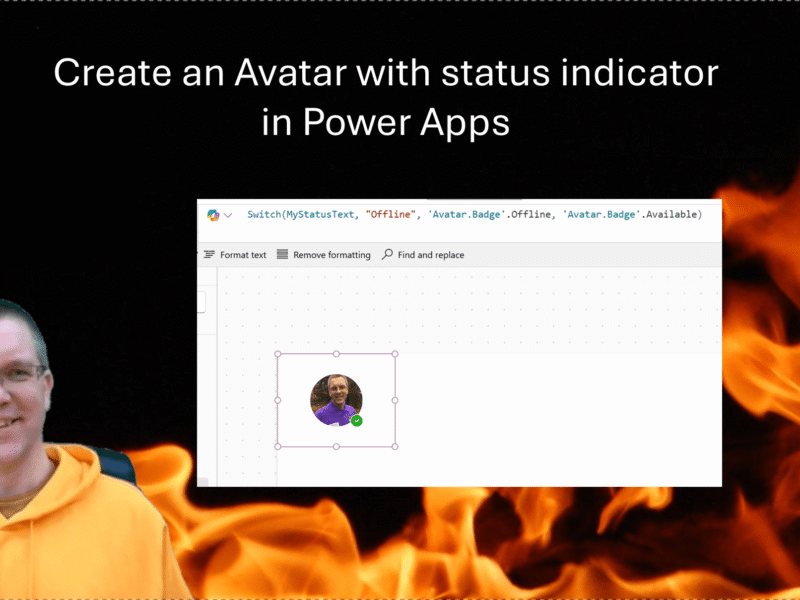
How can we get the modern Avatar control to use the Microsoft Teams’ presence to set its status indicator? One of the modern controls is
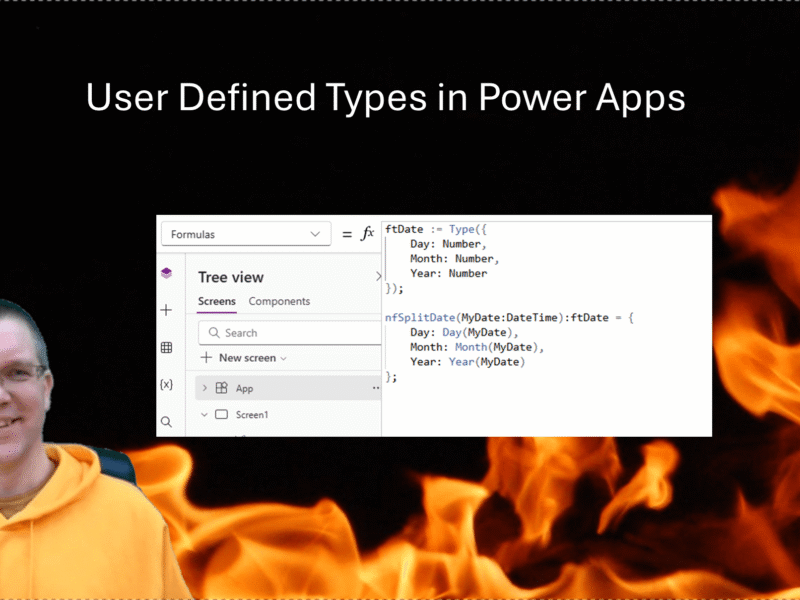
Recently I already mentioned Named Formulas and User Defined Functions in my posts. Today I’m looking at User Defined Types.
After my post about Encrypting Rich Text fields in Power Apps that store their data in SQL server now the promised decryption code in this post as well.
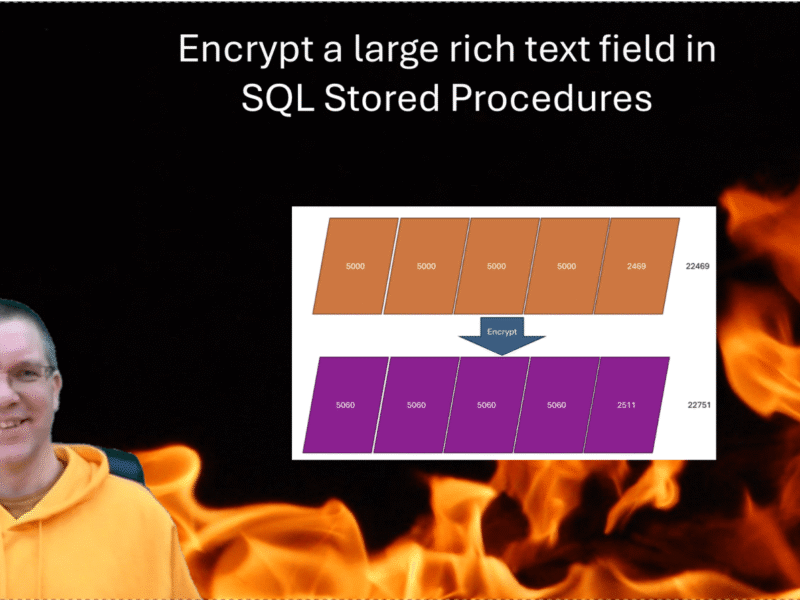
Recently I have done a lot of work with SQL Stored Procedures in Power Apps. But what do you do if you want to have some fields encrypted in your SQL database. In this post how to Encrypt and decrypt using stored procedures.