
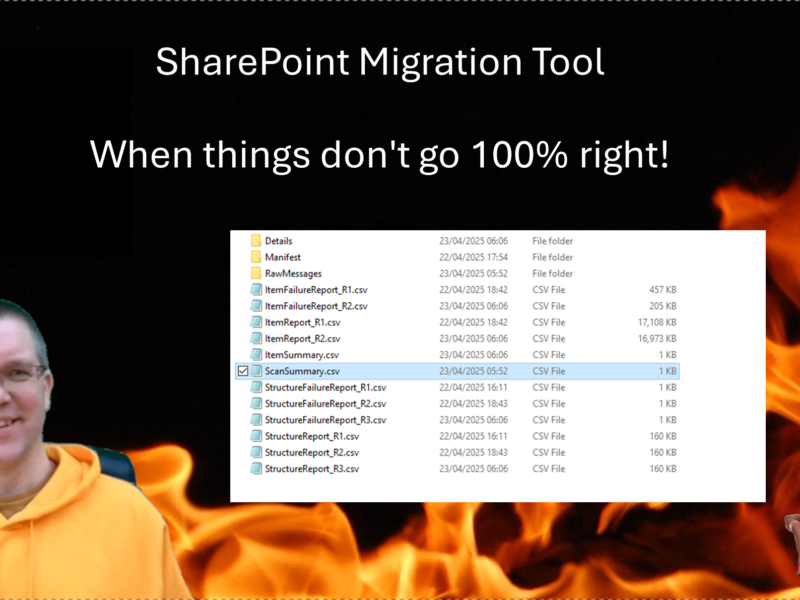
Quite a while ago I wrote an introduction post about the SharePoint Migration Tool. Recently I found myself doing a couple of migrations and found
Latest posts on SharePains

Many to Many relationships can be painful in Canvas Apps . In this post I’m looking at how we can work with many to many relationships in Power Apps. I will cover the creation of the relationships, updating the relationships and querying the relationships.
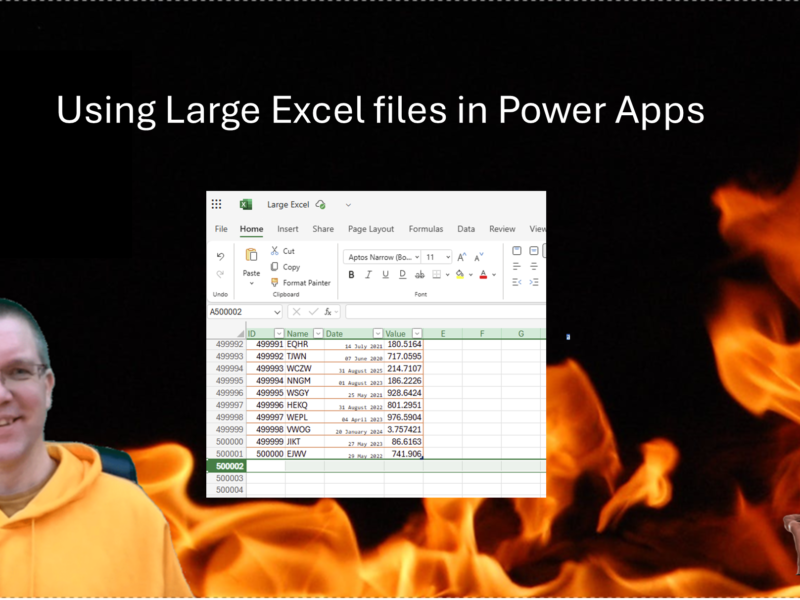
We all know that Excel isn’t a good place to store your Power Apps data in. Still way to often developers use large Excel files for their Power apps data. But why is Excel not a good data source? Why do people still use it? And why are Excel files supported as datasources in Power apps? What are the limitations that we need to consider?

What can be easier than the OnChange event in Power Apps? When a user selects or types a new value for a control we can configure our app to do something. But what if that OnChange event triggers at the wrong time?

In Power Apps there is sometimes a need to select a property dynamically. You get the name of the property from ,for example, a dropdown, and now you want to retrieve the value of that property in a record.
Load More