
Today I tried to create a new team site and I first noticed a slightly different message once my site ‘finished’ created.
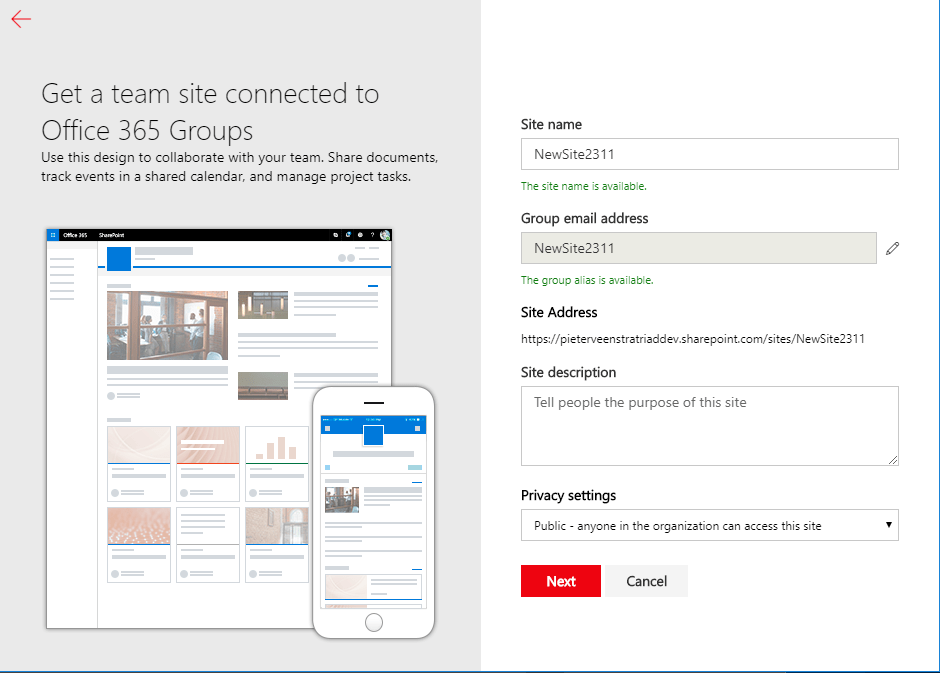
So I clicked on Next
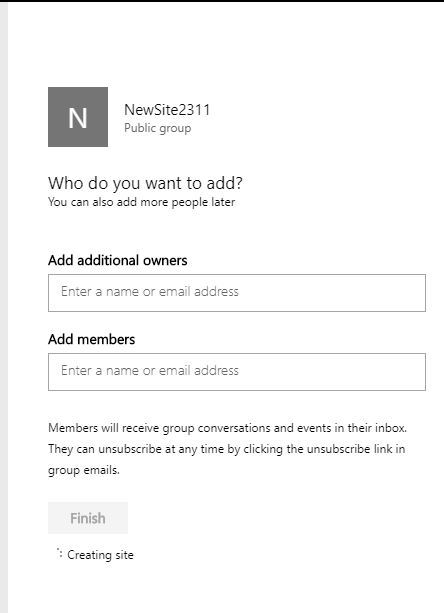
Waiting for the creating site to disappear:
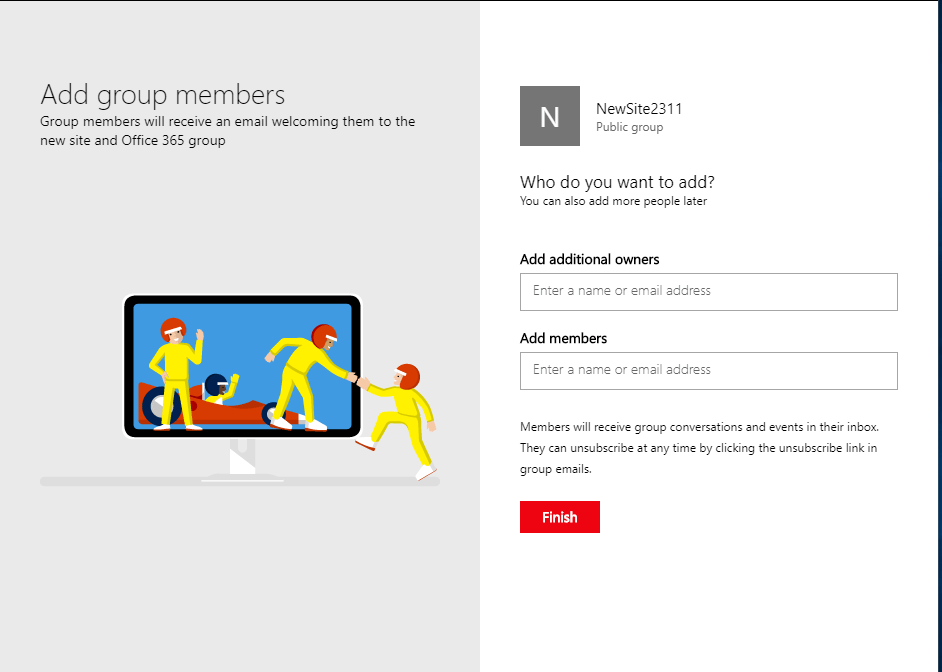
And now as I clicked on Finish, I got the following:

I now can’t find my team site for quite a while and the above screen is a dead end. No links! Nothing to navigate anywhere.
Not within the admin center:
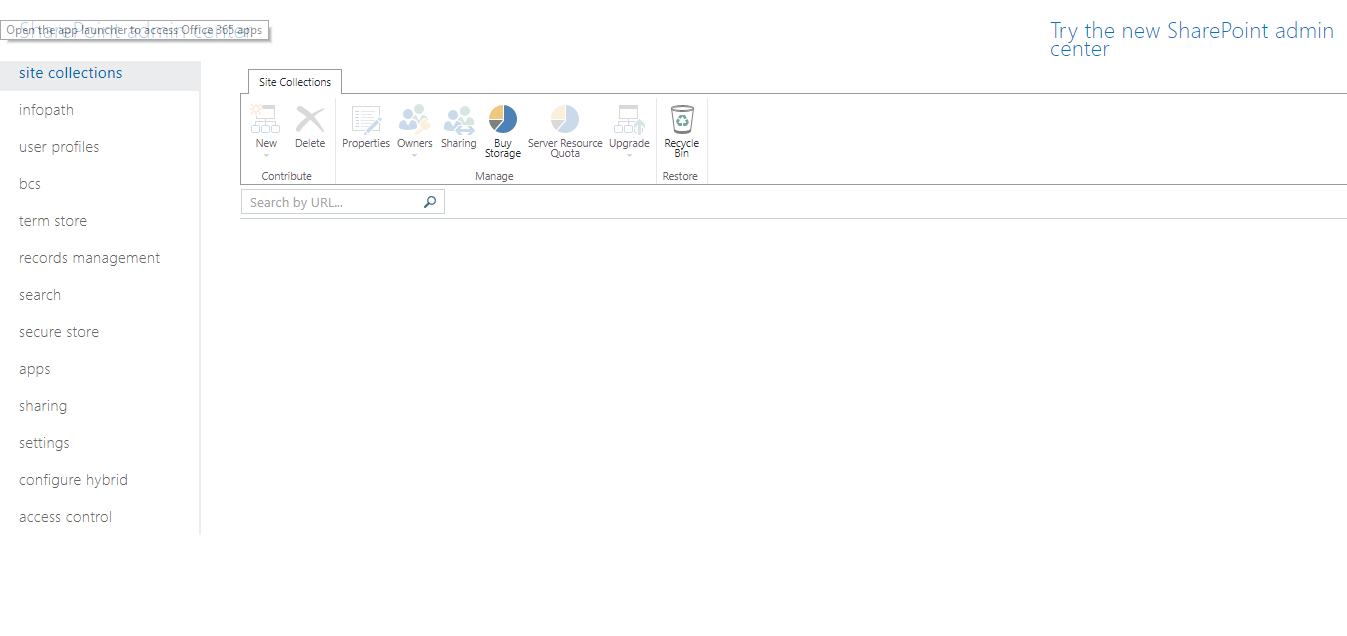
Wow, this is worrying, I don’t have any site collections here anymore!
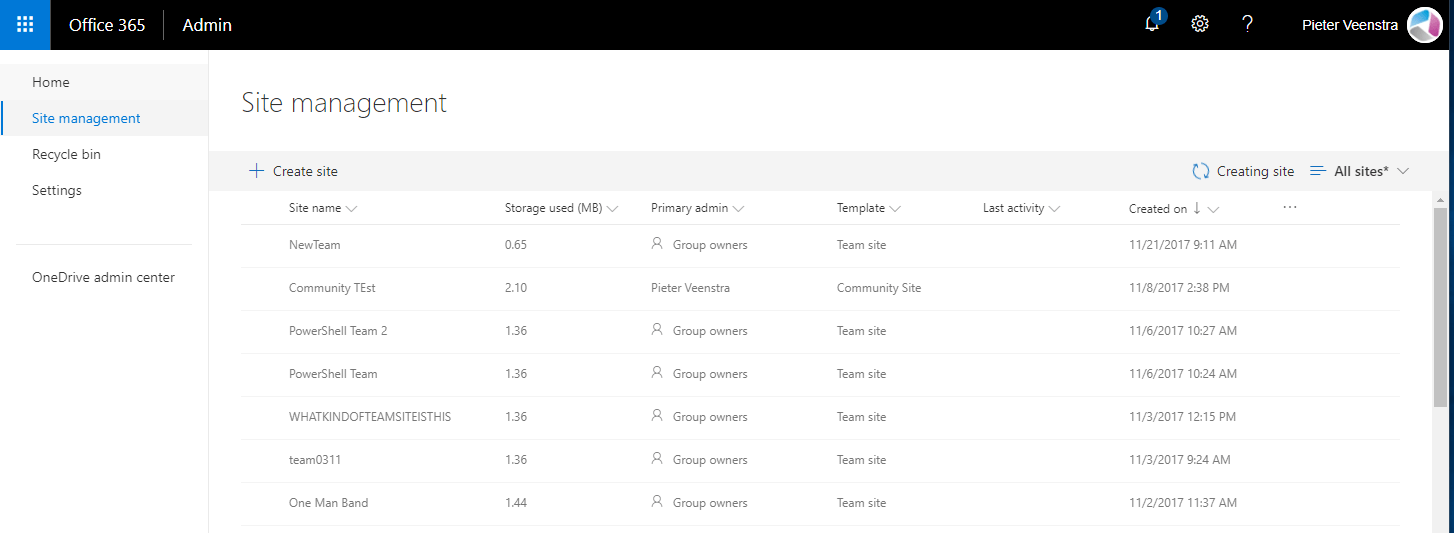
So I tried the updated preview Admin Center and it is not there either:
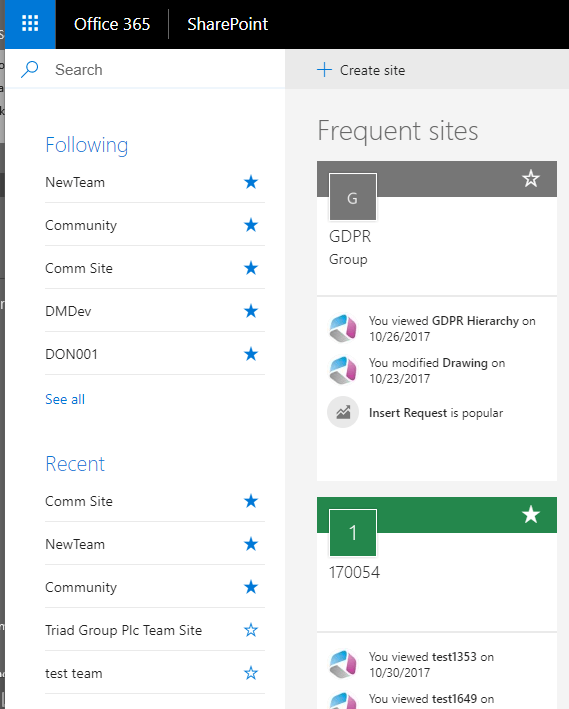
And not in SharePoint home:
Pieter Veenstra

Is your business still running on paper trails, sprawling Excel files, or ageing Access databases? There's a better way — and I can show you exactly what it looks like. I'm the Technical Director of Vantage 365, a Microsoft solutions consultancy working with clients across the UK, the Netherlands, and worldwide. For over 30 years I've been turning messy, manual business processes into clean, automated systems that save time, reduce errors, and give teams the visibility they need to make better decisions. SharePains is not just any blog run by a Microsoft MVP. Have you ever used Try-Catch in Power Automate? The original post about Try-Catch in Power Automate can still be found on this site, https://sharepains.com/2018/02/07/try-catch-finally-in-power-automate-flow/ Or have you ever used the Pieter’s method to avoid variables and speed up your flows? https://sharepains.com/2020/03/11/pieters-method-for-advanced-in-flows/ You can contact me using contact@sharepains.com


I think your blank site collection was a problem with Microsoft yesterday, as 3 tenants I checked didn’t show up any site collections for about 4 hours. Also prevented me from creating a site collection via powershell. Seemed to be ok by 3pm UK times yesterday.
Half way through the afternoon(uk time) this was fixed and working again. Thanks for your comment.
No matter if you had IT issues in UK datacenter — wouldn’t new O365 Group based SPO sides not rather show up in “Admin Group panel of O365” instead of SPO Management console anyhow? just checking
Potentially they should have shown up in both groups and sites.