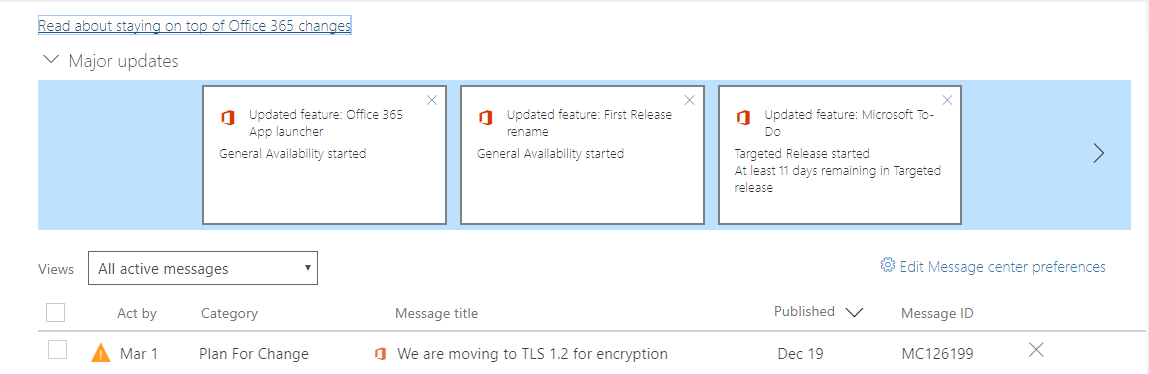
We are moving to TLS 1.2 for encryptionMC126199Plan For ChangePublished On : 19 December 2017Action required by 1 March 2018
To provide best-in-class encryption, and to ensure our service is more secure by default, we are moving all of our online services to Transport Layer Security (TLS) 1.2+. As a result, we will be removing support for TLS versions less than 1.2 from our online services, beginning March 1, 2018.
How does this affect me?Starting on March 1, 2018, all client-server and browser-server combinations must use TLS 1.2 or later protocol versions to be able to connect without issues to Office 365 services. This may require certain client-server and browser-server combinations to be updated. Although current analysis of connections to Microsoft Online services shows that very few customers still use TLS 1.0 and 1.1, we are providing notice of this change so that you can update any affected clients or servers as necessary before support for TLS 1.0 and 1.1 is disabled. If you are using any on-premises infrastructure for hybrid scenarios or Active Directory Federation Services, make sure that these infrastructures can support both inbound and outbound connections that use TLS 1.2.
What do I need to do to prepare for this change?We recommend you proactively address weak TLS usage by removing TLS 1.0/1.1 dependencies in your environments and disabling TLS 1.0/1.1 at the operating system level where possible. Begin planning your migration to TLS 1.2+, today. Please click Additional Information to learn more.
Pieter Veenstra

Is your business still running on paper trails, sprawling Excel files, or ageing Access databases? There's a better way — and I can show you exactly what it looks like. I'm the Technical Director of Vantage 365, a Microsoft solutions consultancy working with clients across the UK, the Netherlands, and worldwide. For over 30 years I've been turning messy, manual business processes into clean, automated systems that save time, reduce errors, and give teams the visibility they need to make better decisions. SharePains is not just any blog run by a Microsoft MVP. Have you ever used Try-Catch in Power Automate? The original post about Try-Catch in Power Automate can still be found on this site, https://sharepains.com/2018/02/07/try-catch-finally-in-power-automate-flow/ Or have you ever used the Pieter’s method to avoid variables and speed up your flows? https://sharepains.com/2020/03/11/pieters-method-for-advanced-in-flows/ You can contact me using contact@sharepains.com