
After a bit of a quiet week so far on my blog, now a post that hits multiple Applications. Microsoft Teams, Microsoft Forms and SharePoint.
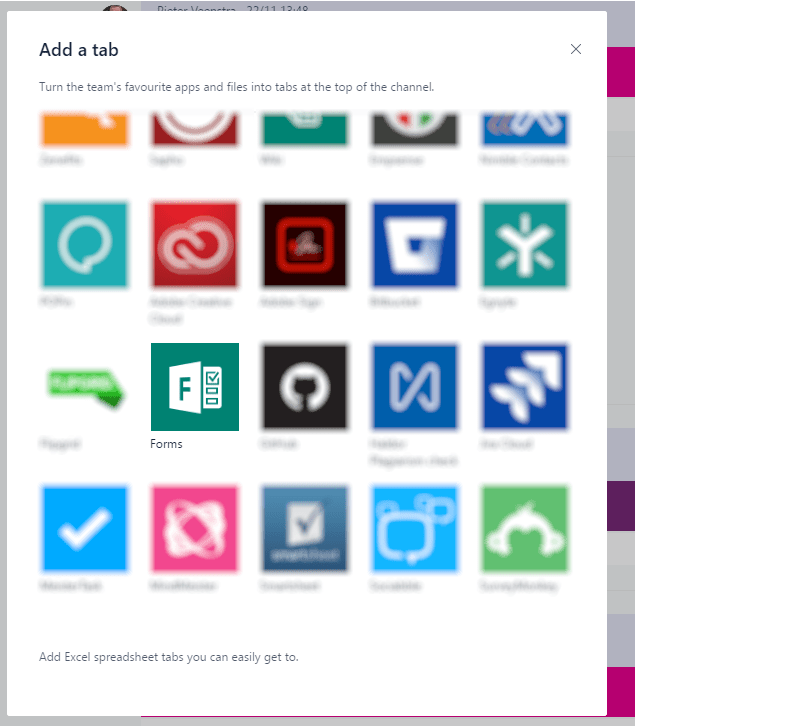
It all starts by adding a new tab to a Channel in Microsoft Teams:
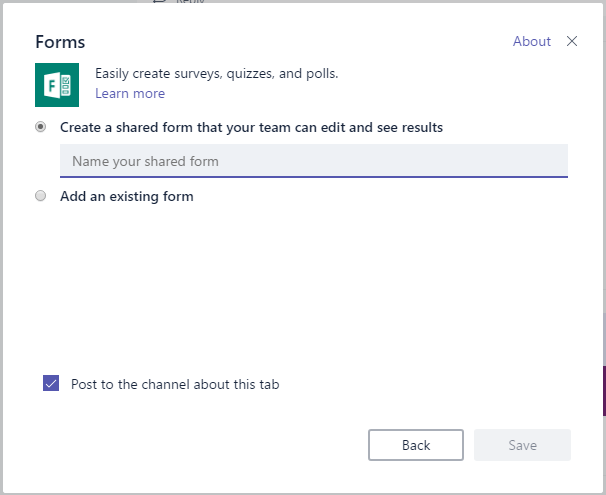
Then give your form a name (you might have to log into Microsoft Teams now):
Now a form can be created

Once the form has been made available to the rest of the team it will appear int eh Recent group forms

Pieter Veenstra

Is your business still running on paper trails, sprawling Excel files, or ageing Access databases? There's a better way — and I can show you exactly what it looks like. I'm the Technical Director of Vantage 365, a Microsoft solutions consultancy working with clients across the UK, the Netherlands, and worldwide. For over 30 years I've been turning messy, manual business processes into clean, automated systems that save time, reduce errors, and give teams the visibility they need to make better decisions. SharePains is not just any blog run by a Microsoft MVP. Have you ever used Try-Catch in Power Automate? The original post about Try-Catch in Power Automate can still be found on this site, https://sharepains.com/2018/02/07/try-catch-finally-in-power-automate-flow/ Or have you ever used the Pieter’s method to avoid variables and speed up your flows? https://sharepains.com/2020/03/11/pieters-method-for-advanced-in-flows/ You can contact me using contact@sharepains.com


Thank you for blogging about this – I think having the ability to add a Form via a tab in our Team is great! However, when you create a Form from within the add a tab process (as opposed to adding an existing form) and you test it with a few responses, it then pings the channel repeatedly with a summary of responses burying other important threads.
How can I turn that off? And is there any way to delete those messages from the flooded channel?
Hi Lucinda,
Thank you for your comment. I’ve not seen that in my environment.
I’m only seeing the single announcement of the form’s existence
Can you send me a screenshot of your channel?
Are you sure you didn’t configure a channel connector for the Form too? That will post a daily summary of new responses into your channel, like you described.
As for deleting existing posts, this is possible if you’re group owner and if the option has been enabled in the O365 Admin Center.
Thanks, Hal – you were spot on! Some time had passed so I missed that little detail about the connector. LOL
However, as to deleting: it is enabled at the tenant in the Admin center, but the option to delete is not available in the app or online. Any other suggestions on that?
Thanks again! At least it has now stopped spamming the channel.