
Performance issues, pages are loading very slowly
One of my customers has been complaining that pages are loading very slowly in SharePoint 2013 site. Today I investigated this and I found the following Critical error in my ULS logs:
A certificate validation operation took 15002.1773 milliseconds and has exceeded the execution time threshold. If this continues to occur, it may represent a configuration issue. Please see http://go.microsoft.com/fwlink/?LinkId=246987 for more details.
15 seconds!!!!
I then found this article (http://support.microsoft.com/kb/2625048)
Yes my customer has proxy settings configured in their environment. So I might be lucky. I chose to go for option 1 as I don’t like disabling things. There is a reason why things are put in place.
Your solution
I first create my certificate:
$rootCert = (Get-SPCertificateAuthority).RootCertificate
$rootCert.Export("Cert") | Set-Content C:\SharePointRootAuthority.cer -Encoding byte
So now I have my SharePoint root certificate.
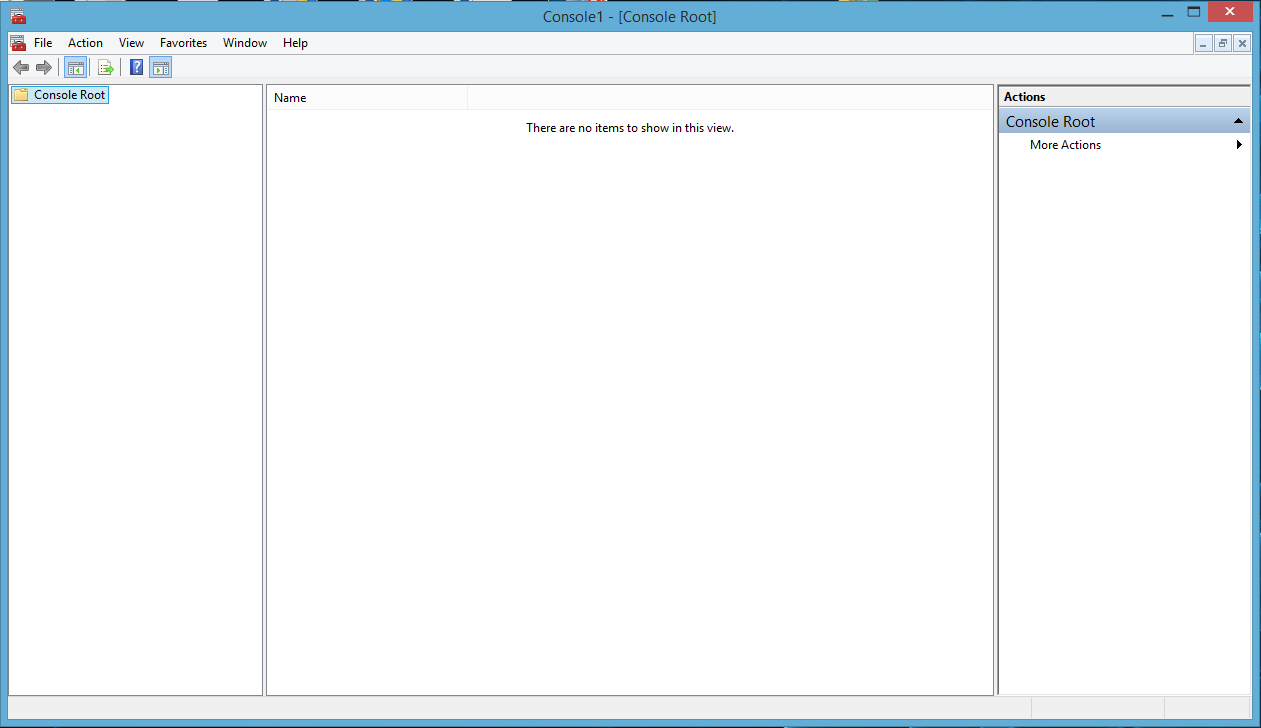
- Tap or click Start, type mmc in Start search, and then press Enter
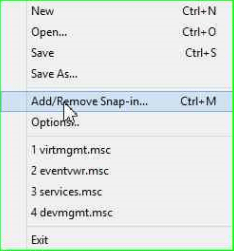
- On the File menu, click Add/Remove Snap-in.
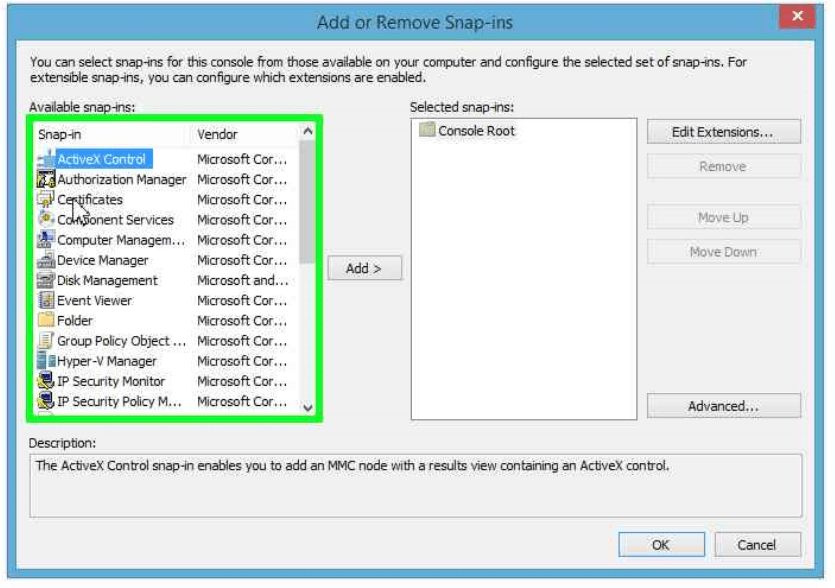
- Under Available snap-ins, click Certificates, and then click Add.
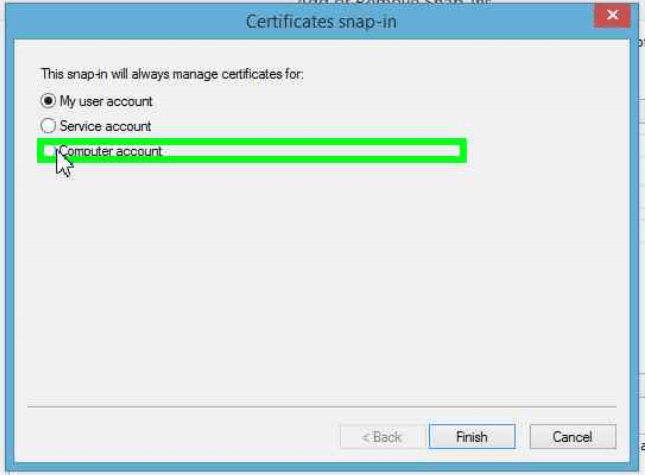
- Under This snap-in will always manage certificates for, select Computer account, and then click Next.
- Select Local computer, and then click Finish.
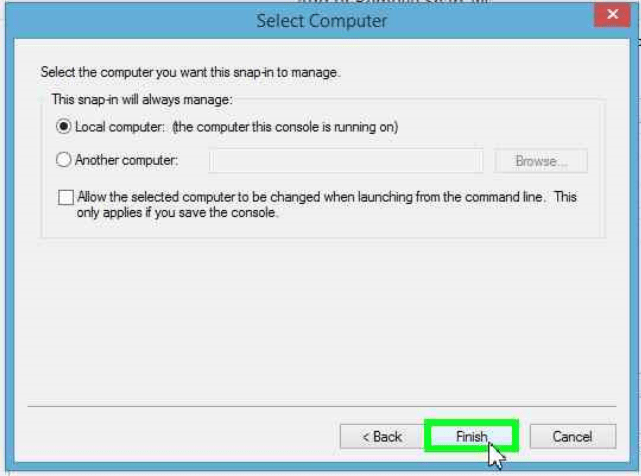
- In the console tree, double-click Certificates.
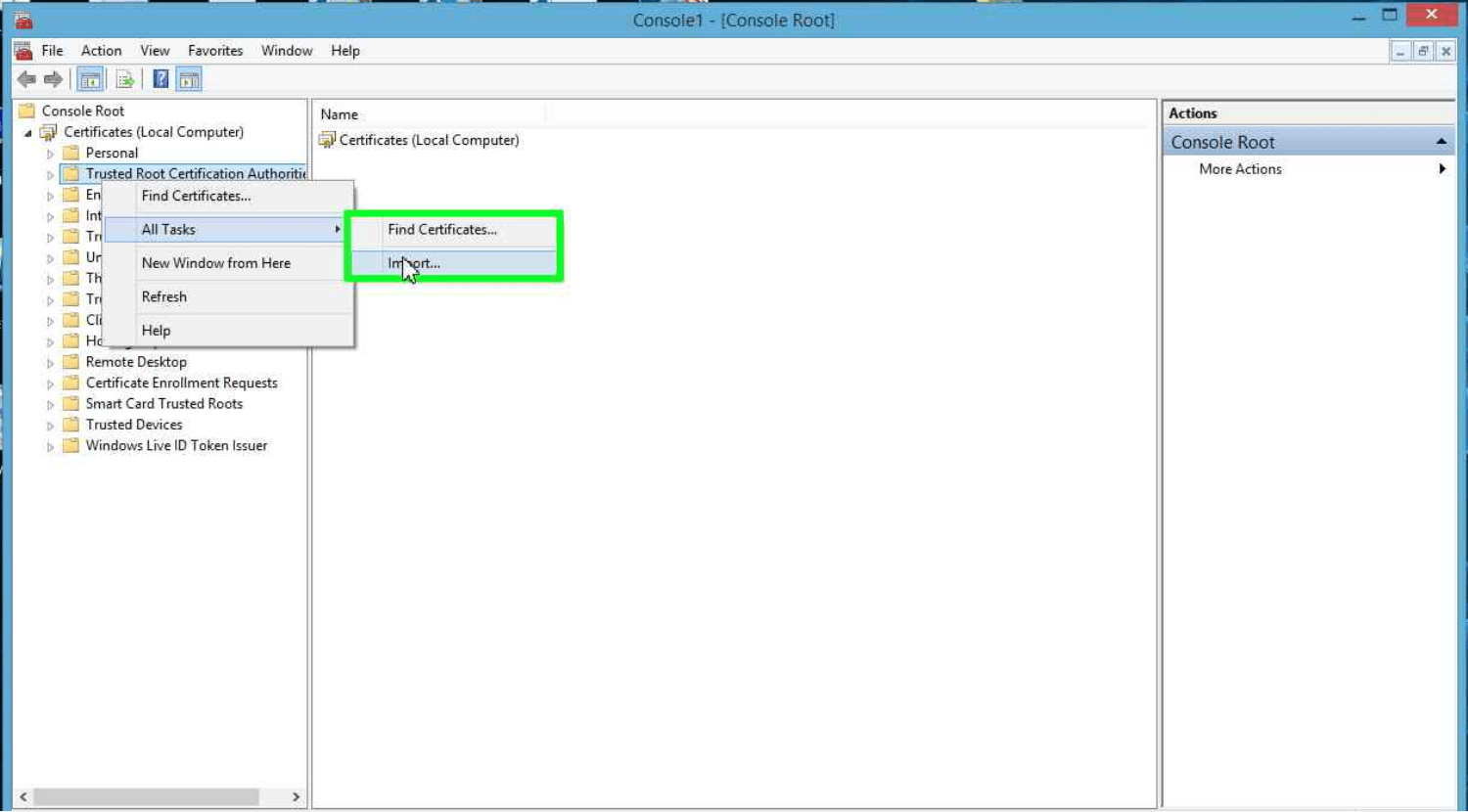
- Right-click the Trusted Root Certification Authorities store.
- Click All Tasks, click Import to import the certificate, and then follow the steps in the Certificate Import Wizard.
Now I’m loading my site again and things are a lot faster.
Discover more from SharePains
Subscribe to get the latest posts sent to your email.
Pieter Veenstra

Is your business still running on paper trails, sprawling Excel files, or ageing Access databases? There's a better way — and I can show you exactly what it looks like. I'm the Technical Director of Vantage 365, a Microsoft solutions consultancy working with clients across the UK, the Netherlands, and worldwide. For over 30 years I've been turning messy, manual business processes into clean, automated systems that save time, reduce errors, and give teams the visibility they need to make better decisions. SharePains is not just any blog run by a Microsoft MVP. Have you ever used Try-Catch in Power Automate? The original post about Try-Catch in Power Automate can still be found on this site, https://sharepains.com/2018/02/07/try-catch-finally-in-power-automate-flow/ Or have you ever used the Pieter’s method to avoid variables and speed up your flows? https://sharepains.com/2020/03/11/pieters-method-for-advanced-in-flows/ You can contact me using contact@sharepains.com