

It’s quite an old problem, when you use Power Automate for many connectors when you push them hard enough you will get throttled. How do we avoid throttling from happening.
Author: Pieter Veenstra
Is your business still running on paper trails, sprawling Excel files, or ageing Access databases? There's a better way — and I can show you exactly what it looks like.
I'm the Technical Director of Vantage 365, a Microsoft solutions consultancy working with clients across the UK, the Netherlands, and worldwide.
For over 30 years I've been turning messy, manual business processes into clean, automated systems that save time, reduce errors, and give teams the visibility they need to make better decisions.
SharePains is not just any blog run by a Microsoft MVP. Have you ever used Try-Catch in Power Automate? The original post about Try-Catch in Power Automate can still be found on this site, https://sharepains.com/2018/02/07/try-catch-finally-in-power-automate-flow/
Or have you ever used the Pieter’s method to avoid variables and speed up your flows? https://sharepains.com/2020/03/11/pieters-method-for-advanced-in-flows/
You can contact me using contact@sharepains.com
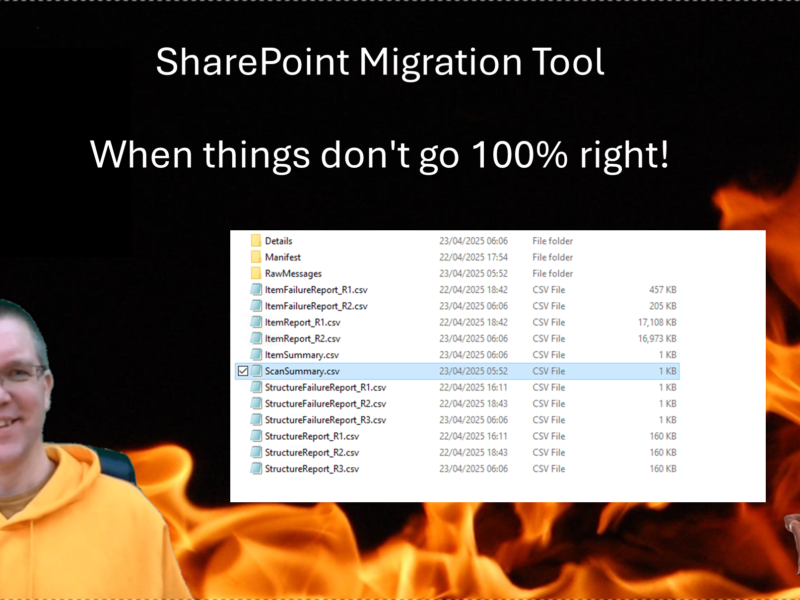
Quite a while ago I wrote an introduction post about the SharePoint Migration Tool. Recently I found myself doing a couple of migrations and found

Many to Many relationships can be painful in Canvas Apps . In this post I’m looking at how we can work with many to many relationships in Power Apps. I will cover the creation of the relationships, updating the relationships and querying the relationships.
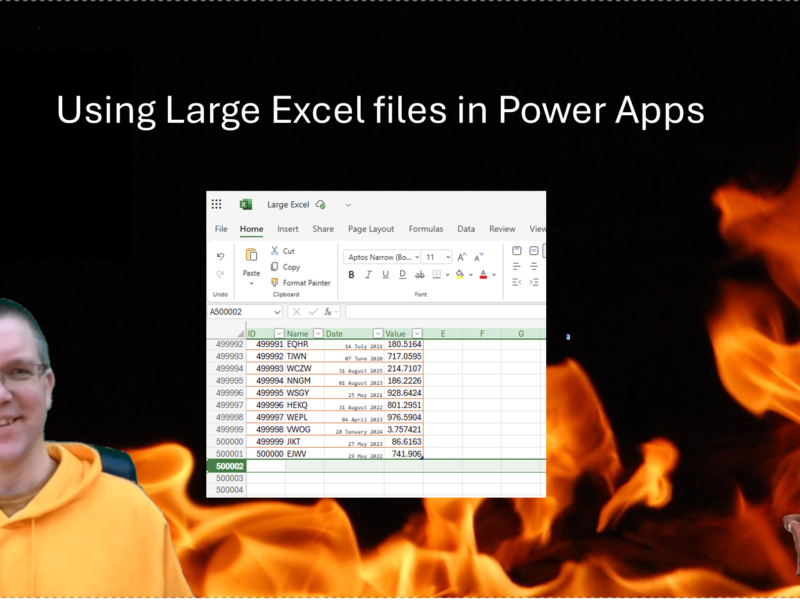
We all know that Excel isn’t a good place to store your Power Apps data in. Still way to often developers use large Excel files for their Power apps data. But why is Excel not a good data source? Why do people still use it? And why are Excel files supported as datasources in Power apps? What are the limitations that we need to consider?

What can be easier than the OnChange event in Power Apps? When a user selects or types a new value for a control we can configure our app to do something. But what if that OnChange event triggers at the wrong time?
Load More