
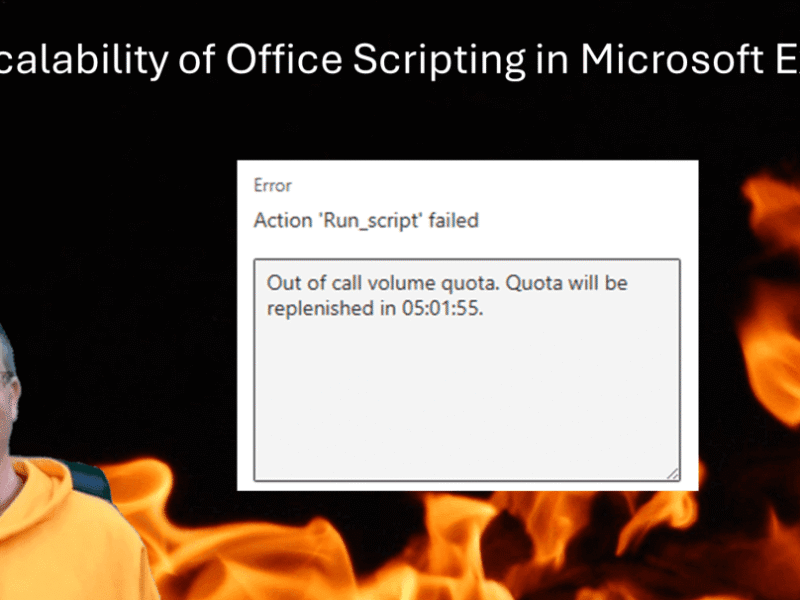
Today’s post is all about the scalability of Office Scripting in Microsoft Excel using the Run Script action in Power Automate. Do you know the limitations for solutions based on Office Scripting?
Category: Microsoft 365
All Microsoft 365 posts
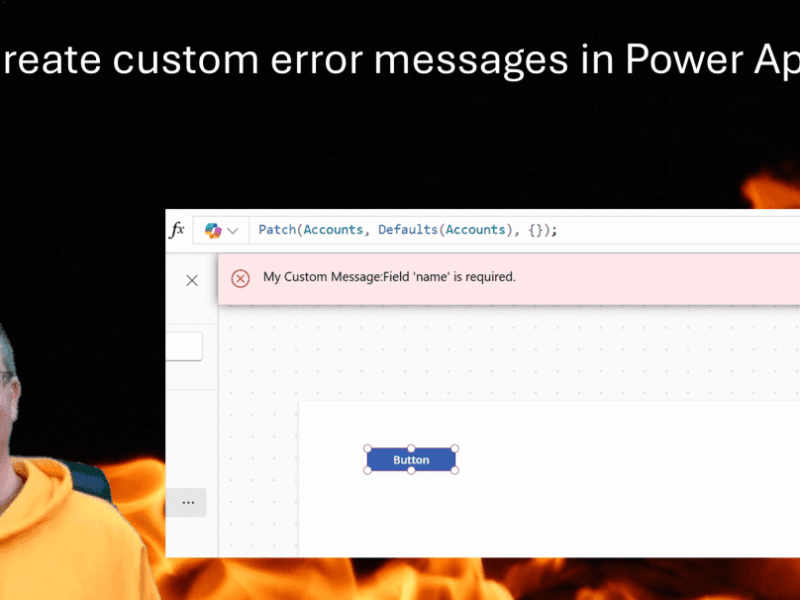
We’ve all seen those error messages that don’t make any sense. Have you ever wanted to replace an error messages with your own custom error messages?

My WordPress blog SharePains.com has been running on WordPress for a very long time now, and with so many posts it is a real challenge to make sure that there aren’t any broken links and other issues in any of the posts.
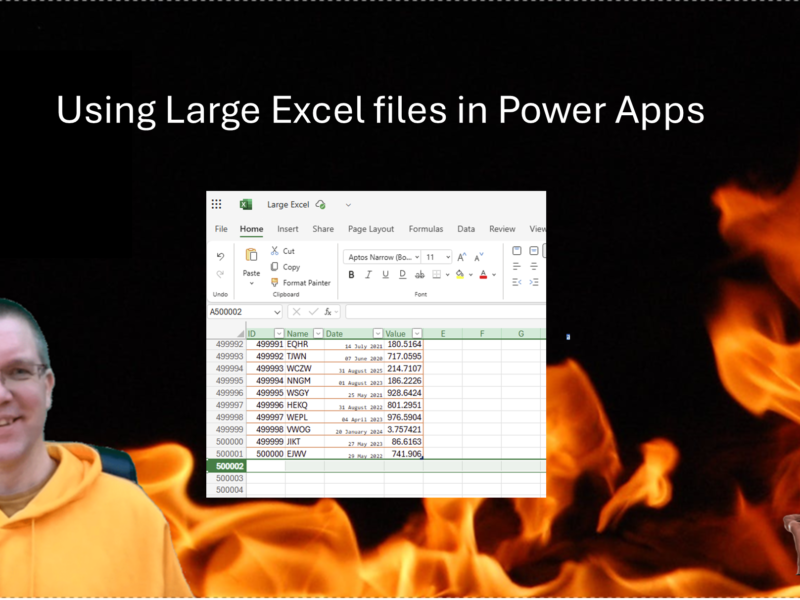
We all know that Excel isn’t a good place to store your Power Apps data in. Still way to often developers use large Excel files for their Power apps data. But why is Excel not a good data source? Why do people still use it? And why are Excel files supported as datasources in Power apps? What are the limitations that we need to consider?

What can be easier than the OnChange event in Power Apps? When a user selects or types a new value for a control we can configure our app to do something. But what if that OnChange event triggers at the wrong time?
Load More