

For quite a few years now I’ve promoted the Try-Catch error handling pattern. But there is a new approach on its way with the Flow
Tag: Power Automate

Enabling a SharePoint feature from a flow in Power Automate is easy, but how do you deactivate features? Activate a feature in SharePoint I’ve got

Today, I found 4 new undocumented functions in Power Automate Why Encode Xml? First of all, why would we need to encode xml? Sometimes characters

In Power Automate, it has always been a good habit to rename actions so that other developers can understand your flows as well. Finding Actions
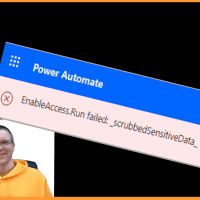
Today I hit one of those unclear error messages in Power Automate. All I got was Flowname.Run failed: _scrubbedSensitiveData_. What does that mean? The setup
Load More