
In my previous post I mentioned how to create the record center. Then I looked at the different elements in the record center. Now the final part of this series will look at how to manage the record center itself.
In this series I will look at
Manage Records Center
I’m starting with the menu option to get to manage the records center.
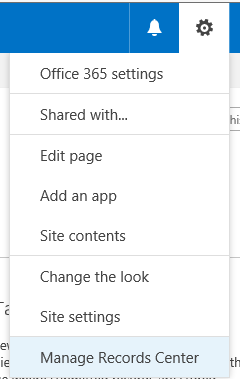
The Manage Records Center option gets you to the settings screen for the Records Center. Not a lot has changed here in Office 365 but to keep my post on the records center complete I’m going through the options.
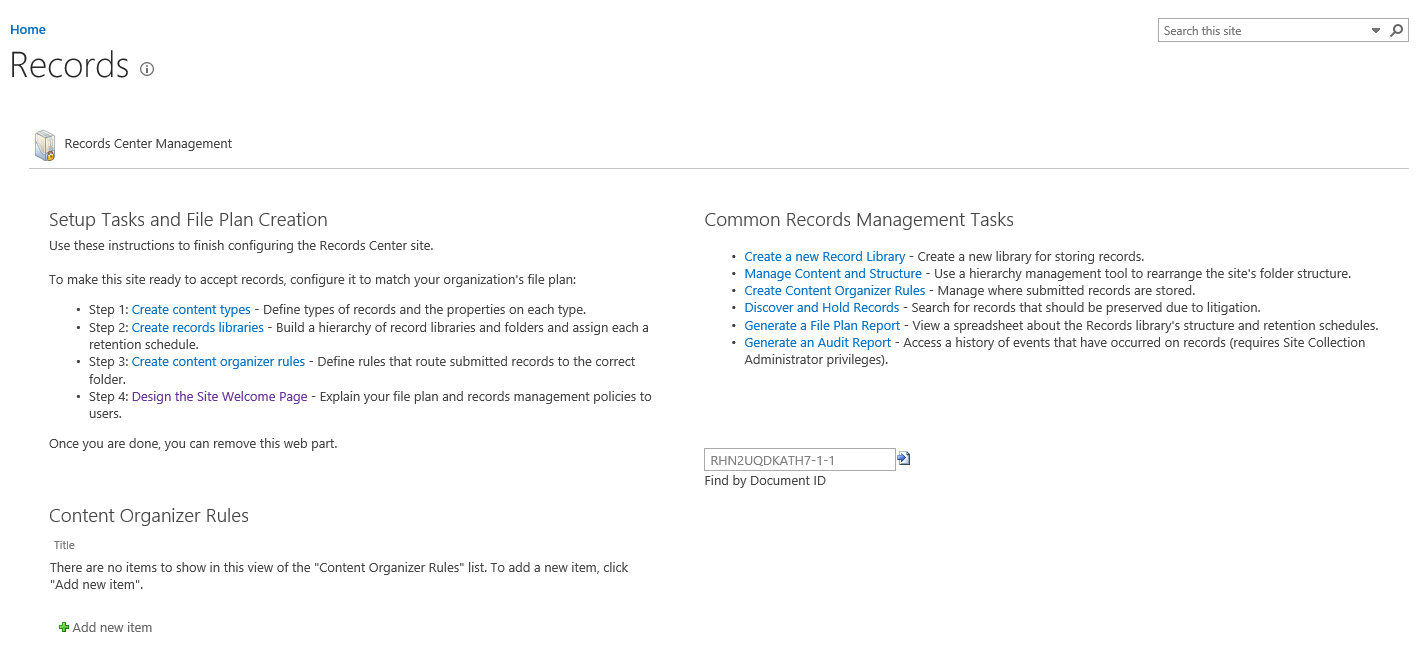
There are 3 main areas to look at:
- Setup Tasks and File Plan Creation
- Common Records Management Tasks
- Content Organizer Rules
Setup Tasks and File Plan Creation
There are 4 tasks that you should go through before making the records center available to users:
- Create Content Types
- Create Record Libraries
- Create Content Organizer Rules
- Design the Site Welcome Page
This is where all the work starts.
Create Content Types
As you are likely to have different content types for different types of documents in your team sites, project sites, document centers, etc all these content types need to be replicated within the records center.
Oh no I created all these content types and site columns manually!
To recreate many content types I would recommend the PowerShell commands from the PnP Provisioning framework. For any help on this please contact me and I’ll be happy to assist.
Create Record Libraries
Ok, this is giving me a really old screen. This looks very 2007 like. And what is that ‘Install Microsoft Silverlight’ link doing there?
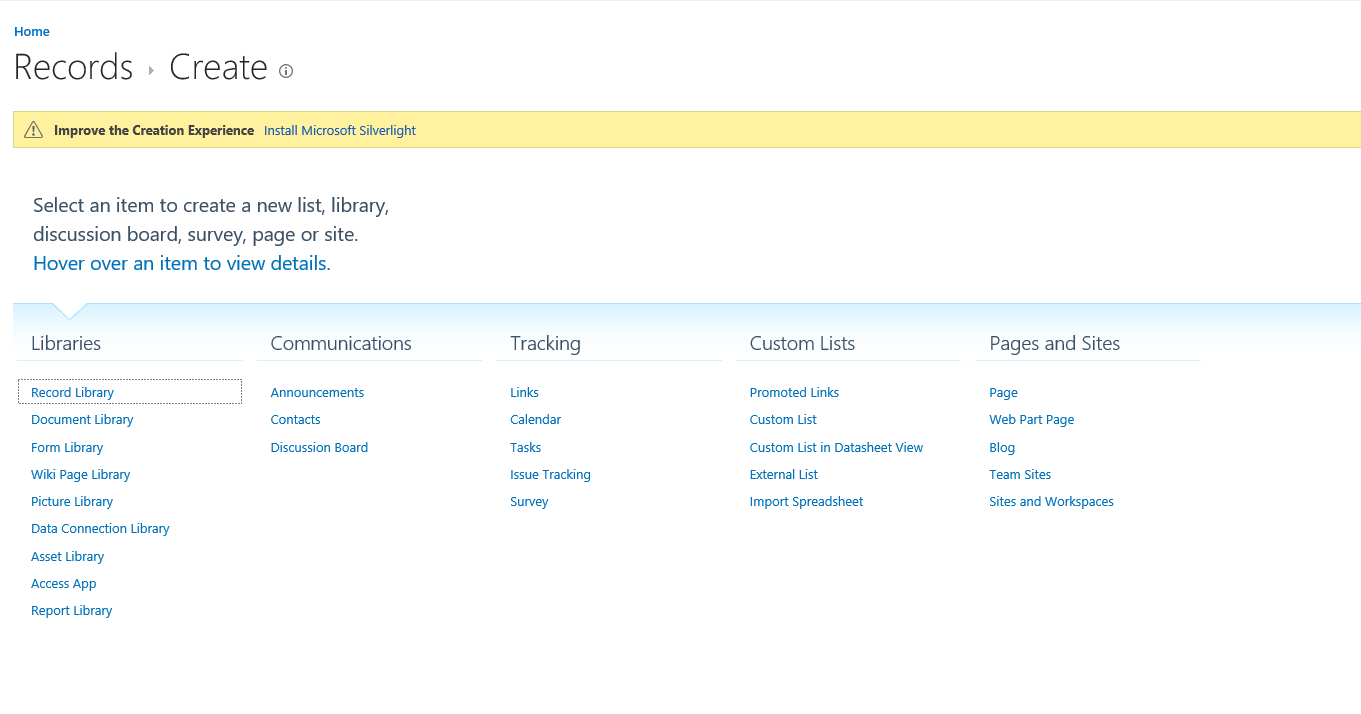
Well I’m just goin to use the out of the box Record Library that is created by the Records Center Site Template.
I guess I could create different libraries for different types of archives.
Content Organizer Rules
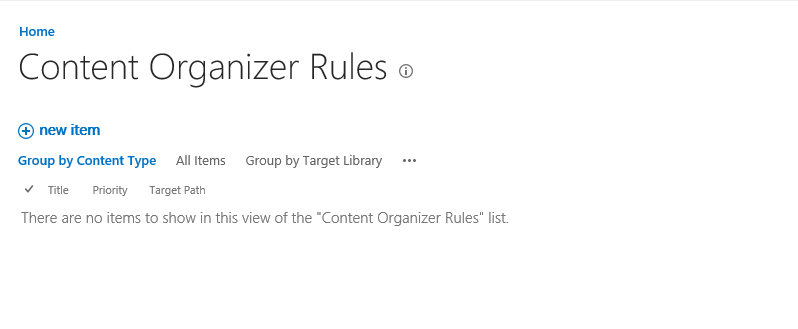
First click on the New Item to create new rules. And give the rule a name.
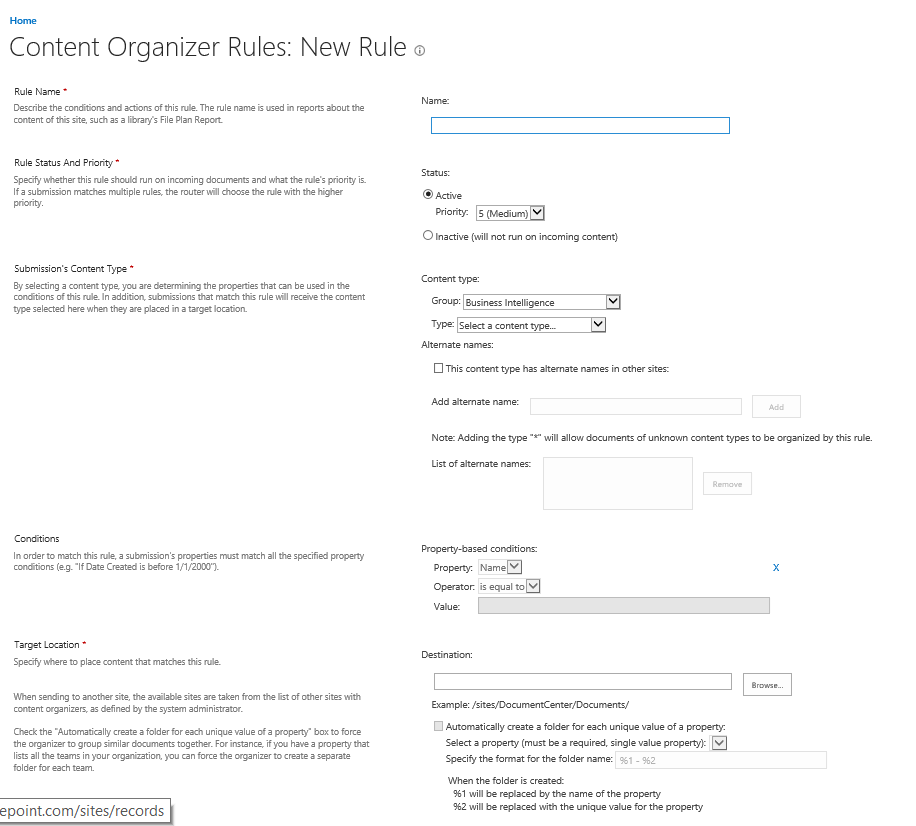
I’m going to create a rule that simply moves all documents of the content type Document to my records center.
It is possible to set conditions or to create folders depending on the metadata of the documents that are moved. This will make it possible to create a separate folder for each archival year.
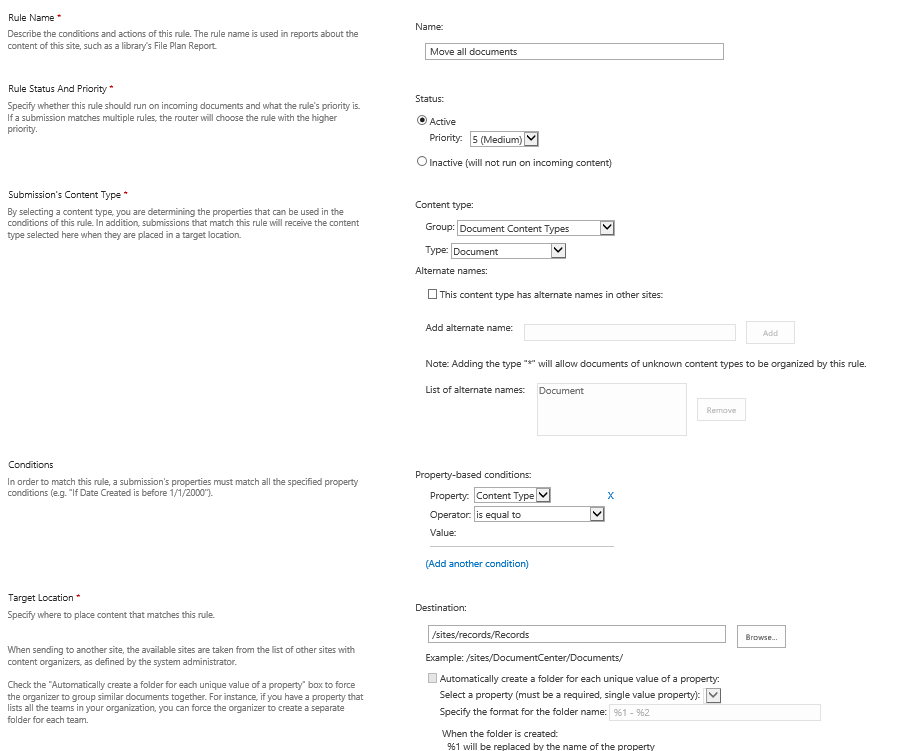
Once a rule has been specified new documents that are sent to the records center are removed from the Drop Off library and added to the Record Library.
Common Records Management Tasks
There are 6 option here:
- Create a new Record Library
- Manage Content and Structure
- Create Content organizer Rules
- Discover and Hold Records
- Generate a File Plan Report
- Generate an Audit Report
Create a new Record Library
Well this is the same link as I mentioned above.
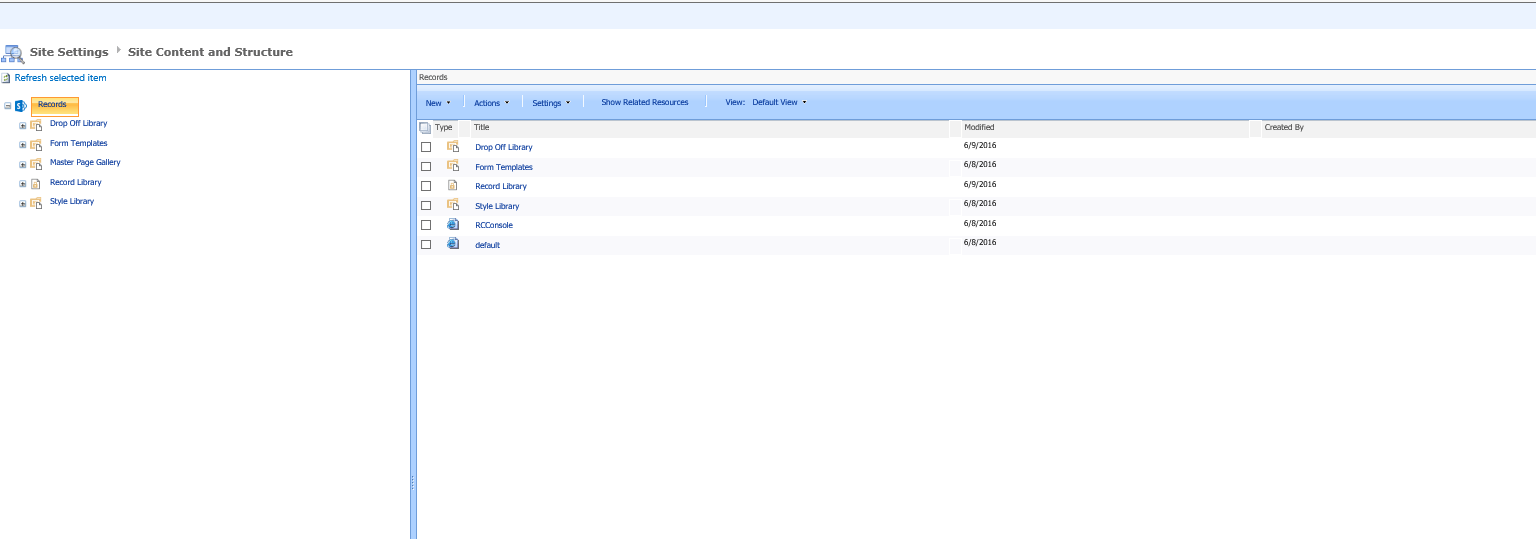
Manage Content and Structure
Oh this is really nice. Very 2007 again. Why are these things not updated?
Create Content organizer Rules
Again same as above. Common Tasks and Setup task can of course be the same. So better have them appear twice on this page.
Discover and Hold Records
Ok, the first thing to do there is to create a Hold. The hold is a library where you want to put documents so that they can be excluded from document policies within the Records Library.
It’s the link below all the other options that need filling in at the bottom of the page.
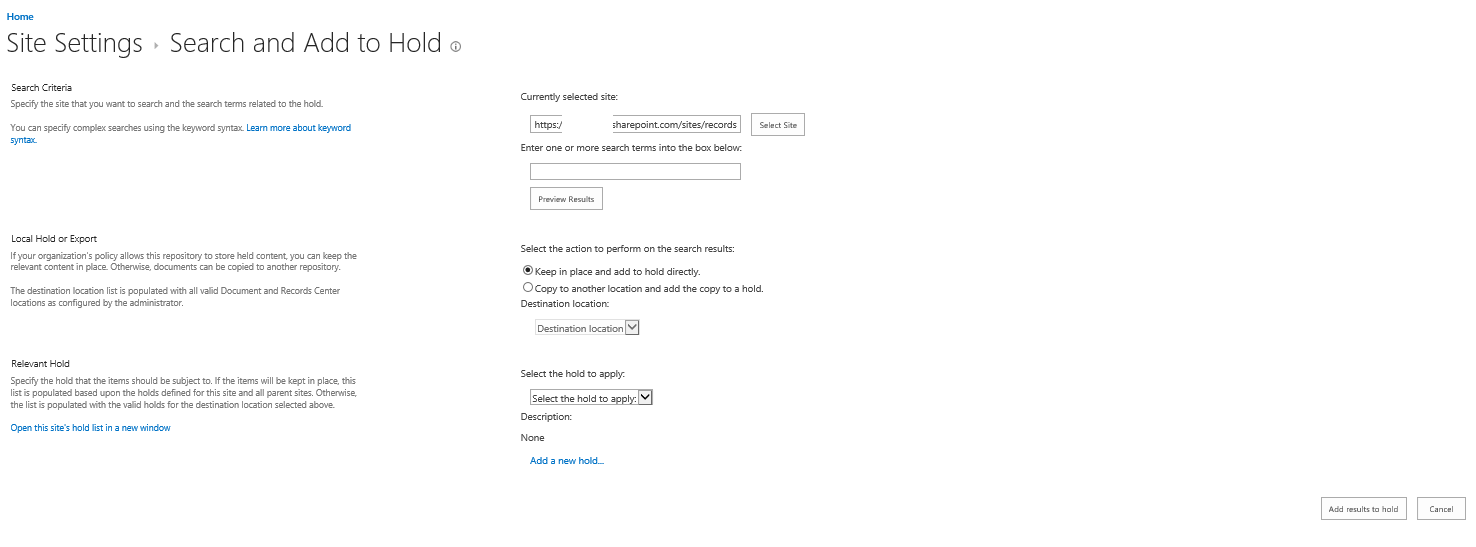
The Preview Results gives a search results screen showing all the items that you are about to put in the Hold specified. The preview will work without typing any searching in the search box, however The Add results to hold requires you to search for something.
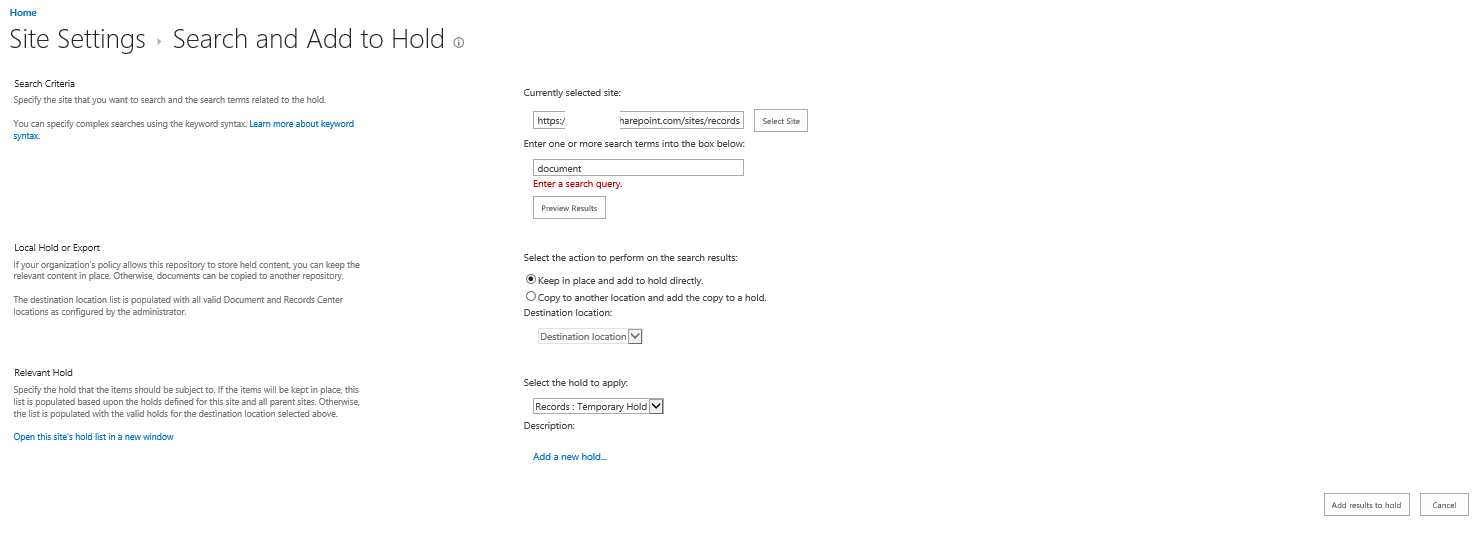
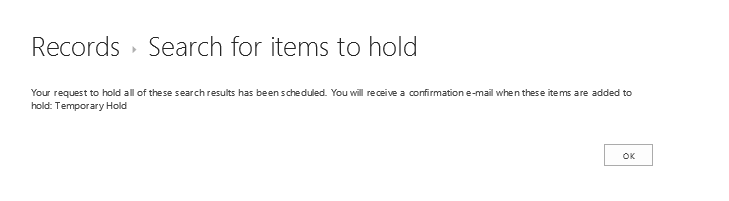
Then a message appears that my documents are moved into a hold.
Generate a File Plan Report
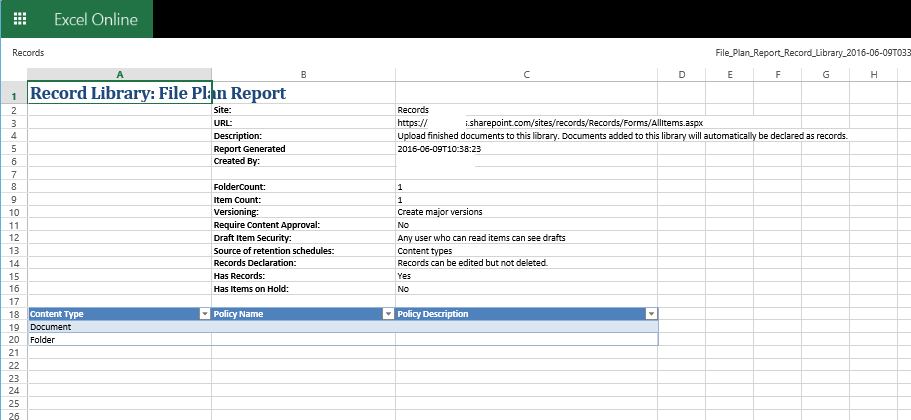
This option generates an Excel spreadsheet showing the basic details of your Records Center activity.
Generate an Audit Report
This option gives the default auditing reporting options as this already existed in SharePoint 2007/2010

Content Organizer Rules
The final section shows all the Content Organizer Rules that you have created.

Conclusions
With a lot of the options in the Records Center I found that old pages from 2007 haven’t been updated since they were developed. Although the functionality still seem to be all working it doesn’t give me a lot of confidence in the Records Center. It could do with a bit of work from Microsoft’s site.
Pieter Veenstra

Is your business still running on paper trails, sprawling Excel files, or ageing Access databases? There's a better way — and I can show you exactly what it looks like. I'm the Technical Director of Vantage 365, a Microsoft solutions consultancy working with clients across the UK, the Netherlands, and worldwide. For over 30 years I've been turning messy, manual business processes into clean, automated systems that save time, reduce errors, and give teams the visibility they need to make better decisions. SharePains is not just any blog run by a Microsoft MVP. Have you ever used Try-Catch in Power Automate? The original post about Try-Catch in Power Automate can still be found on this site, https://sharepains.com/2018/02/07/try-catch-finally-in-power-automate-flow/ Or have you ever used the Pieter’s method to avoid variables and speed up your flows? https://sharepains.com/2020/03/11/pieters-method-for-advanced-in-flows/ You can contact me using contact@sharepains.com


Good article and conclusion, I’m wondering if MS remain interested in developing SharePoint, records centre is just one part that appears to not be offering up to date functionality. Info Path is another example. These days probably better off using third party app for forms.
Do you have any articles covering API calls into SharePoint for example eBay merchant daily sales results?
Hi Christopher, I have never looked into eBay merchant. eBay however has published their API, https://go.developer.ebay.com/quick-start-guide