If you have been following my posts over the recent year you will know that I like writing about Microsoft Flow. Microsoft Flow is the tool to use if you want to implement workflow or automation processes,however there are some reasons why you may want to use Azure Logic apps instead.
Reason 1 – Connectors
Some connectors are available in Azure LogicApps while they aren’t available in Microsoft Flow. Some of these connectors you can see below in the Enterprise tab.
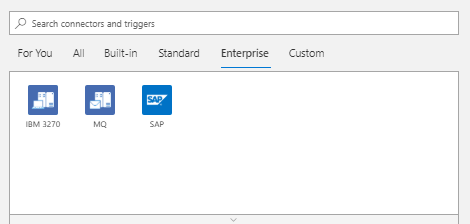
See also my post about the MQ Series connector.
Reason 2- No Premium connectors
In flow you will find the Premium tab. The premium connectors will show you the connectors that you need to purchase a P1 or P2 licence for.
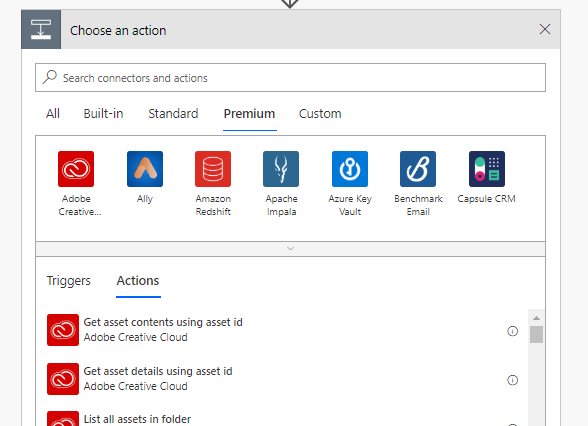
In Azure LogicApps these connectors are available.
Reason 3 – Licensing
In Flow licences are priced per user per month. In Azure you simply pay for what you use. Depending on your process you could go for one or another. There isn’t really a best option that fits all implementations. The choice here could be quite tricky. Most of the times Flow will be the better option when you look at costs, however there are situations where LogicApps may be cheaper.
Reason 4 – Speed control
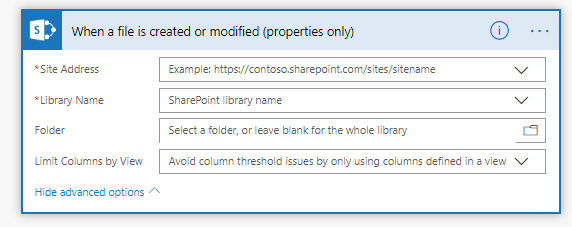
When you implement Flows for SharePoint you might have noticed that there is a trigger When a file is created or modified. Depending on your licence plan document libraries are polled more frequently.
In Azure LogicApps you can configure the frequency that you app checks a library.
Note that you will get more apps running when you configure your trigger to check more often. This could increase the cost of your app.
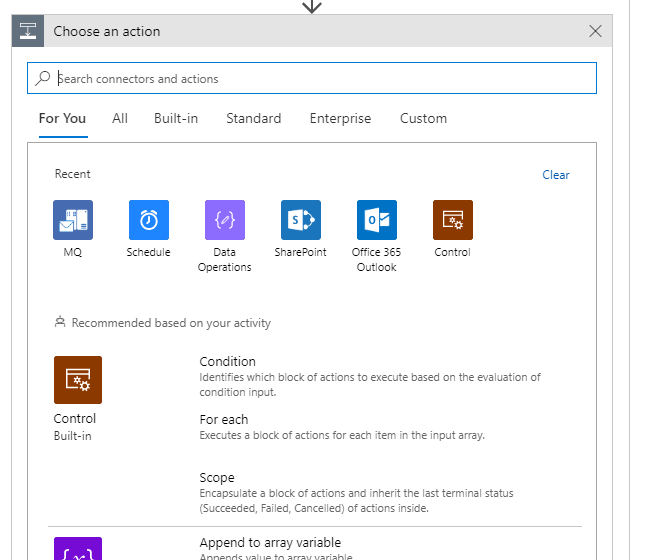
Reason 5 – For You
Finally, I like the way LogicApps show the connectors that you have been using. Quite often in Flow connect into the same applications like for example SharePoint. For each action I want to add I need to select the SharePoint connector before I can select the action that I want. In LogicApps this has been made easier.
Other Interesting Posts
10 reason to use Microsoft Flow instead of Azure LogicApps
Pieter Veenstra

Is your business still running on paper trails, sprawling Excel files, or ageing Access databases? There's a better way — and I can show you exactly what it looks like. I'm the Technical Director of Vantage 365, a Microsoft solutions consultancy working with clients across the UK, the Netherlands, and worldwide. For over 30 years I've been turning messy, manual business processes into clean, automated systems that save time, reduce errors, and give teams the visibility they need to make better decisions. SharePains is not just any blog run by a Microsoft MVP. Have you ever used Try-Catch in Power Automate? The original post about Try-Catch in Power Automate can still be found on this site, https://sharepains.com/2018/02/07/try-catch-finally-in-power-automate-flow/ Or have you ever used the Pieter’s method to avoid variables and speed up your flows? https://sharepains.com/2020/03/11/pieters-method-for-advanced-in-flows/ You can contact me using contact@sharepains.com