
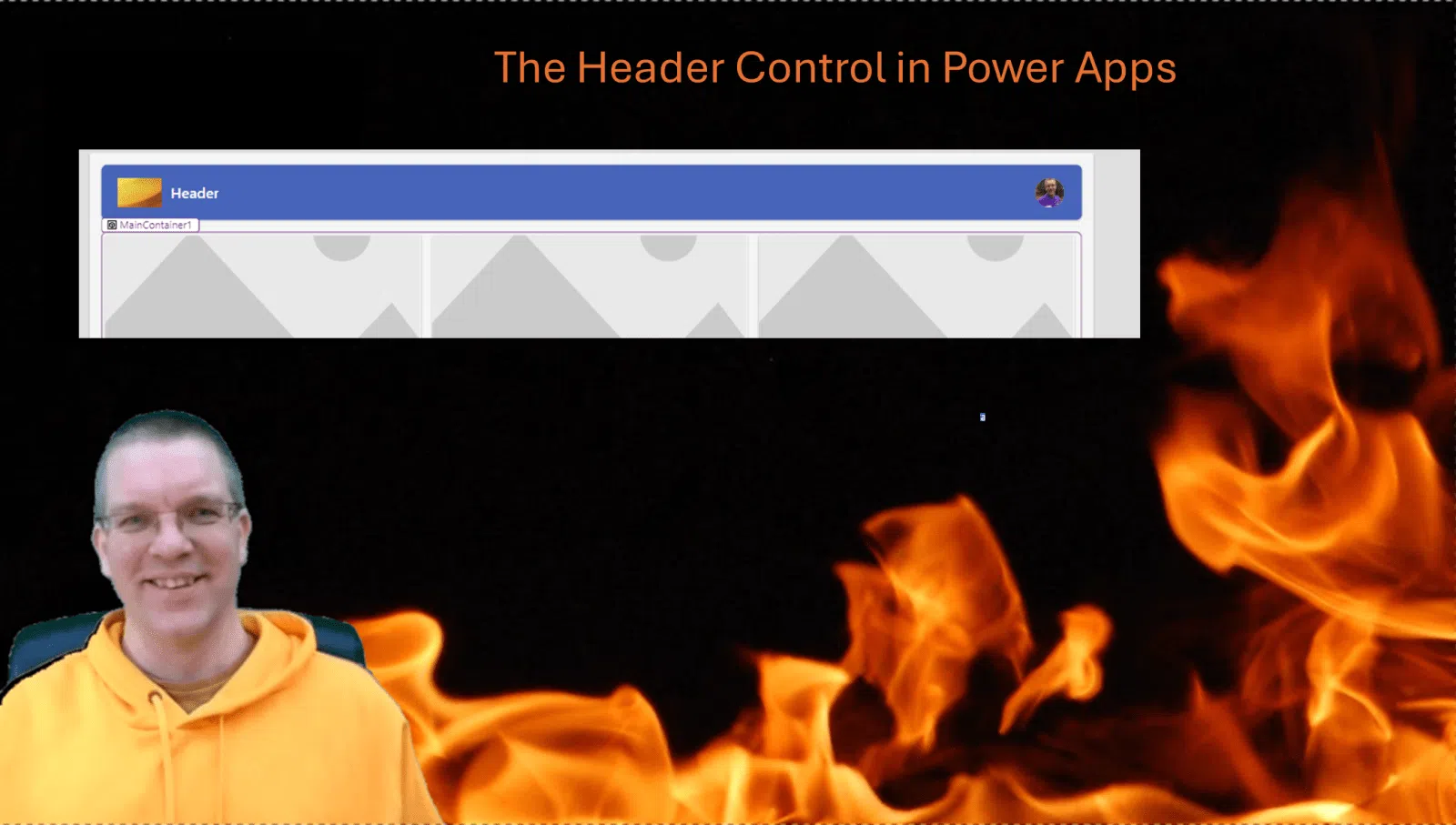
In this post I’m looking at the modern Header control available Within Power Apps

Modernizing your apps?
How many apps have been developed within Power Apps over the last few years? How often do you review your older apps?
Just have a look at the screen templates. Where in the past you might have had a look and then ignored the templates quite quickly. Some of these templates now give you fully responsive starting points for your apps. Ok, they will not be pixel perfect designs that you might have, but they might be a very good starting point for any future designs.
Screen templates
When you use the screen templates, you will find the Welcome Screen and Header and Gallery templates. Both of these templates use the modern header controls.
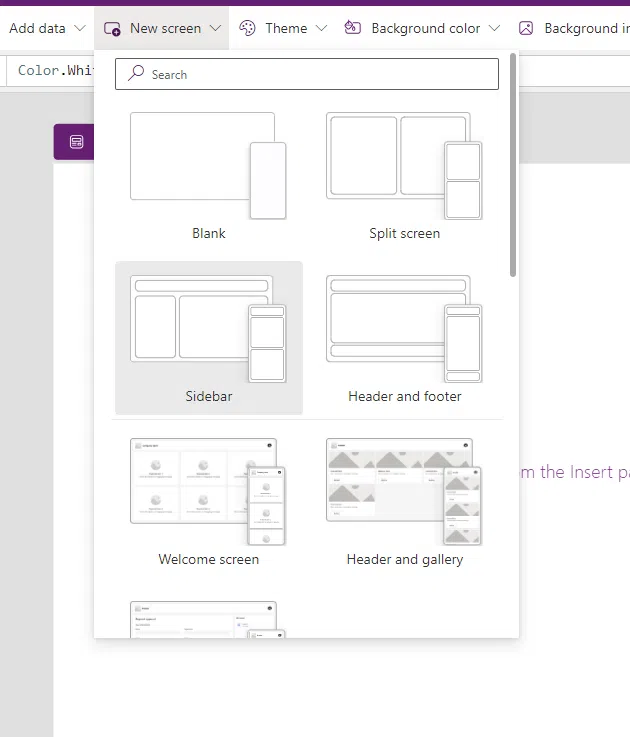
The Header control properties
The first thing that you will notice is that the options available are very different from the older controls. It all feels a bit simplified. But is that a bad thing?

How many apps do you have where you manually created a profile image? or a company logo in the header?
On top of the above we also have the Style and them options of course. This makes it possible to change for example the font.

Some thoughts
Are all the app going to look the same?
Should every app’s look and feel follow the standard set by Microsoft?
I’m interested to hear your thoughts on this. In the many years that I developed app and seen clients develop their own apps, I’ve seen two types of apps.
- Apps that use out of the box forms that looked ugly (read standard classic controls), and everybody could see that the app was a Power Apps
- Apps with a design that is aiming to look different wherever possible. Quite often with data pickers that would really stand out.
Do you find it important to make things look different?
Pieter Veenstra

Is your business still running on paper trails, sprawling Excel files, or ageing Access databases? There's a better way — and I can show you exactly what it looks like. I'm the Technical Director of Vantage 365, a Microsoft solutions consultancy working with clients across the UK, the Netherlands, and worldwide. For over 30 years I've been turning messy, manual business processes into clean, automated systems that save time, reduce errors, and give teams the visibility they need to make better decisions. SharePains is not just any blog run by a Microsoft MVP. Have you ever used Try-Catch in Power Automate? The original post about Try-Catch in Power Automate can still be found on this site, https://sharepains.com/2018/02/07/try-catch-finally-in-power-automate-flow/ Or have you ever used the Pieter’s method to avoid variables and speed up your flows? https://sharepains.com/2020/03/11/pieters-method-for-advanced-in-flows/ You can contact me using contact@sharepains.com

